Inspiring
August 27, 2024
Answered

How to Fix Text Centering Issues in Small Text Boxes in InDesign

  • August 27, 2024
  • 2 replies
  • 768 views

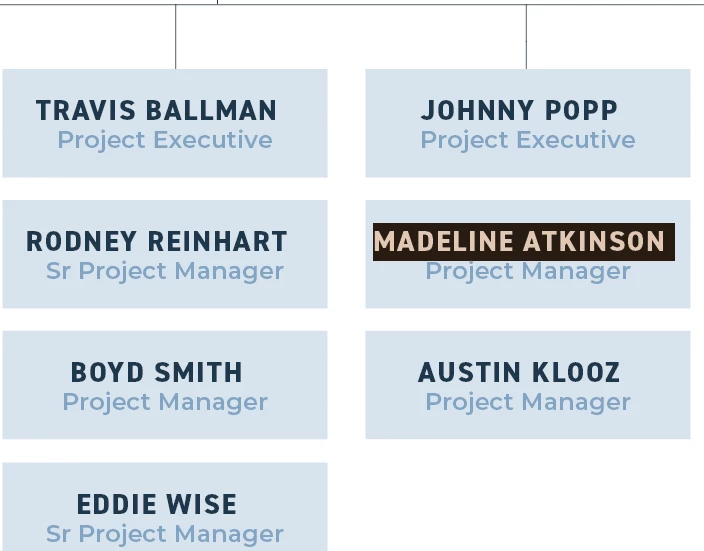
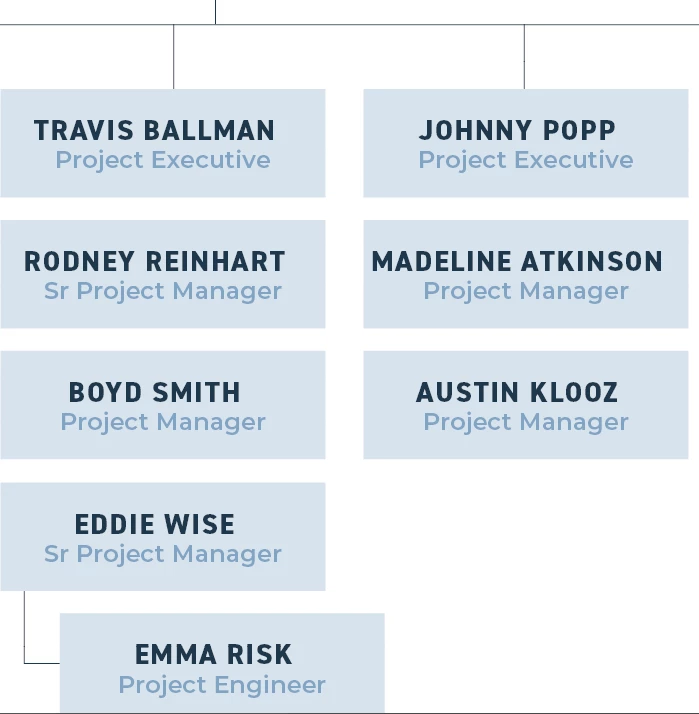
Hi - running into an issue when centering text in small text boxes. I'd likely never have noticed if there wasn't a colored fill in the box. It's most noticeable with a longer line of text (see Madeline's box in the sample). When I select the line, it appears that InDesign is adding a space at the end of the name which is throwing it off center (see second image). If I attempt to delete that space, it deletes the paragraph break.

What am I doing wrong and how do I fix??  I've been using InDesign for over a decade and have never noticed this before. 


<Title renamed by MOD>



This topic has been closed for replies.
Correct answer Robert at ID-Tasker

Can you post a screenshot in normal mode?


With all edges, insets, margins, hidden characters visible. 


Because ALL your texts are shifted to the left... Or at least bolded names. 


Looks like you have extra right indent set in the ParaStyle? 


2 replies

Barb Binder
Community Expert
Community Expert
August 27, 2024

Hi @JennA1101:


@Robert at ID-Tasker is correct. The titles are all shifted left. I'd start by looking for a right indent on the that particular paragraph style.


~Barb


Edit: Apologies for the overlap. I wrote my answer but then was distracted and slow to click the post button. 

~Barb at Rocky Mountain Training
Robert at ID-Tasker
Robert at ID-TaskerCorrect answer
Legend
August 27, 2024

Can you post a screenshot in normal mode?


With all edges, insets, margins, hidden characters visible. 


Because ALL your texts are shifted to the left... Or at least bolded names. 


Looks like you have extra right indent set in the ParaStyle? 


JennA1101Author
Inspiring
August 27, 2024


JennA1101Author
Inspiring
August 27, 2024

You are absolutely right - there was an indent in the Paragraph Style. I have no idea where it came from but that was the issue. Thank you - I thought I had checked everything!