

Question
How to get inline objects, there's not the same size, align top?
I have one text box with 3 inlined objects in it. From the start all 3 inlined objects have the same size (height).
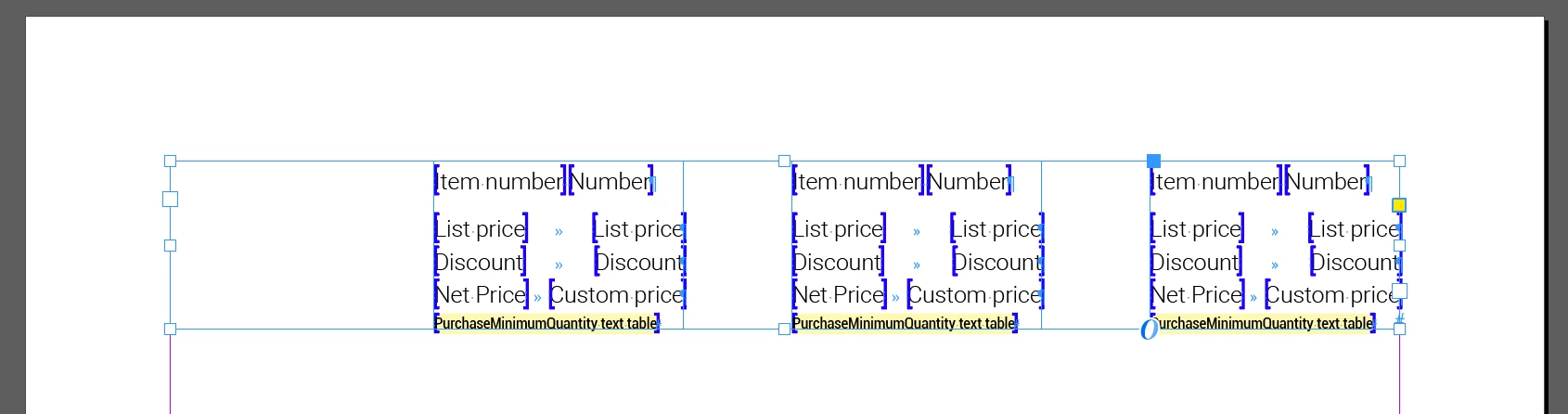
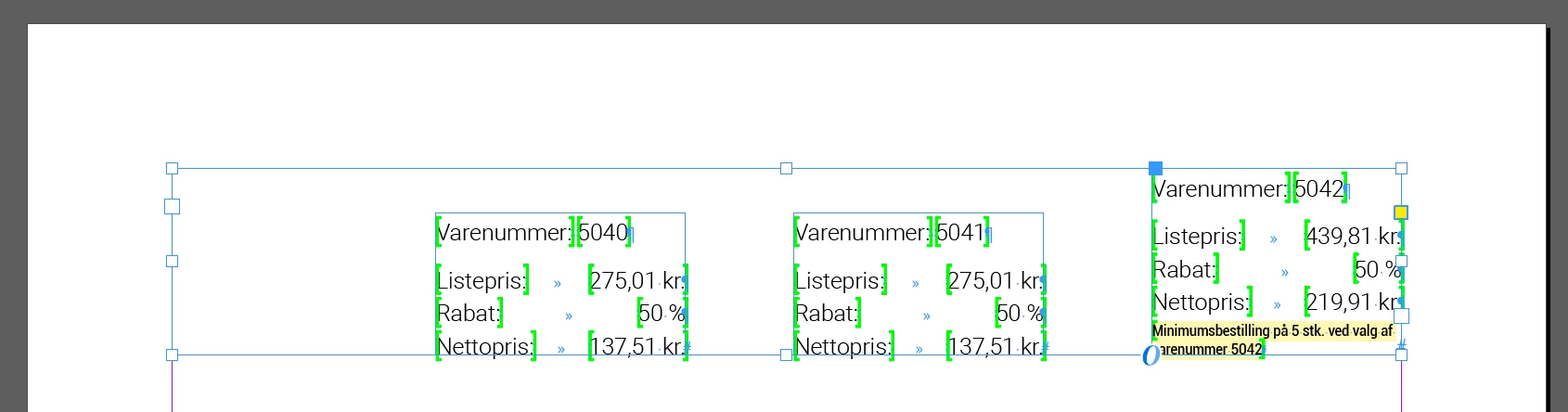
Then I merge some data in my inlined objects and the inlined objects do not have the same height anymore. They seems to align bottom, but I want them to align top.
My inlined objects have this “Anchored objects options”:
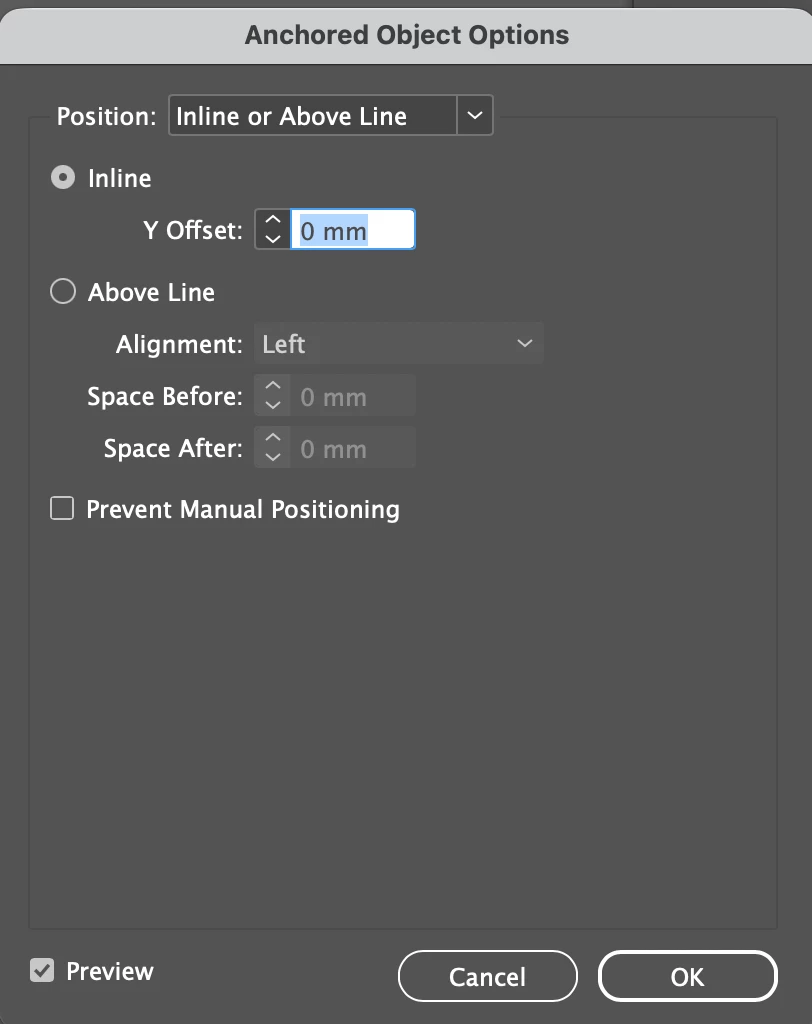
Is there a way to keep them as inlined objects, but where they align to top instead of bottom?
It’s not an option for me to use the align tool, because it’s inlined objects.


 AdChoices