
Known Participant
August 5, 2025
Question

How to get Paragraph Style border to span columns?

  • August 5, 2025
  • 2 replies
  • 354 views

Hi


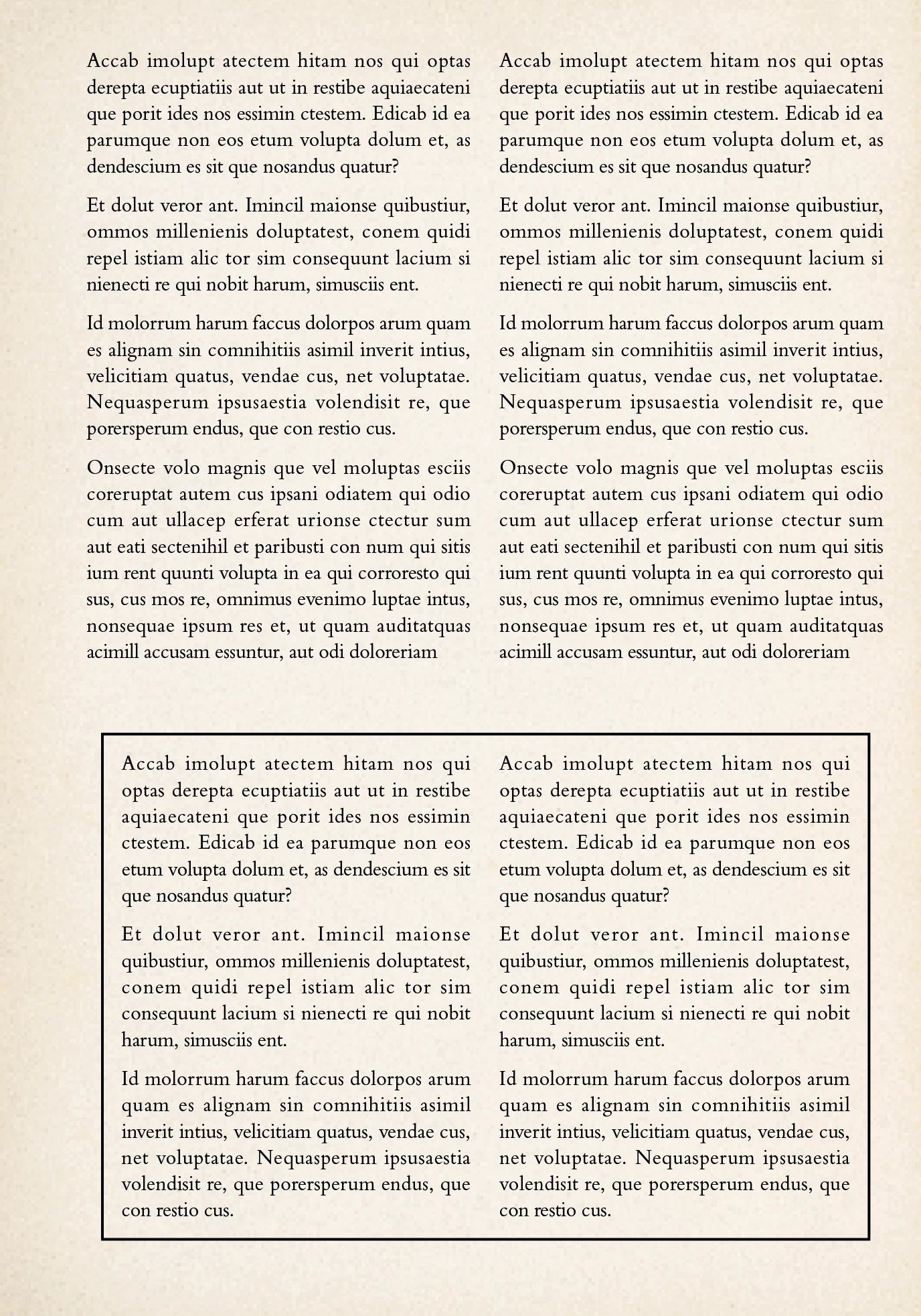
I'm trying to create something like the below, where the text in the box should remain in columns but the border should encompass the whole section.  


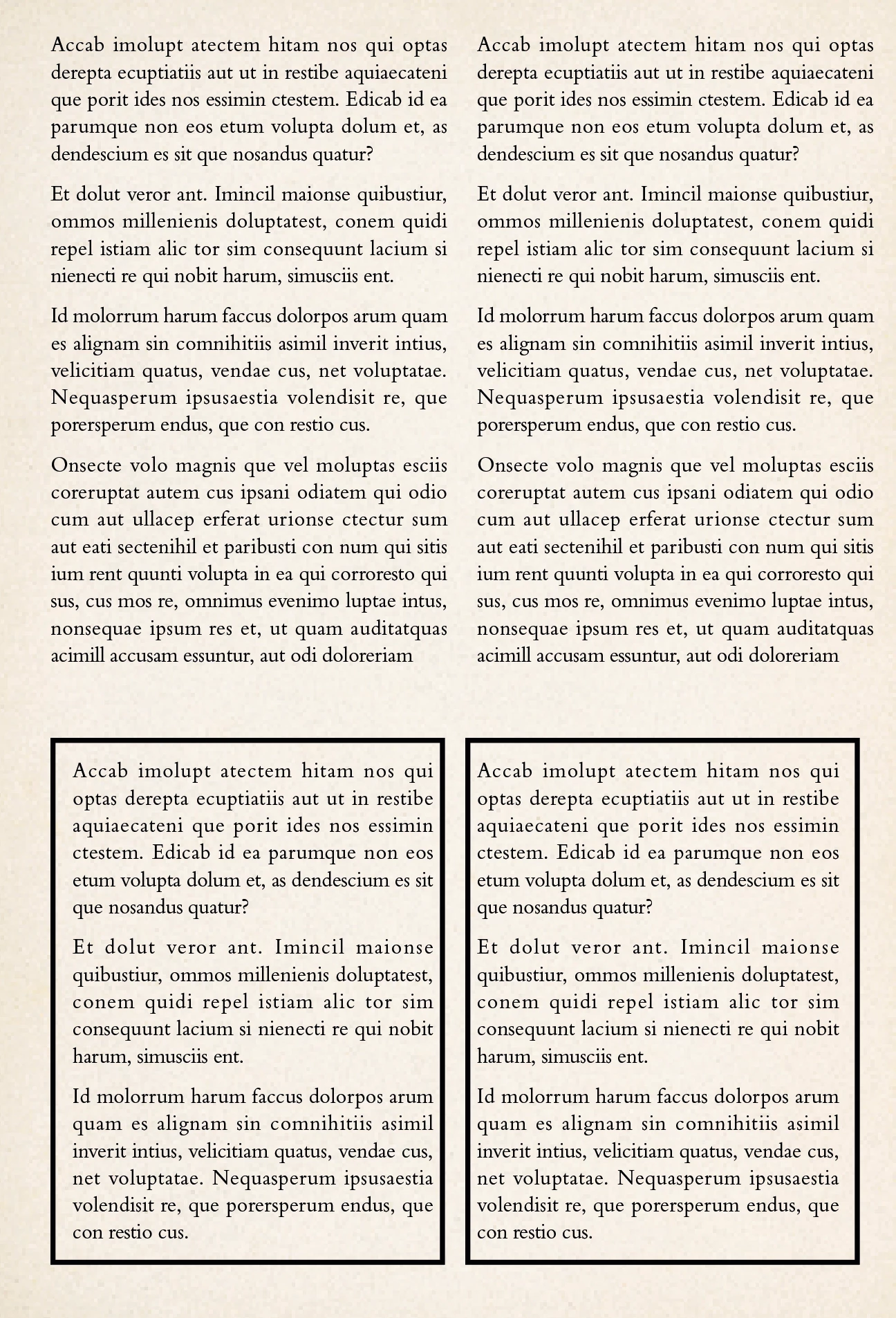
Using a border within the paragraph style puts a box around each column, so two separate boxes rather than a single box around the whole section of text with the style applied:
 

Rules only do the top and bottom, not the sides, but that does span columns. Shading isn't what I need. 

Would love to be able to do this without anchoring a box that has to be resized every time. 


Thanks!

2 replies

Inspiring
August 6, 2025

Set up your boxout as a single, 2-column text box with the required indents and gutter, then apply the black frame.

IsoneryumAuthor
Known Participant
August 6, 2025

Thanks for the suggestion! This would still require taking the text out of the primary text frame/flow but it might be easier/quicker to do this and anchor it back in. It'll keep the frame margins consistent and I can resize it with a double click. It's crazy the paragraph style settings don't allow the border to span columns!

jmlevy
Community Expert
Community Expert
August 5, 2025

If these paragraphs are in a separate text frame than the text above, why don't you simply set a stroke to this frame?

IsoneryumAuthor
Known Participant
August 6, 2025

They're not separate text frames, it's a book, so primary text frames and paragraph styles with column settings. 

jmlevy
Community Expert
Community Expert
August 6, 2025

If there is only one text frame, it means that the last paragraph of the left column is followed by the first paragraph of the right column, right?

In this case, you can't get what you want.