
Answered
How to get past the opening page for InDesign 2023
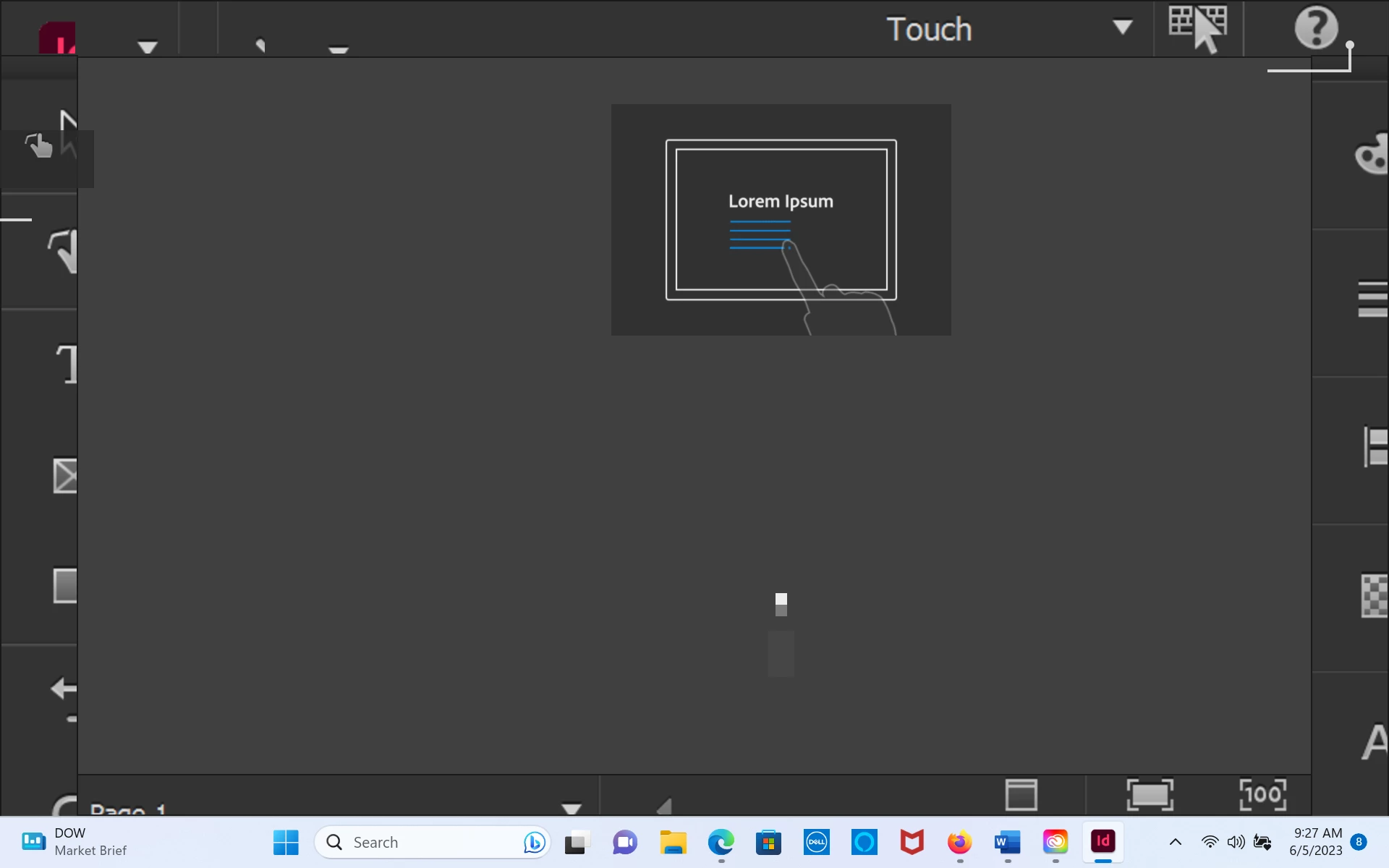
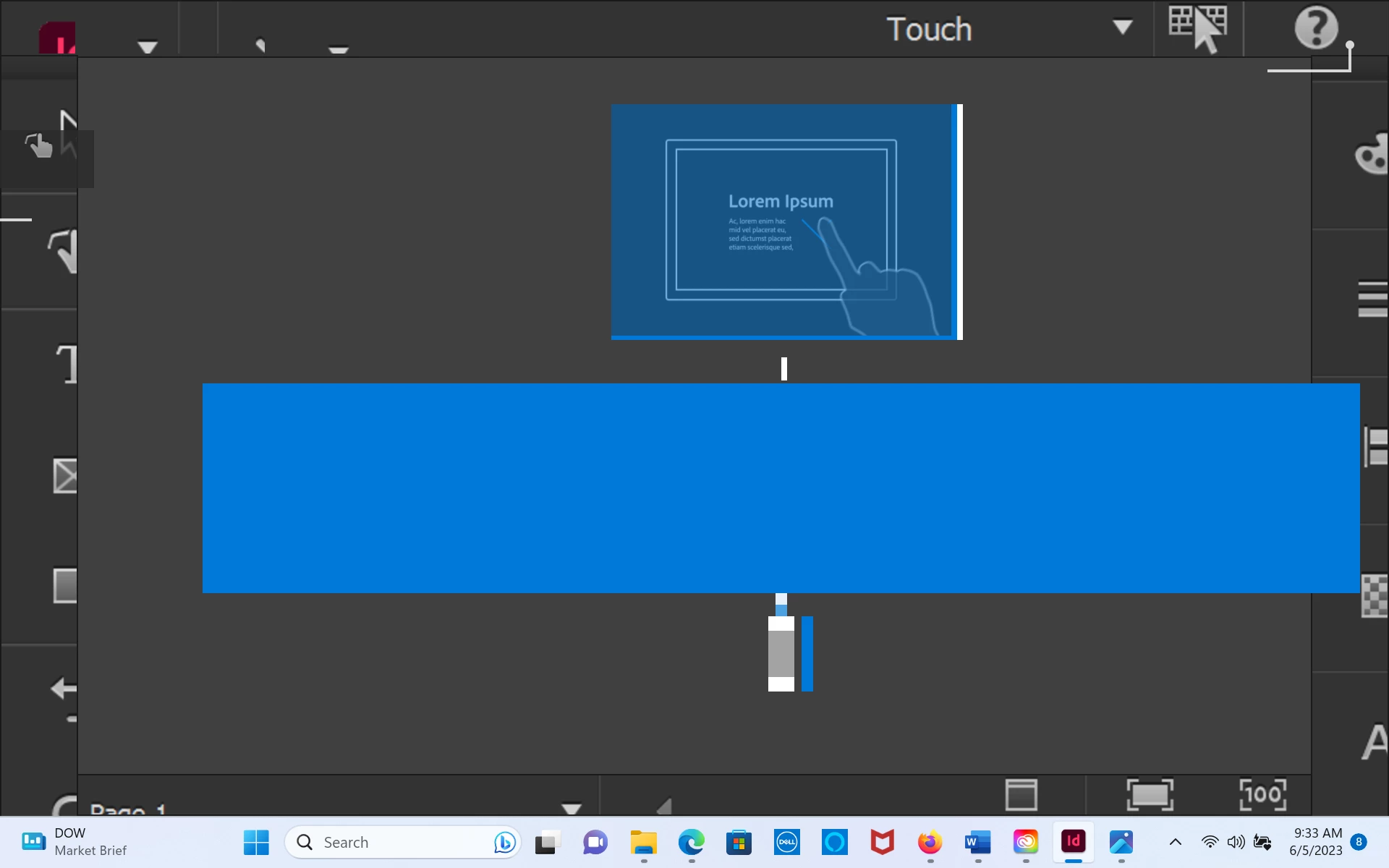
Pretty embarrassing, but I've just downloaded InDesign 2023 and I cannot get past the screen shown below. I've tried clicking and touching the screen (I have a touch screen), hitting the escape button, etc. I've even opened up an existing file. Sometime clicking results in a blue rectangular box popping up (see second screenshot). I'm at my wits end here. I've never had this problem with any other version of InDesign. Thanks for your help!
 AdChoices