dublove
Legend
May 30, 2026
Answered

How to get the line height and font size of the selected text?

  • May 30, 2026
  • 3 replies
  • 59 views

(Have I been muted? I can't reply to posts anymore.)

How is this line spacing calculated?

line height= font size + Line spacing

Is that right?


How do I get the font size and line spacing of the current line?

Thank you very much.
 

    Correct answer rob day

    So:


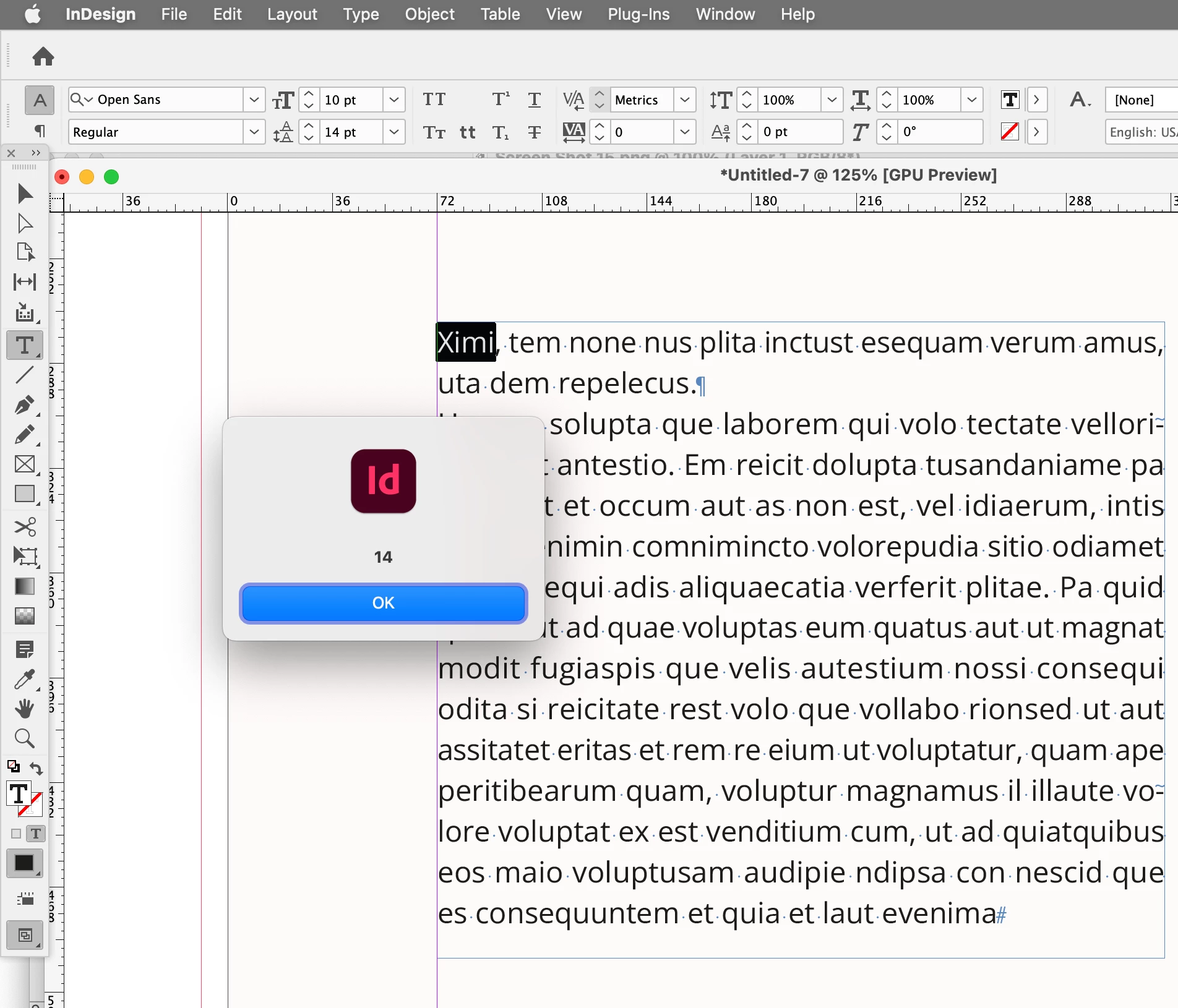
    alert(app.selection[0].leading)


    3 replies

    dublove
    dubloveAuthor
    Legend
    May 30, 2026

    Hi rob day.

    Thank you.

    I only noticed that “leading” means “to be in the lead”; I didn't realize that its second meaning is “line spacing.”
    How do I get the font size?

    rob day
    Community Expert
    Community Expert
    May 30, 2026

    This gets the point size of the first character in some selected text


    alert(app.selection[0].pointSize)


    Also if you are trying to set line leading you have to consider the Preferences>Type>Apply Leading to Entire Paragraphs setting

    rob day
    Community Expert
    rob dayCommunity ExpertCorrect answer
    Community Expert
    May 30, 2026

    So:


    alert(app.selection[0].leading)


    rob day
    Community Expert
    Community Expert
    May 30, 2026

    How is this line spacing calculated?


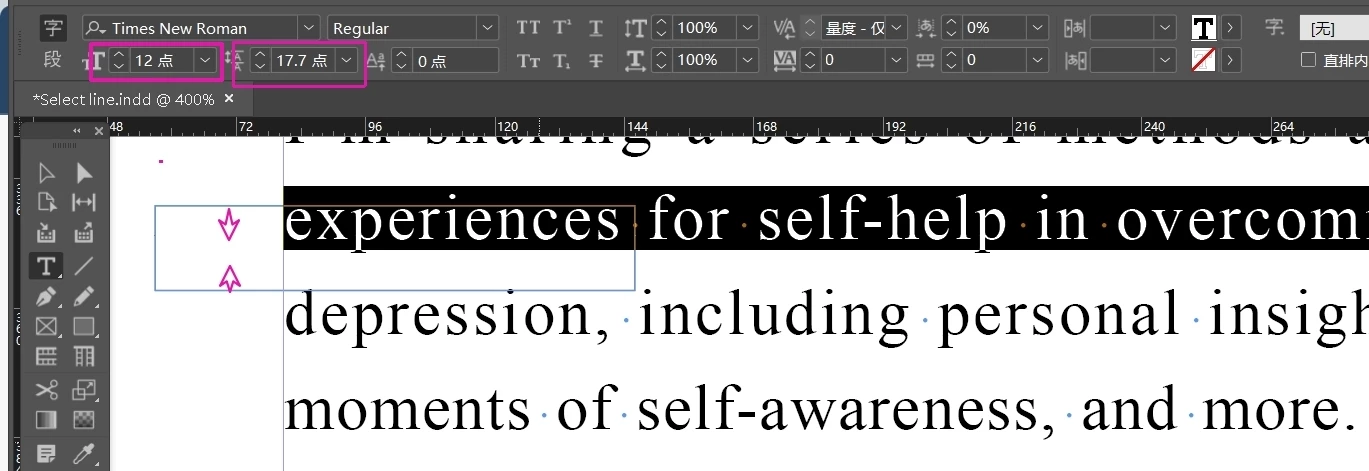
    InDesign does not have a line height or line spacing property. There is Leading, which is the measurement from baseline to baseline: