


How to Hide Text Frame Selection While Adjusting Color in InDesign?
Please someone help me. This is literally killing me, especially as I went to edit the name of this question, and it deleted all of the text I’d already written :(
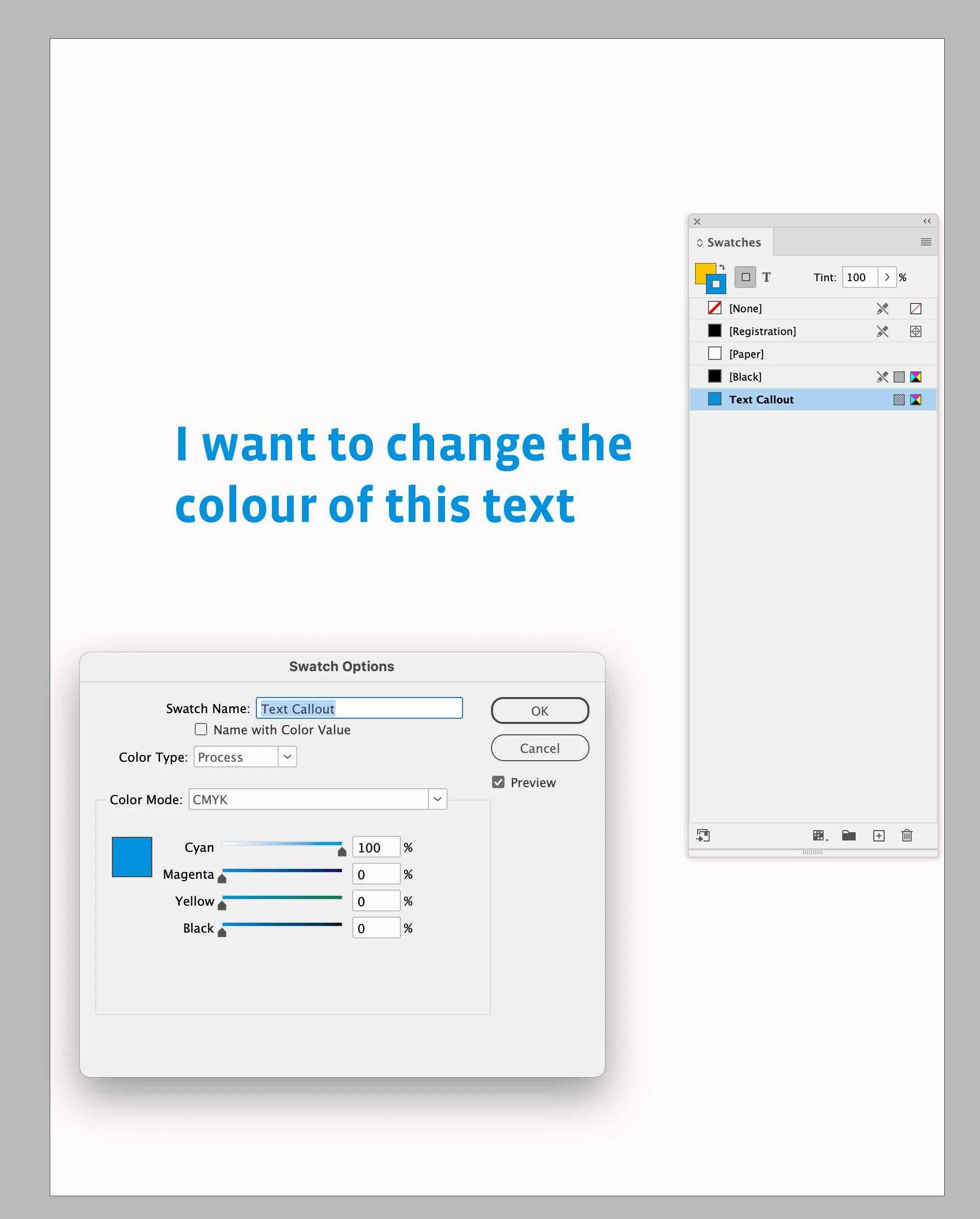
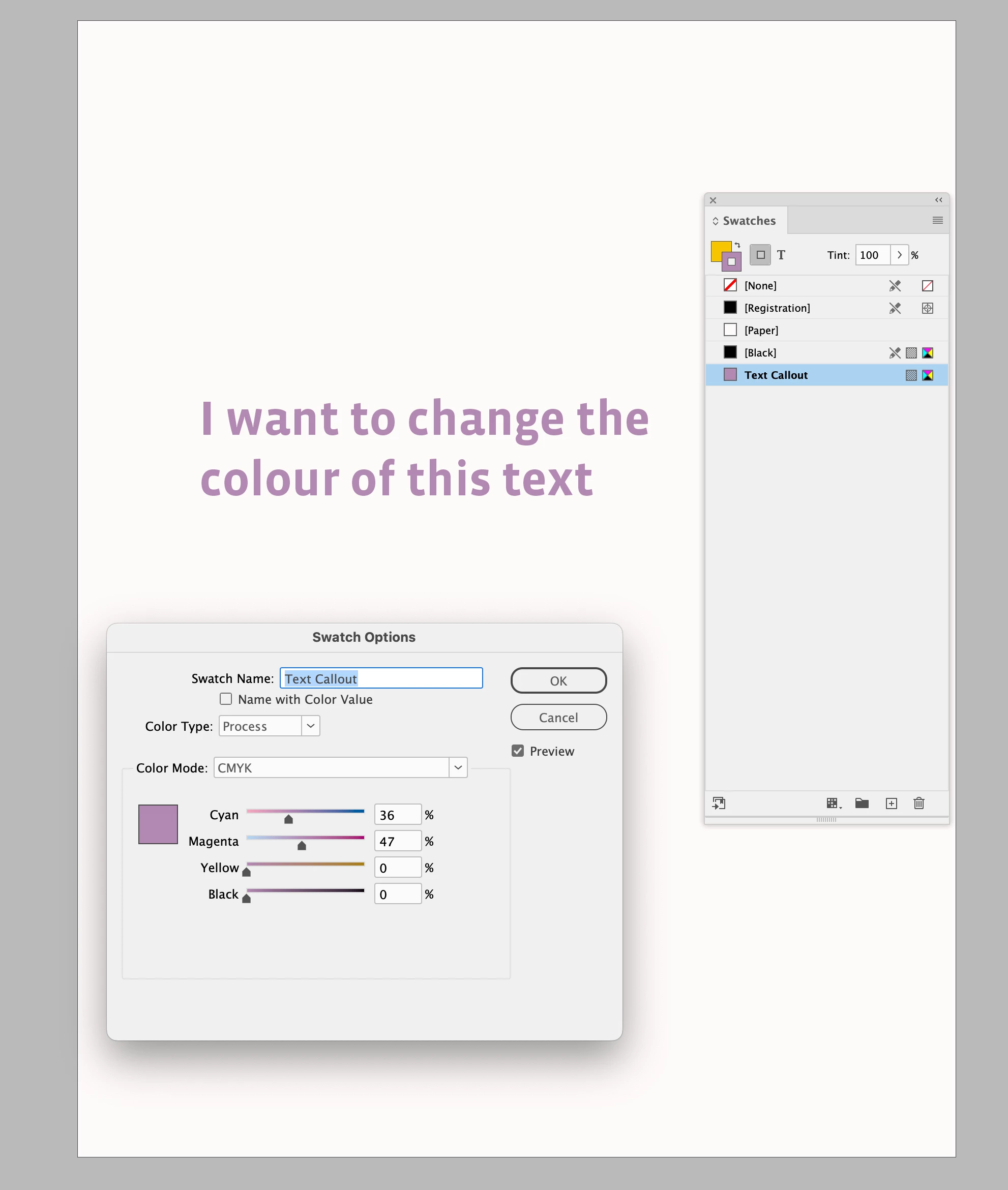
So, I want to change the colour of some text. I select the text frame, goto colour and adjust the sliders. Thing is that there’s a lurid green box with lots of little white boxes attached, showing that the text frame is selected, that puts me off choosing the colour I want.
All I want to do is turn off this selection highlight, so I can choose my colours in peace.
ID is all about layout and colour choice is going to play a large part in this, so it must be possible, but for the life of me (which ID is slowly bleeding out of me) I can’t figure out how to do this.
Please, before it’s too late, someone help me … I’m begging. No literally, I am begging. It’s all too much :(

 AdChoices