

Answered
how to hide the green square guides in normal screen mode
whenever i create a new document, there are these green squares on the page. they are not guides, neither are they defined somewhere else in indesign. somehow, they are visually interfering when doing graphics or layout as there are guidelines and baseline grids, which i use more. is there a way to hide theese green squares and what are they even called?
going to preview mode is not an option as it does not show margins and baseline grids.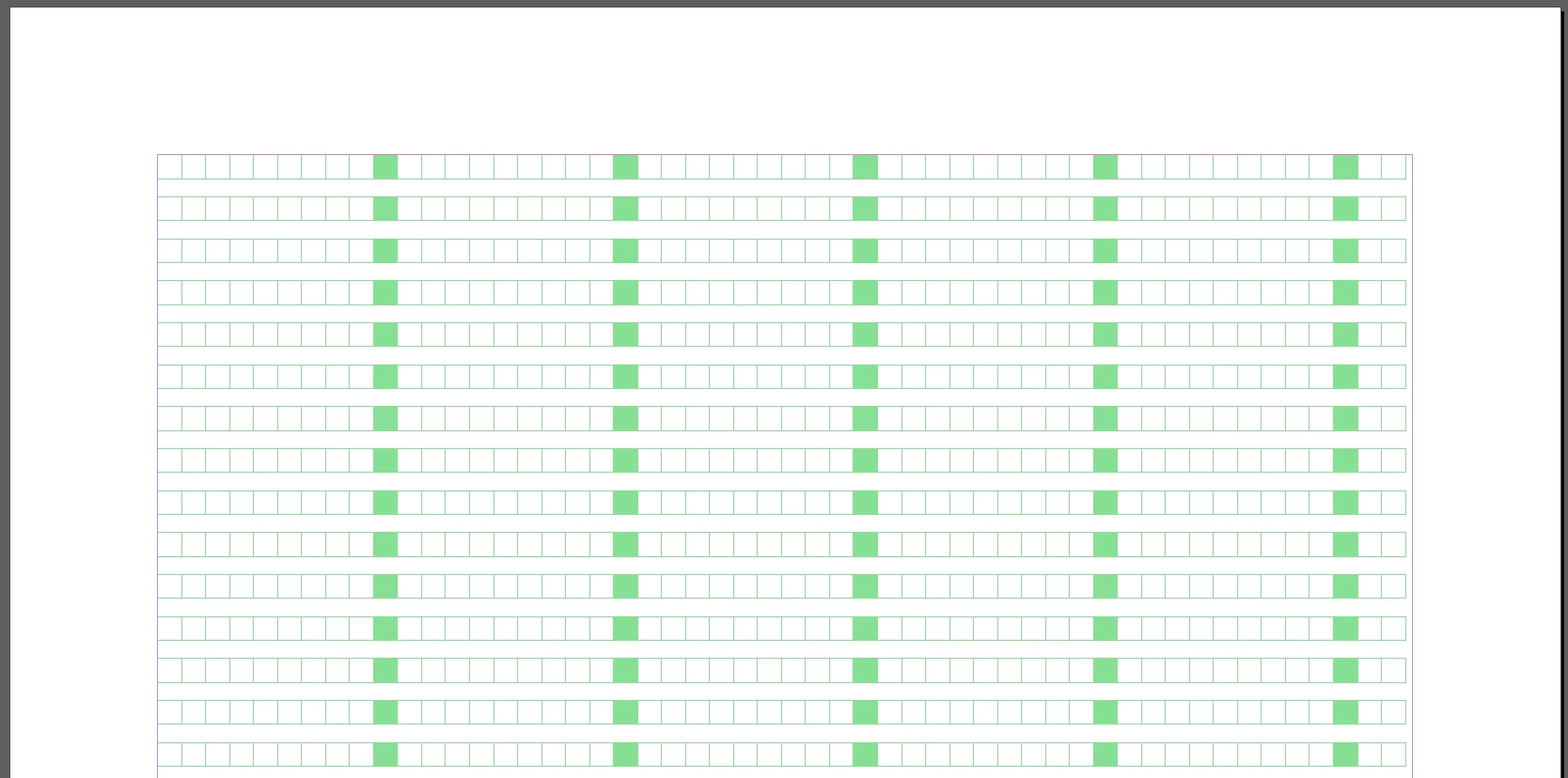
 AdChoices