katielemen1627
Participant
August 4, 2017
Answered

How to I fix this text?

  • August 4, 2017
  • 2 replies
  • 741 views

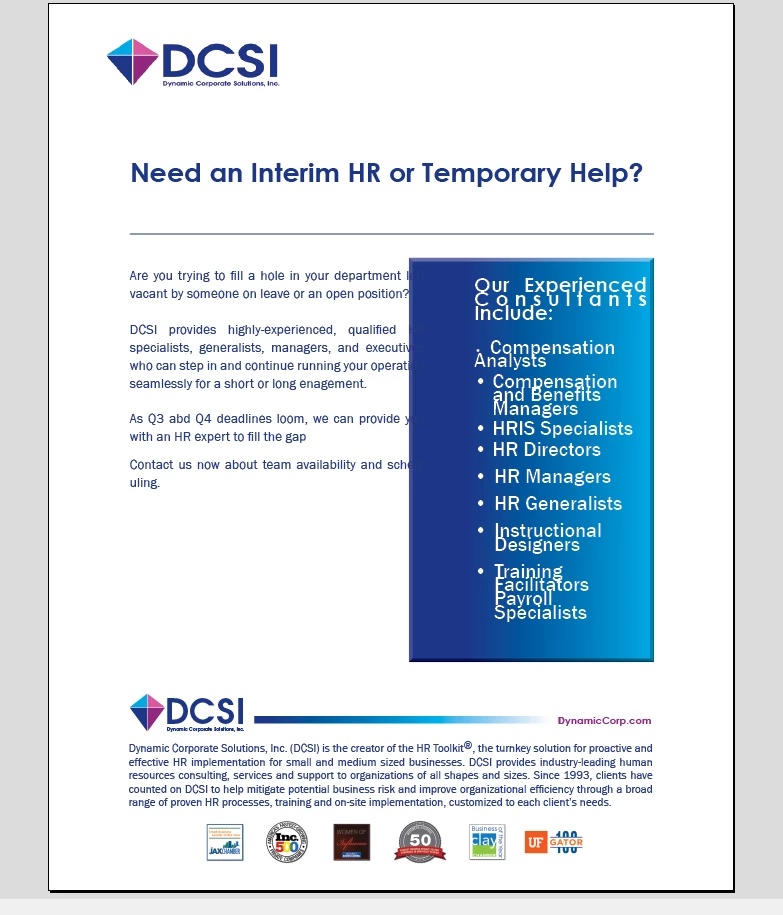
I am extremely new to this program and need to know how to format this text.  I need the text within the blue box to be formatted as well as the document text.  Please help.
This topic has been closed for replies.
Correct answer Barb Binder

Hi Katie:

You can add, edit and format text with the Type tool (the T in the toolbox on the left). When you select text, the formatting commands appear in the Control panel at the top of the document window.

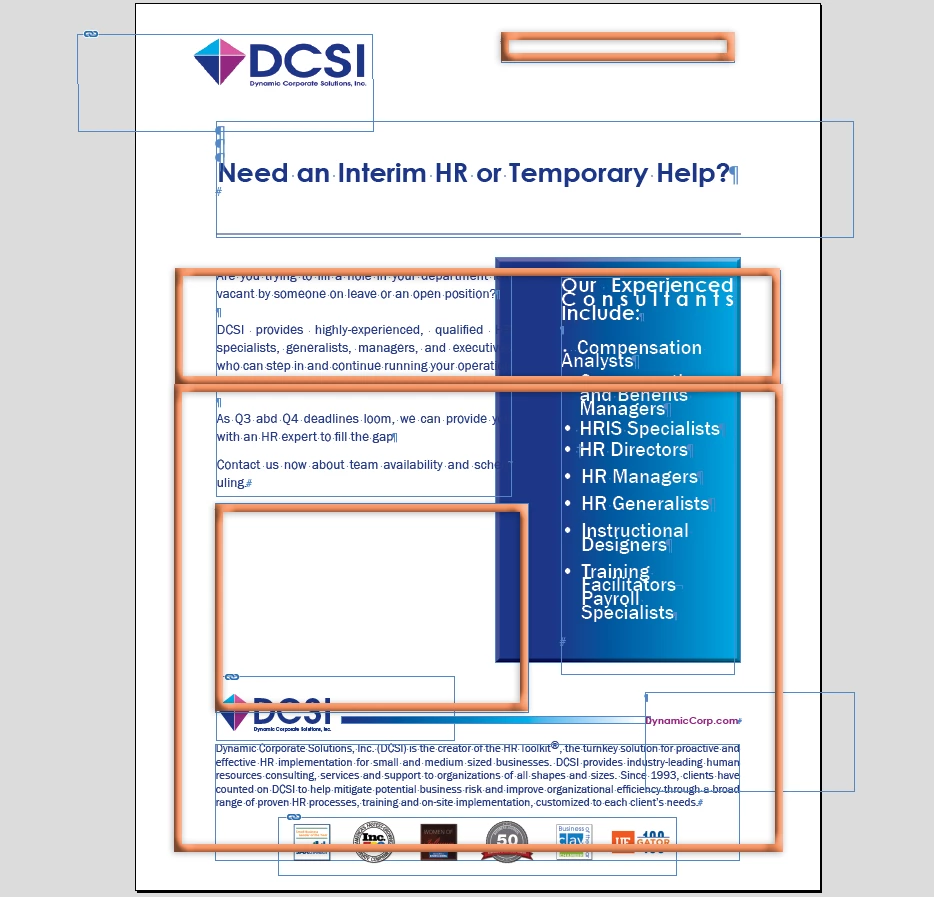
But before you go there, here's an important concept—everything in InDesign goes inside a frame (or box). There are text frames that hold text, and graphic frames that hold graphics and unassigned frames for color blocks or borders or both. I outlined what appear to be 4 empty frames in your file that are on top of the text you want to edit.

Start with the Selection tool (the black arrow at the very top of the toolbox) click inside each of these frames, and press Delete. If you end up deleting real content, just go to Edit > Undo. But 3 of these empty frames are on top of your content, so you aren't able to just click it with the Type tool and edit. Come back and ask me if you need further clarification.

~Barb
2 replies

Barb Binder
Community Expert
Barb BinderCommunity ExpertCorrect answer
Community Expert
August 4, 2017

Hi Katie:

You can add, edit and format text with the Type tool (the T in the toolbox on the left). When you select text, the formatting commands appear in the Control panel at the top of the document window.

But before you go there, here's an important concept—everything in InDesign goes inside a frame (or box). There are text frames that hold text, and graphic frames that hold graphics and unassigned frames for color blocks or borders or both. I outlined what appear to be 4 empty frames in your file that are on top of the text you want to edit.

Start with the Selection tool (the black arrow at the very top of the toolbox) click inside each of these frames, and press Delete. If you end up deleting real content, just go to Edit > Undo. But 3 of these empty frames are on top of your content, so you aren't able to just click it with the Type tool and edit. Come back and ask me if you need further clarification.

~Barb

~Barb at Rocky Mountain Training
katielemen1627
Participant
August 7, 2017

Thank you Barb, I believe someone converted this from PDF and I just pulled it into InDesign.  Will this be an issue? 

Barb Binder
Community Expert
Community Expert
August 7, 2017

From the screen shot you showed, you just need to clean up those extra frames, and then you can edit the text.

As previously noted, InDesign is a complex application that requires some effort to learn, but you should be able to get started (and hopefully finished) now.

~Barb

~Barb at Rocky Mountain Training
Legend
August 4, 2017

Please show a screen shot with Frame Edges and Hidden Characters showing.

(Hidden Characters can be found under the Type menu, and Frame Edges under View > Extras.)

Seeing how the document is constructed will help us to give better advice on how to work with it.

katielemen1627
Participant
August 4, 2017

Does this help?

Frans v.d. Geest
Community Expert
Community Expert
August 4, 2017

Wow! That page is a mess! Looks like a converted PDF. Anyway: InDesign is not a prgoram you can just learn in a day, you need training: Formatting, Styles, aligning etc. Your best change is to let someone else that knows what she/he is doing do the editing.