dublove
Legend
April 19, 2026
Answered

How to indicate that all content in the text box has been selected?

  • April 19, 2026
  • 2 replies
  • 37 views

Hello everyone.

I want to set two conditions to call different functions:
A “partial selection” as a condition:

(item.constructor.name == "Text")
|| (item.constructor.name == "Word")
|| (item.constructor.name == "Character")
|| (item.constructor.name == "TextColumn")
|| (item.constructor.name == "TextStyleRange")
|| (item.constructor.name == "Paragraph")

B. “Select All” as another distinct condition.
“Select All” may also include tables and images.

It seems that whether I select all or just part of the text, the result of `alert(item.constructor.name)` is always “Text”.

Is there a simple code for this? Do I really have to check if both \A and .\Z are selected? That’s too complicated and unnecessary.

    Correct answer rob day

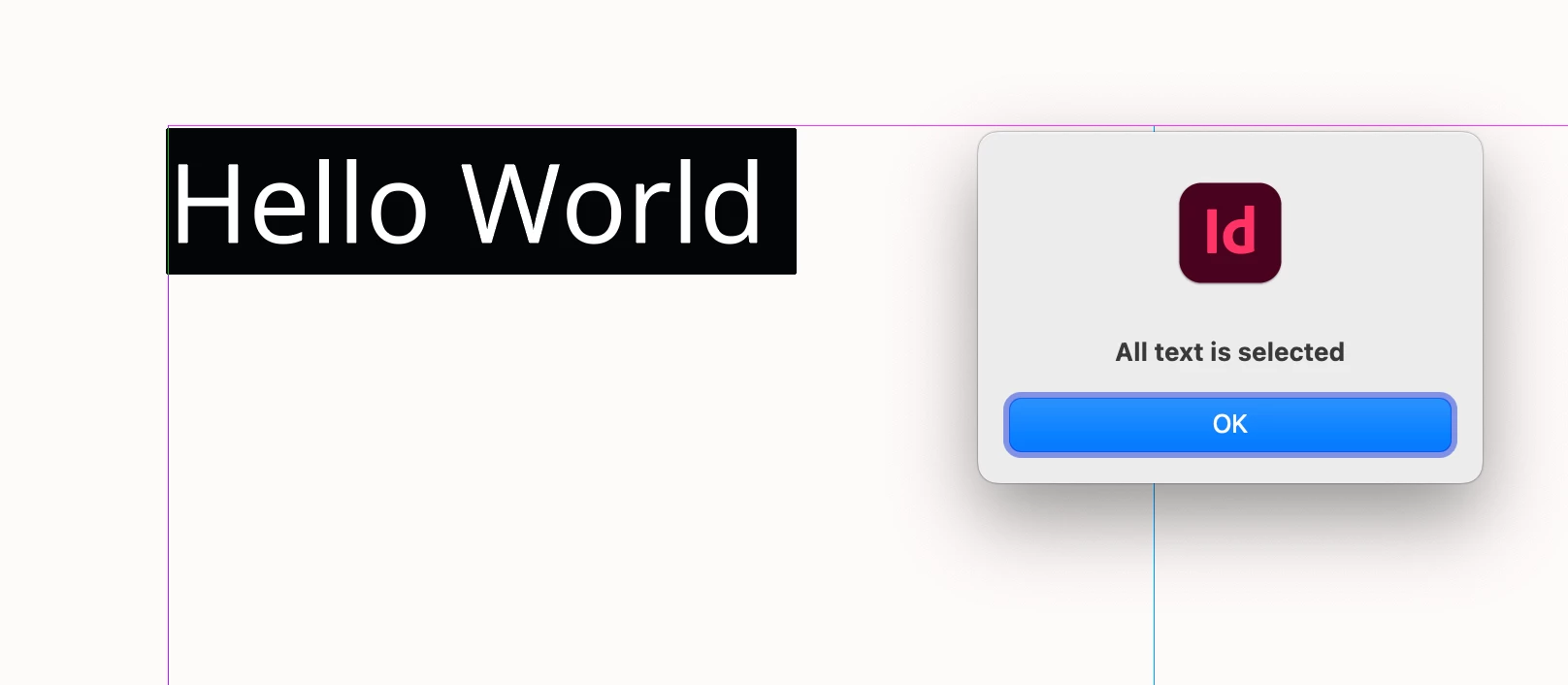
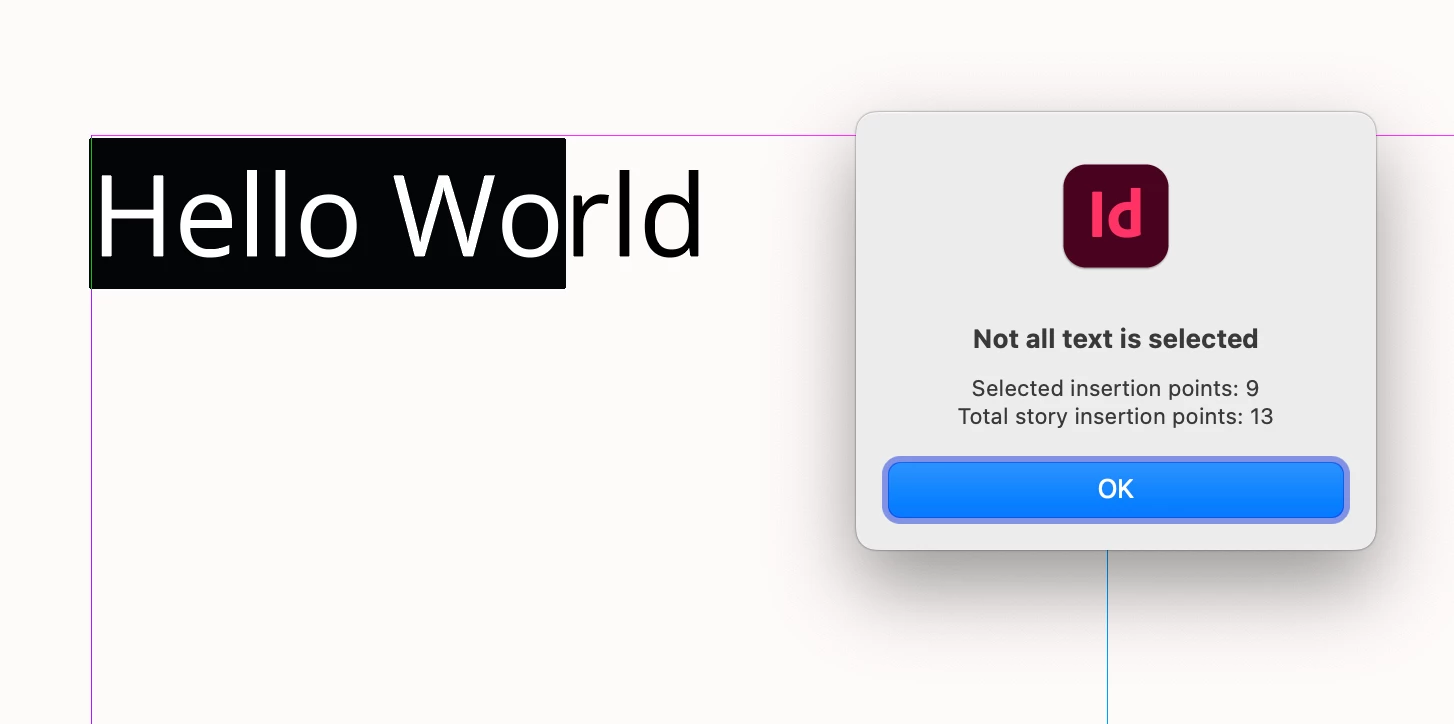
    Hi ​@dublove , Check the selected text’s insertionPoints count, and the parent’s insertionPoints count. If they are the same all the story’s text is selected:


    var d = app.activeDocument;

    //Some selected text
    var s = d.selection[0];
    //the selection’s insertion point count
    var sip = s.insertionPoints;
    //the selection’s parent’s total insertion points
    var tip = s.parent.insertionPoints
    //if sip and tip are equal all the text is selected
    if (sip.length === tip.length) {
    alert("All text is selected")
    } else {
    alert("Not all text is selected\nSelected insertion points: " + sip.length + "\nTotal story insertion points: " + tip.length)
    }


    2 replies

    dublove
    dubloveAuthor
    Legend
    April 20, 2026

    Hi rod day.

    Thank you very much. That was really informative…

    This feature saves me from having to search the entire text every time, so it’s definitely going to boost my efficiency.
     

    rob day
    Community Expert
    rob dayCommunity ExpertCorrect answer
    Community Expert
    April 19, 2026

    Hi ​@dublove , Check the selected text’s insertionPoints count, and the parent’s insertionPoints count. If they are the same all the story’s text is selected:


    var d = app.activeDocument;

    //Some selected text
    var s = d.selection[0];
    //the selection’s insertion point count
    var sip = s.insertionPoints;
    //the selection’s parent’s total insertion points
    var tip = s.parent.insertionPoints
    //if sip and tip are equal all the text is selected
    if (sip.length === tip.length) {
    alert("All text is selected")
    } else {
    alert("Not all text is selected\nSelected insertion points: " + sip.length + "\nTotal story insertion points: " + tip.length)
    }