
Inspiring
September 23, 2022
Answered

How to insert text vertically from down to upwards in a textFrame using indesign javascript

  • September 23, 2022
  • 1 reply
  • 307 views

This is how i am getting text when i place text inside this selected textframe. 
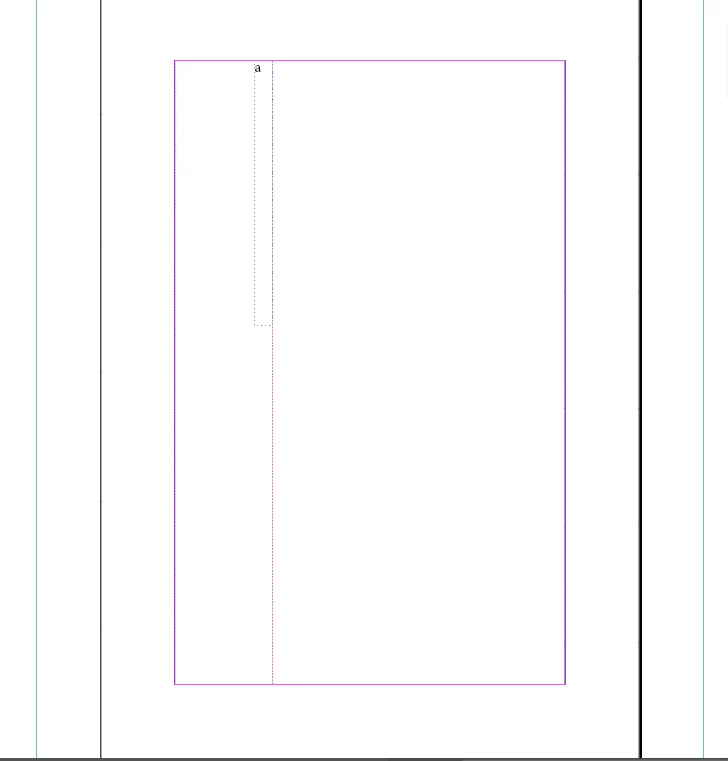
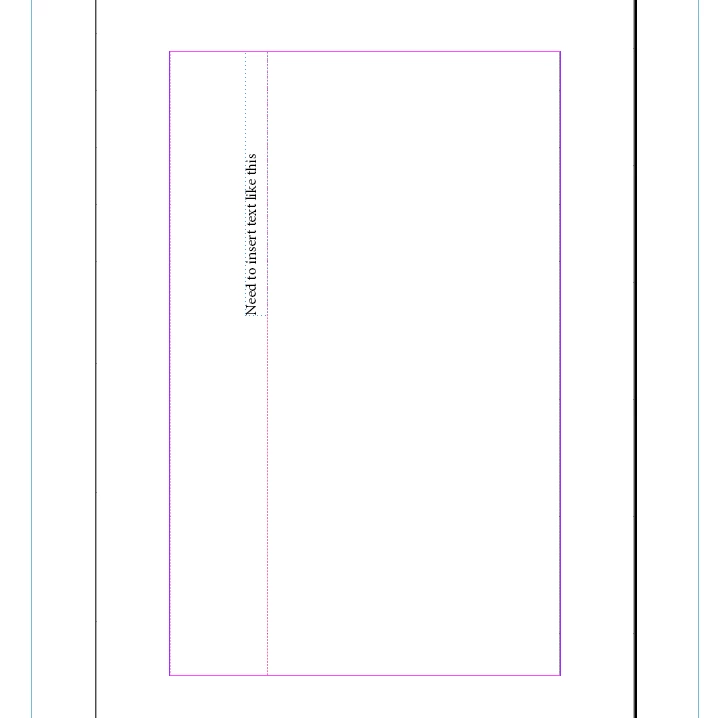
Is there anyway to place the text vertically from down to upwards the textframe as in below image
 

This topic has been closed for replies.
Correct answer Karthik SG

Thanks for your suggestion @m1b , as you said I tried by rotating it and then redefining the geometricBounds of the textFrame. Now its working fine!

var myMasterSpread =app.activeDocument.masterSpreads.item(0);
var ClineFrame = myMasterSpread.textFrames.add ({
              geometricBounds: [0, 0, 5 , 60]              
            }); 
        ClineFrame.contents = "Need to insert text like this";
        ClineFrame.rotationAngle = 90;
        ClineFrame.geometricBounds =[26, 43, 5, 74];


1 reply

m1b
Community Expert
Community Expert
September 23, 2022

Hi @Karthik SG, so you want to know how to —in a script—make a text frame with text in it and rotate it 90°?

-Mark

Inspiring
September 23, 2022

 @m1b , actually I already placed a textframe in certain position vertically. Now need to insert content in that textFrame vertically from down to up. 


So is it possible to create a new textFrame and insert content into it and rotate it and then align that textFrame to my required geometric bounds which i already have!