
Answered
How to Keep Headers on Master Page In Place When Adding Additional Pages?
We have a report template for company documents, and it is set up on the master page to have chapter headers, page numbers, footer, etc. We are using CC 2017.
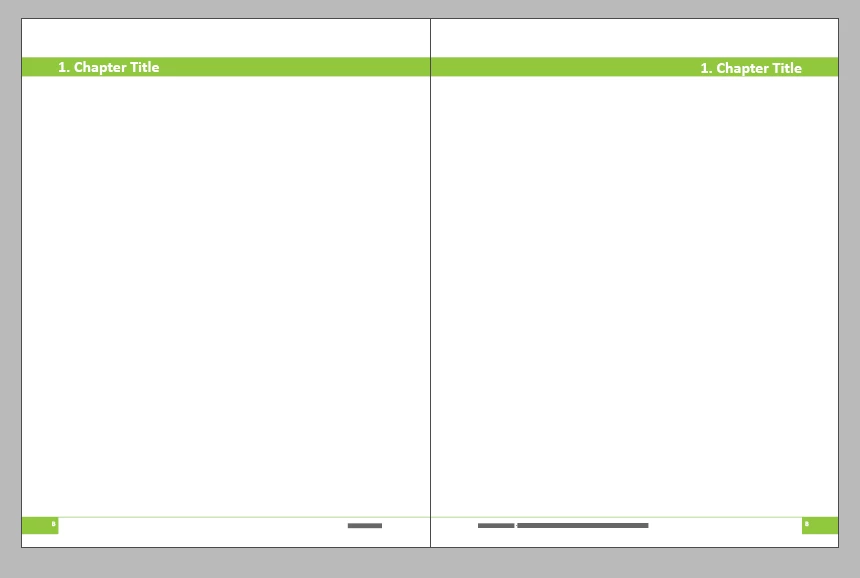
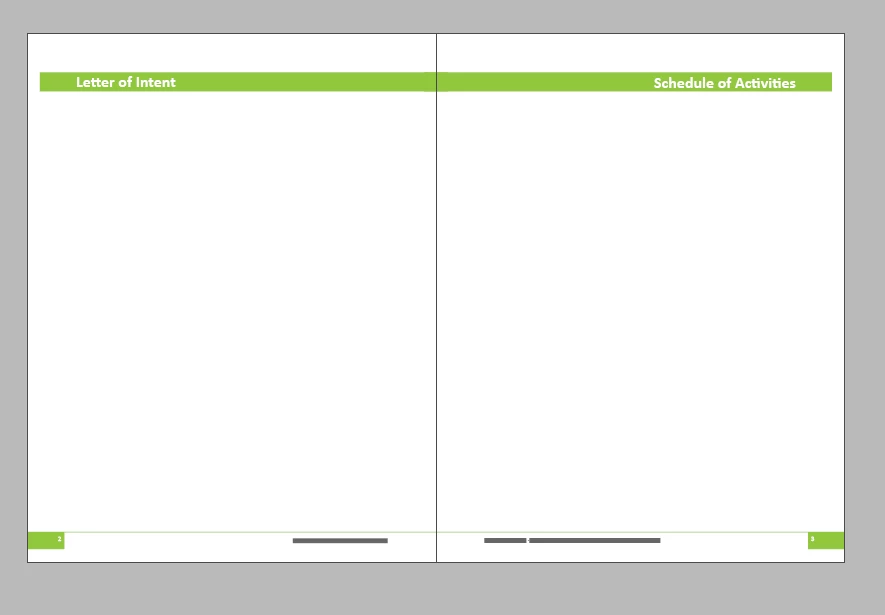
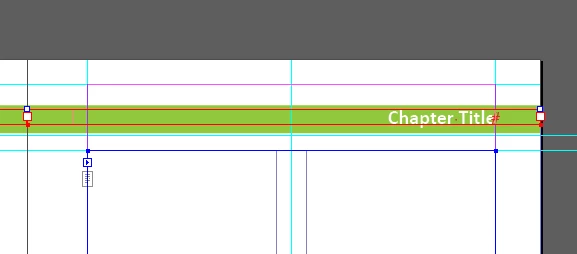
The issue is that once a header has the chapter title added to it on a page, it doesn't stay in place when additional pages are added to the report that cause the page to change from right-hand to left-hand. The pictures of the master page and document pages are below, showing how the headers are shifted to the spine leaving white spaces on the edges of the page.
Thanks for your help.
 AdChoices