
How to Link PDF Buttons to Specific Pages in the Same External PDF File
I’m working on creating an interactive PDF that includes four buttons. Each button is intended to open the same external local PDF file, but to a different specific page within that file.
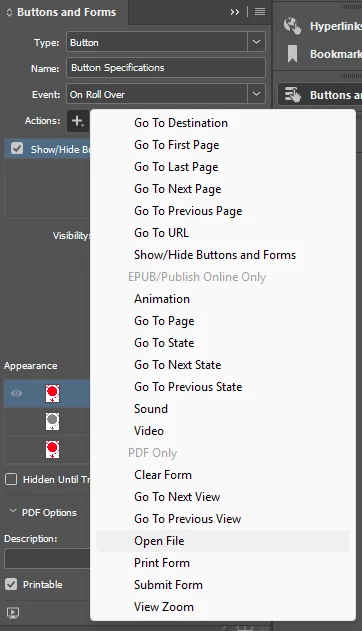
I’ve already created the buttons, and I’ve tried using the Button action with “Open File.” However, this only allows me to select the file, it doesn’t provide an option to specify a page number.
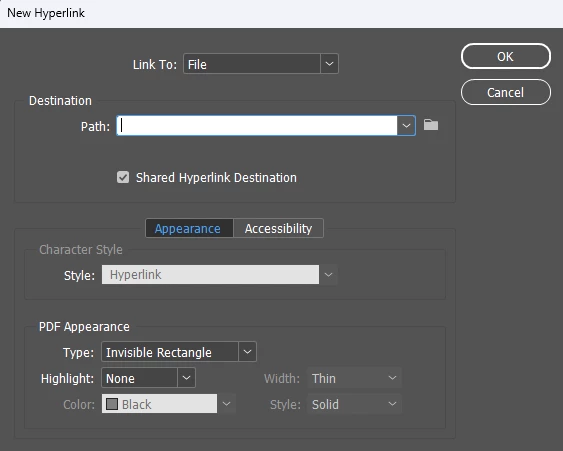
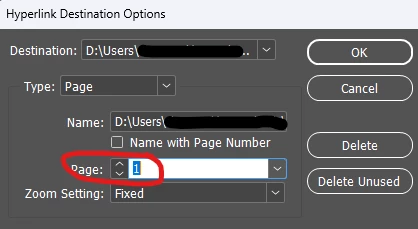
I also experimented with the Hyperlink option: Link To > File. While I can select the external PDF, I’m unable to set it to open to a specific page. Under “Hyperlink Destination Options,” when I set the type to Page, I can’t change the page number beyond 1. For example, if I set it to page 3, I receive an error stating that the document only has one page, even though the external PDF has multiple pages.

Any guidance or workaround to achieve this functionality would be greatly appreciated!
InDesign 2025, Windows 11...


 AdChoices