
Known Participant
December 28, 2024
Question

How to link two frames when they are on different pages? The classical methods were useless
  • December 28, 2024
  • 4 replies
  • 1930 views


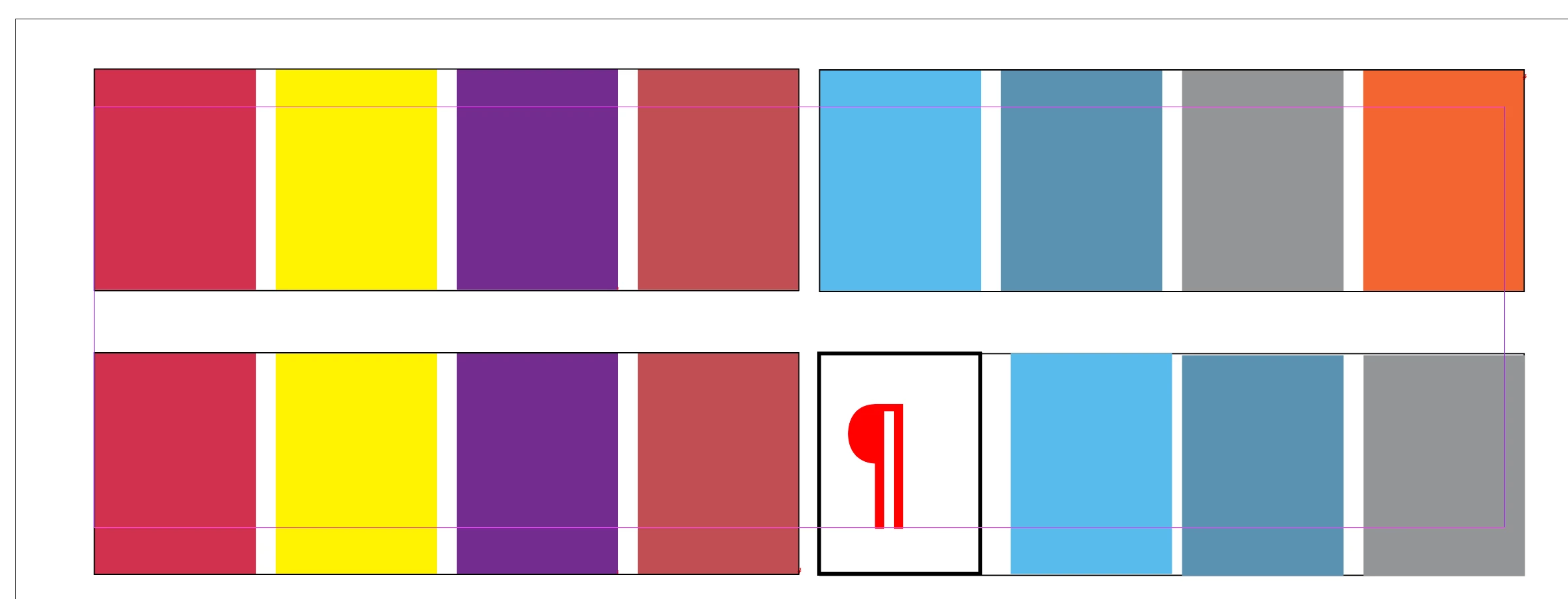
Here we have some frames divided in columns and between some columns we need to insert new colours and preserve the order  (the white one box will be a new colour). The orange colour will jump to the next page. That it's the point, not shown here.

But it has not been possible to join the frames: One way is to touch the outport of one frame and connect it to the same port of the second frame but when taking that icon to the new frame it doesn't show it because ID cannot apparently select elements in different pages.

Another way is to take the loaded cursor and place it on top of the frame but in these frames the contact does not occur and it places a new text box, as seen in the picture (any out port is visible):
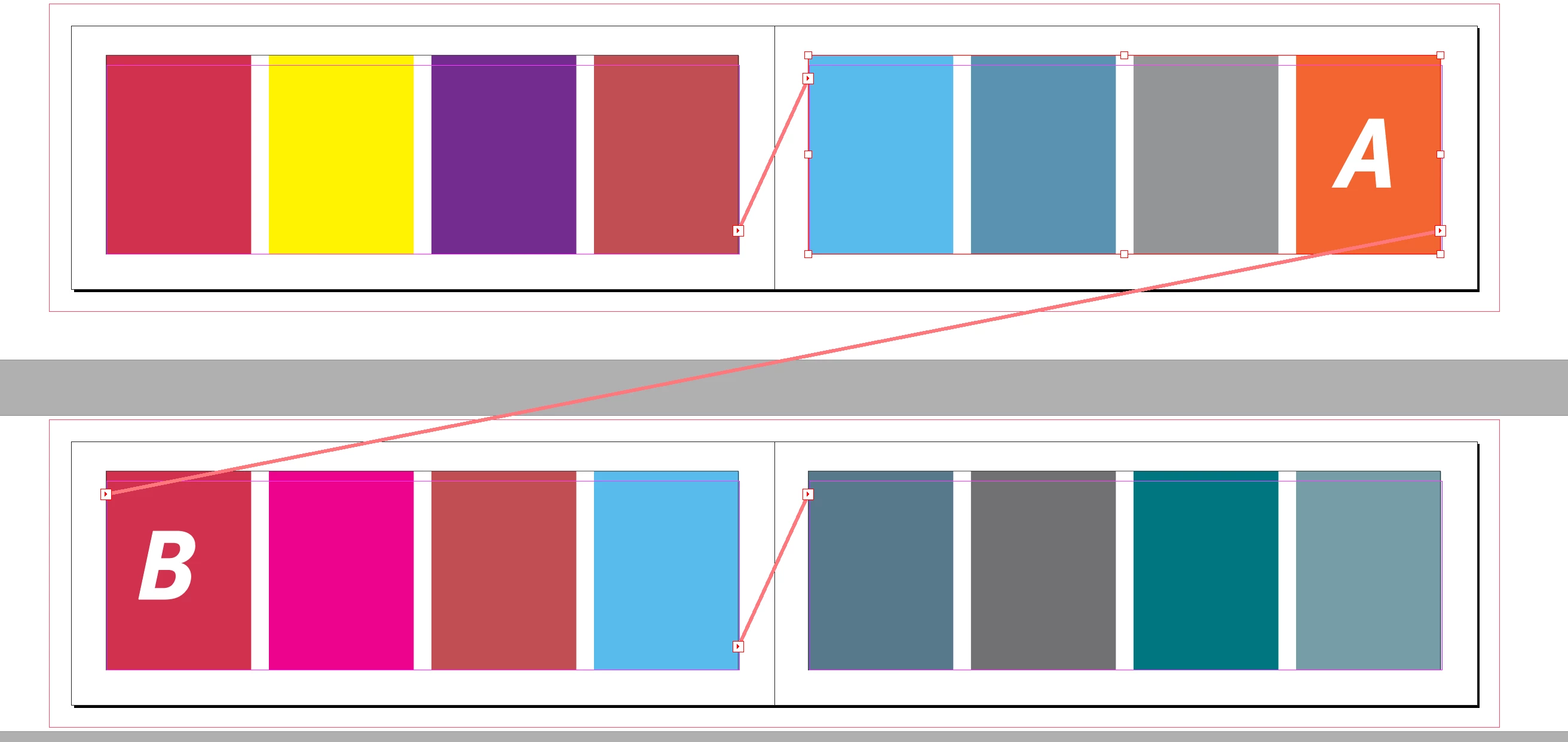
What is required is this. Connect A with B. Center threads are already created. 
 We couln't use a thread stories type of script because it threads all the stories and not being able to select two stories on different pages (by default?) the script becomes useless as we have text frames.


This topic has been closed for replies.

4 replies

James Gifford—NitroPress
Legend
December 29, 2024

I may be completely wrong, or have missed a contradicting detail, but this still sure sounds like an anchored frame is involved. The misbehavior described is exactly that what occurs when trying to link an anchored frame to a frame on a second page. Is the notion of "anchored" perhaps being misunderstood as "anchored to the page" (not, since "text and images must flow" etc.) when what's meant is "anchored to preceding text"?


The most common example of this is with TOC frames; it's not unusual for a designer to conjure a TOC frame, anchor it to a heading or other prior text (such as the copyright paragraph), and then discover it can't be extended and linked over multiple pages.


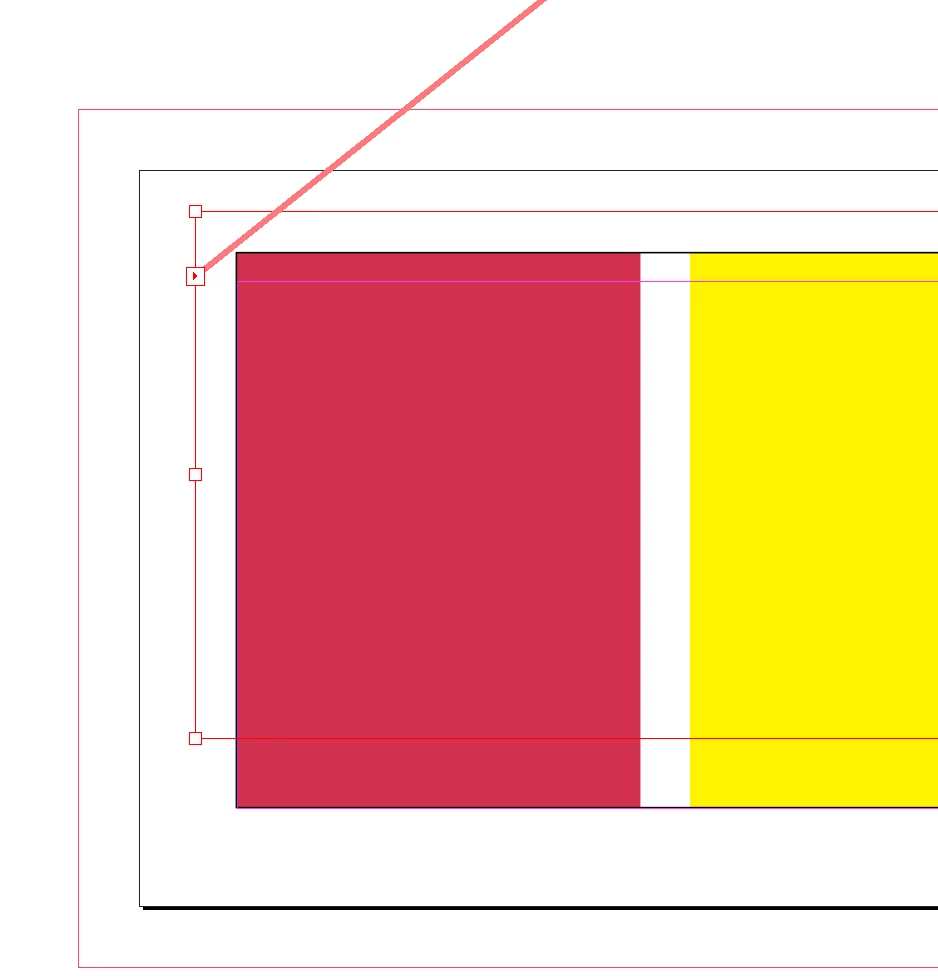
If any of the frames involved have an anchor icon like this—

— it will not be possible to link that frame to any other on a different page. And the behavior will be exactly as is described in the OP.


Willi Adelberger
Community Expert
Community Expert
December 28, 2024

You can always link 2 text frames. It becomes easier for you, if they are many spreads apart, you should open a second window of the same document. So it is possible to link without scrolling with the loaded curser. 

Known Participant
December 28, 2024

It is not possible between two pages (an odd page and a following even page in a different spread) to manage to thread two inline text frames composed of of images.

In the frame of the odd page the output port is visible. But in the next spread, the port is not visible (left of the frame).
Text frames with text are not the same that text frames –without text— that have columns and inline images.
Trying to connect it blindly produces a new text frame as showed in the screenshot above.

It seems Indesign only allows display with icons in one spread. Not on both...


Robert at ID-Tasker
Legend
December 28, 2024

You can't thread a TextFrame to another TextFrame - if one of them is InLined / Anchored. 


If you don't want to make your file public - you can send it to me on priv - please click my nickname. 


But again - what is controlling logical flow of things - images or text?


Robert at ID-Tasker
Legend
December 28, 2024

And to reply to the title of your topic - you can always link two TextFrames - doesn't matter if they are 100s of spreads away - as long as they are directly on the page / pasteboard in the same INDD file - you can't thread Anchored / InLined objects or between documents. 


Robert at ID-Tasker
Legend
December 28, 2024

Can you share your document? 


What are your color boxes? TextFrames or Rectangles? Are they as Anchored / InLined objects in the Story? 


Known Participant
December 28, 2024

Robert, we have 4 inline graphics in one text frame divided in 4 columns placed with the text tool
(rectangles are images, photographs, etc).

It is a catalog (4 columns of text and above 4 columns of images per page) Images will never be anchored. Regularly appear new pieces and must be integrated in the flow. Images and text are independent.  

We initially think that  these frames with inline images (to be replaced later) should be positioned in the master pages. But we found that they do not behave like text frames, in the sense that frames texts flows among pages. Inline images don't do that. 

In the catalog we have each two facing pages (2-3) connected and inserting or deleting an image is very easy. But in the next two pages (4-5) the frames with images  are unthreaded. Those of text are flowing perfectly.

We deduce that ID does not flow text frames of images. 

Robert, we have inline graphics in text frames divided into 4 columns and placed with the text tool.
(rectangles are images, photographs, etc.).

It is a catalog: 4 columns of text and above 4 columns of images not anchored) where regularly new pieces appear and must be integrated into the flow. Images and text are independent. 

We initially thought that these text frames with inline images should be positioned in the master pages. But we found that they do not behave like text frames, in the sense that framed texts flow among pages. Inline images don't do that.

In the catalog, we have two facing pages connected, and inserting or deleting an image is very easy. But in the next two pages, the frames with images are not connected. Those of text are flowing perfectly.

We deduce that ID does not flow text frames of images. 

One possibility is to make a threaded gallery of images (divided into text frames of 4 images) and place each frame on each page. As images are not anchored with text frames, this method works for two pages. But for the next , these galleys appear unthreaded. 

As images are not anchored with text frames this method works just for two pages.  


Robert at ID-Tasker
Legend
December 28, 2024

Why can't you Anchor - or InLine - images - so they'll flow with the text?