Hi
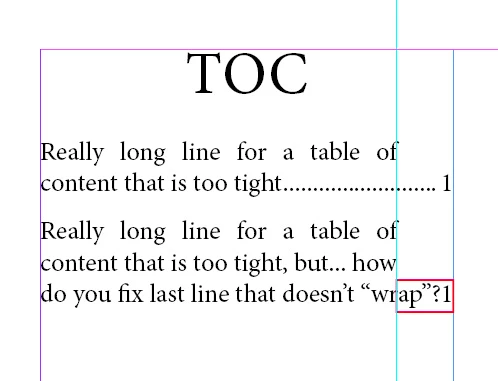
using only right indents is not enough to avoid situations like this one:
Now, I remember having discussed about this before, so I'm copy/pasting the previous answer:
The trick is to set 2 tabs as separators between entries and numbering in your TOC panel. Yes, you can!
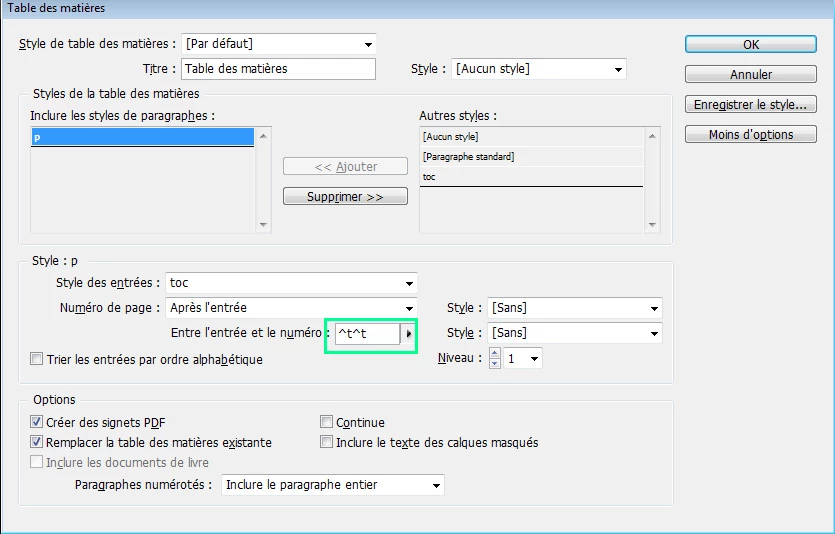
Now all you have to do is to set your 2 tabs along with your right indentation.
For example, your column width is 100 mm. You want text to "wrap" at 10 mm from the right.
First set your right indents like this:

Then set your 2 tabulations like this:
- first tabulation: column width - right indent = 90 mm (don't forget to add tab leaders)
- second tabulation : column width. make sure this one is right aligned and also add tab leaders.
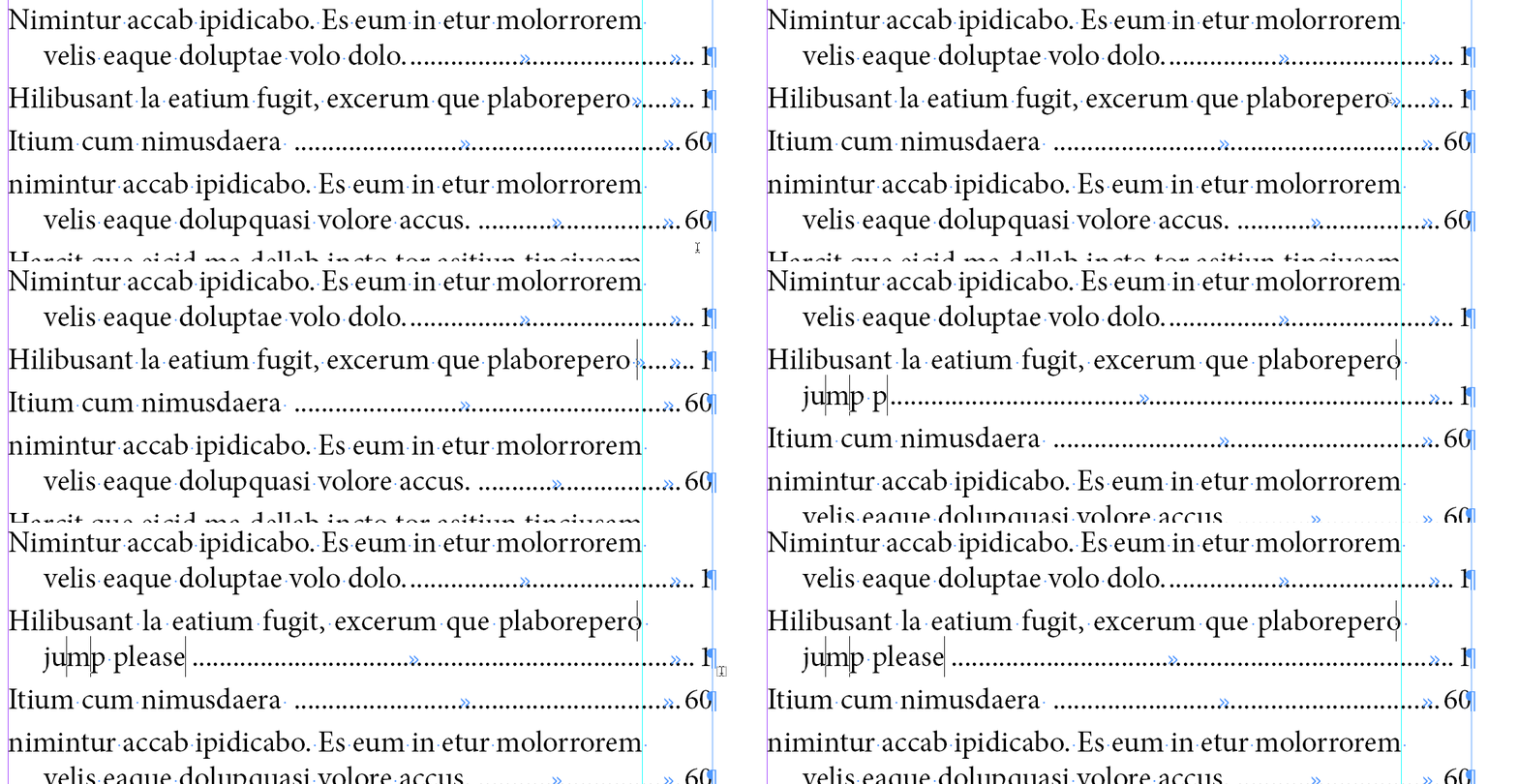
Result is (with justified text for better understanding):
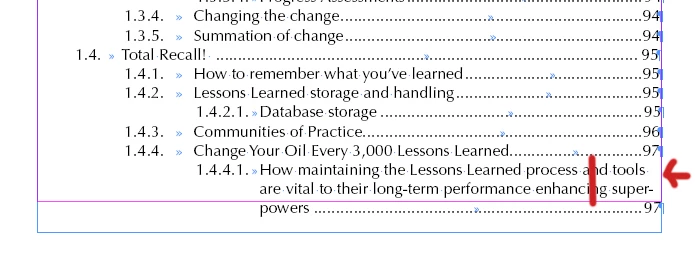
Additional and important note: Michel [FRIdNGE] did spot possible situations where sometimes tabs break and mess up the layout.
He smartly suggested to apply a non-breaking style using Grep style to avoid those situations: .{5}\t\t\d+$



 AdChoices