
Inspiring
January 26, 2019
Answered

How to make table automatically split to next page when it does not fit?

  • January 26, 2019
  • 1 reply
  • 2723 views

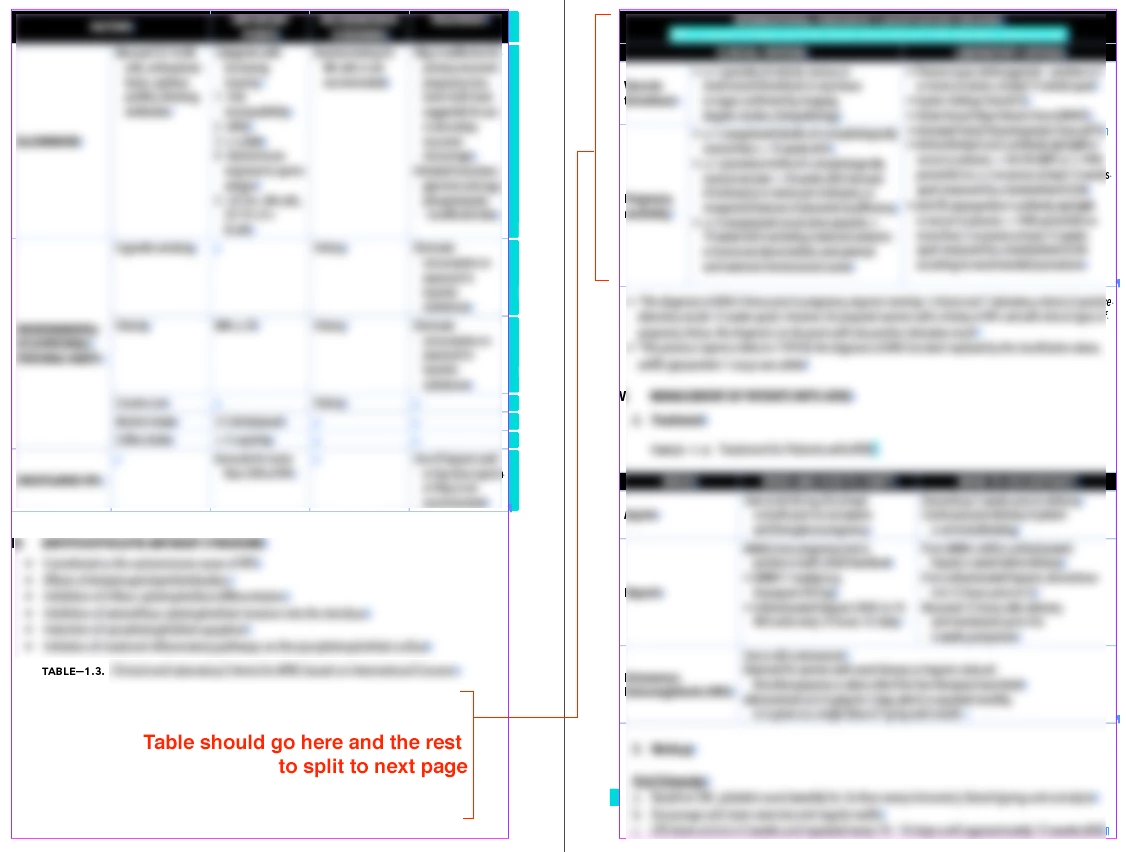
Would like for the table to go under the Table Title and other contents to split to the following page. I've removed page breaks already but the table remains intact in the next page. Thanks in advance!
This topic has been closed for replies.
Correct answer asiashappypills

Thanks winterm​! I don't want to tables to break so I just tried to readjust the cell spacings.

1 reply

winterm
Legend
January 26, 2019

For now, table cells containing an amount of text too large to fit on a current page, doesn’t split automatically. The whole row (containing that cell) jumps  to next page. However, you can do this manually, using Split Cell Horizontally command on selected cell(s) / row(s). Yes, I know, that not always helps / is acceptable.

Also see this thread, and find a link to vote for feature request.

asiashappypillsAuthorCorrect answer
Inspiring
January 27, 2019

Thanks winterm​! I don't want to tables to break so I just tried to readjust the cell spacings.