



Answered
How to modify the following code to obtain a non text box object?
Hello everyone.
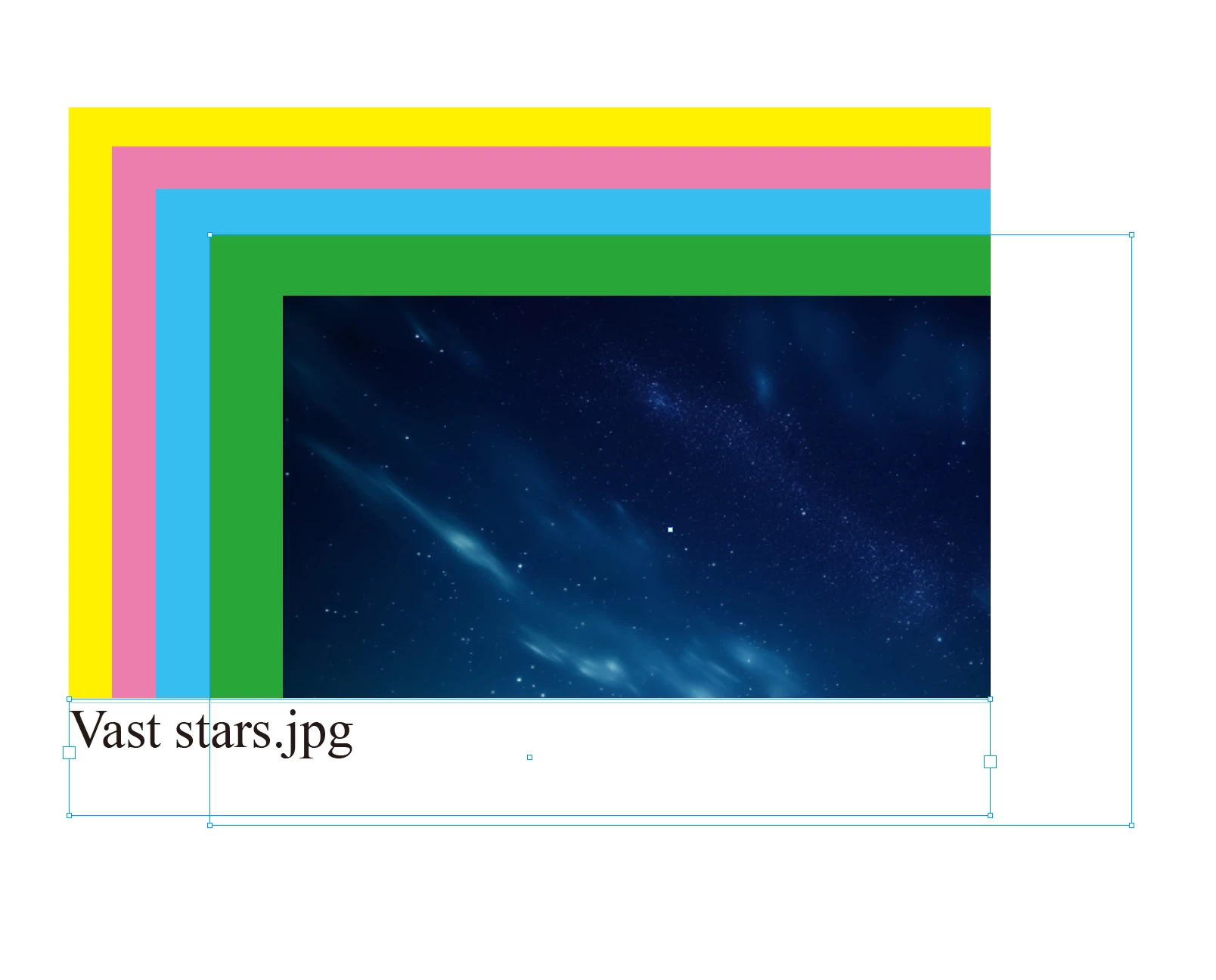
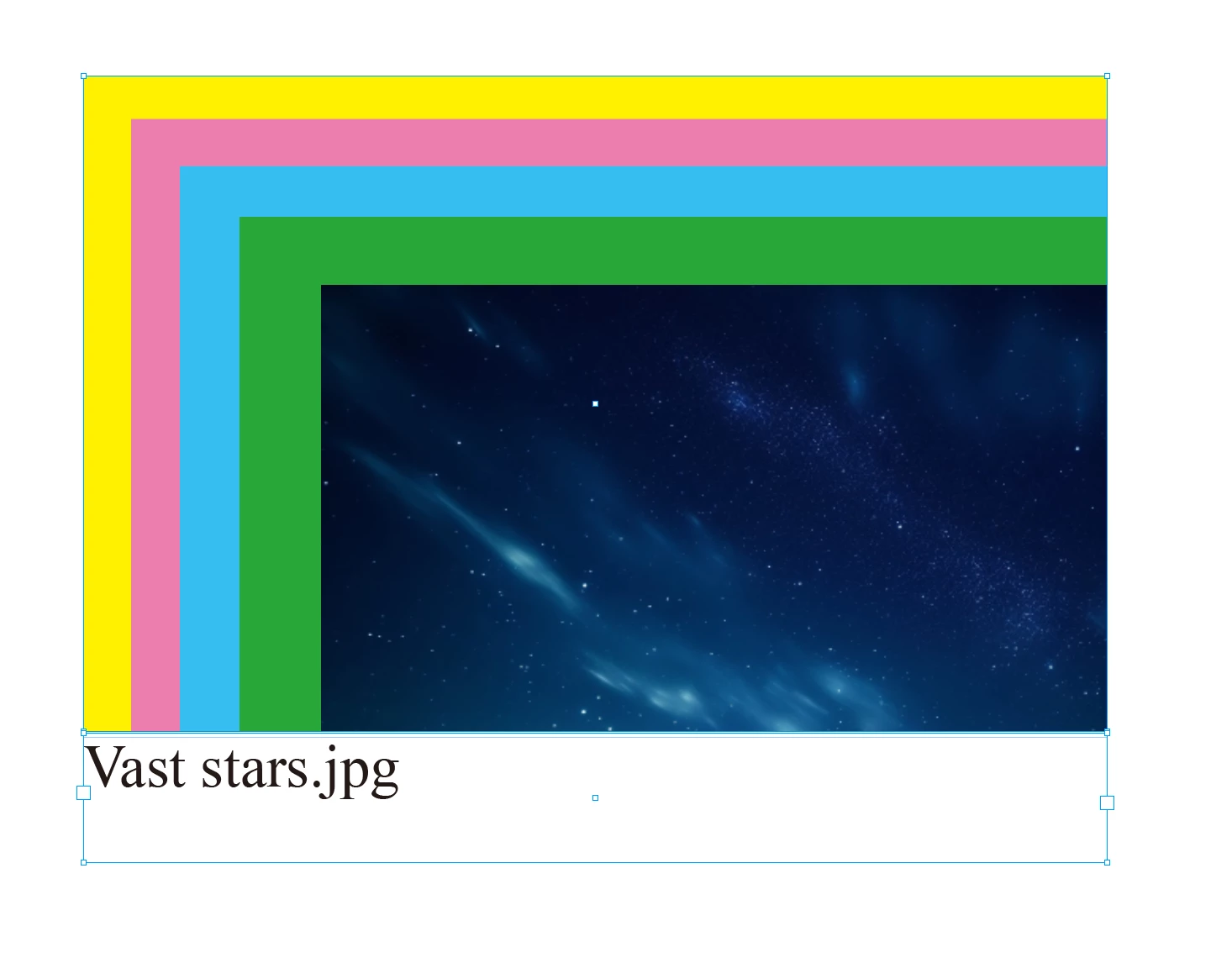
I always select 2 objects.
One of the objects must be a text box.
The other object is a non text box object.
(Note: Another object is also an image, but when the image is pasted inside the frame, I cannot access it.)
Originally, a function of m1b could be specifically used to obtain image frames. But it is invalid for the exceptions mentioned above.
So I came up with two solutions: non text objects and text boxes.
Now I don't know how to modify the code below to obtain non text boxes.
There are attachments.

notTextFrames = getThingsWithFilter(items, function (item) { return item.hasOwnProperty('texts') && item.texts.length == 0 }, true);
The current issue is that I don't know how to modify the code for notTextFrames.
How to express the antonym of “hasOwnProperty”?
Complete code:
var doc = app.activeDocument,
    items = doc.selection,

//graphicFrames = getThingsWithFilter(items, function (item) { return item.hasOwnProperty('graphics') && item.graphics.length > 0 }, false);

textFrame = getThingsWithFilter(items, function (item) { return item.hasOwnProperty('texts') && item.texts.length > 0 }, true);

notTextFrames = getThingsWithFilter(items, function (item) { return item.hasOwnProperty('texts') && item.texts.length == 0 }, true);

alert(notTextFrames.length);;

/**
 * Returns any things which pass the `filter` function.
 * @author m1b
 * @version 2025-04-23
 * @param {Array<*>} things - the things to search.
 * @param {Function} filter - a function that, given a thing, returns true when it matches.
 * @param {Boolean} [returnFirstThing] - whether to return the first thing only (default: false).
 * @returns {Array<*>}
 */
function getThingsWithFilter(things, filter, returnFirstThing) {
    var found = [];
    for (var i = 0; i < things.length; i++) {
        if (
            'Group' === things[i].constructor.name
            && things[i].pageItems.length > 0
        ) {
            var moreThings = getThingsWithFilter(things[i].pageItems.everyItem().getElements(), filter, returnFirstThing);
            if (
                returnFirstThing
                && undefined != moreThings
                && 'Array' !== moreThings.constructor.name
            )
                return moreThings;
            if (moreThings.length > 0)
                found = found.concat(moreThings);
            continue;
        }
        if (!filter(things[i]))
            continue;
        if (returnFirstThing)
            return things[i];
        found.push(things[i]);
    }
    if (
        returnFirstThing
        && 0 === found.length
    )
        return;
    return found;
};

 AdChoices