Inspiring
June 20, 2016
Question

How to move swatch item?

  • June 20, 2016
  • 2 replies
  • 317 views

Hi experts,

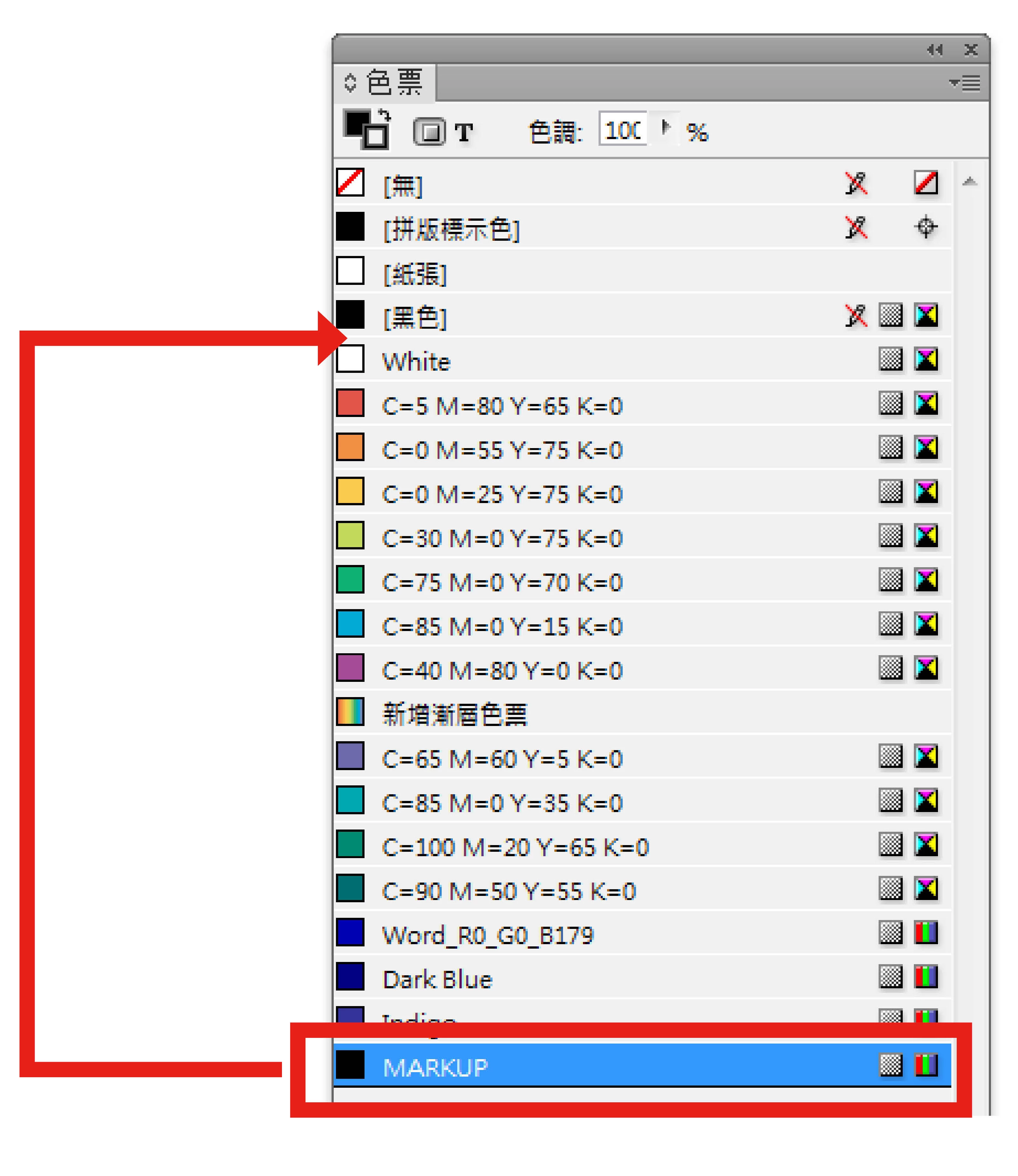
I have many of files, and each files has color swatch items  name.("MARKUP")

How can I move the color to the 5th position?

Regard
John
This topic has been closed for replies.

2 replies

JohnwhiteAuthor
Inspiring
June 21, 2016

Thank you Uwe

thank you so much.

Regard

John

Community Expert
June 21, 2016

I assume that you address InDesign CC 2014. You mentioned this version in a different thread.

Unfortunately there is no move() method for the Swatch class.

So your only bet is to remove all custom swatches and add the swatches in the order you like.

But this will get you into trouble, if it is done with used swatches in your document. Search the Scripting forum for discussions and solutions around that.

Another option will be an export to IDML and edit the IDML by scripting to change the order.

For InDesign CC 2015.4—released today—there is a new sort feature for swatches you could explore.
( I did not test the new DOM yet, if we have direct access to do a custom sort on selected swatches or if we are able to select swatches in the Swatches Panel at all by scripting. Guess, no. )

Regards,
Uwe

Community Expert
June 21, 2016

Here a link to the realease notes of InDesign CC 2015.4:

InDesign CC 2015.4 Release Notes

And here the help page for the new sort feature:

Create, manage, and import swatches in InDesign

Uwe