



dublove
Legend
July 28, 2026
Answered

How to obtain the 'current text box' where the input image is located?

  • July 28, 2026
  • 8 replies
  • 41 views

Hi everyone.

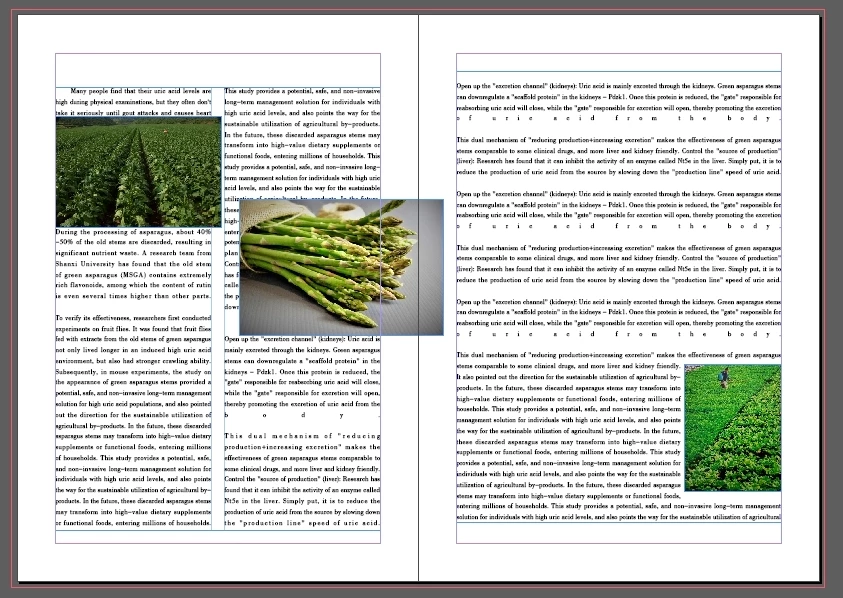
I have selected all the content of the article and want to control the embedded images, so I need to obtain the text box where the images are located.
Surprisingly, The parent of the character  is “Story”, not “TextFrame”.

And parentTextFrames [0] may not necessarily be the text box where the image is located, It refers to the first text box that appears to be the story.

How can I get the current textFrame for 'story. allGraphics [i]'?

Thank you.

var d = app.documents[0];
var item = d.selection[0]
var story = item.parent;

if (story.allGraphics.length > 0) {
for (var i = 0; i < story.allGraphics.length; i++) {
var curFrame = story.allGraphics[i].parent.parent.parentTextFrames[0];
alert(curFrame.constructor.name);
}
}
 

    Correct answer Manan Joshi

    The character would have parentTextFrames property. It is an array, so you would access it as parentTextFrames[0]

    Do place proper check because if the image is on overset text this array may be empty. You might have to do special handling for image inside table cell

    8 replies

    Manan JoshiCommunity ExpertCorrect answer
    Community Expert
    July 28, 2026

    The character would have parentTextFrames property. It is an array, so you would access it as parentTextFrames[0]

    Do place proper check because if the image is on overset text this array may be empty. You might have to do special handling for image inside table cell

    -Manan
    dublove
    dubloveAuthor
    Legend
    July 28, 2026

    Hi ​@Manan Joshi 

    But parentTextFrames [0] refers to the first text box, but not necessarily the text box where the current image is located.

    Or is parentTextFrames [0] the current one?


    Community Expert
    July 28, 2026

    No it does not. Test it once

    -Manan