dublove
Legend
July 29, 2026
Answered

How to obtain the X coordinate of the left column line and the Y coordinate of the positioning point in the positioning image?

  • July 29, 2026
  • 3 replies
  • 47 views

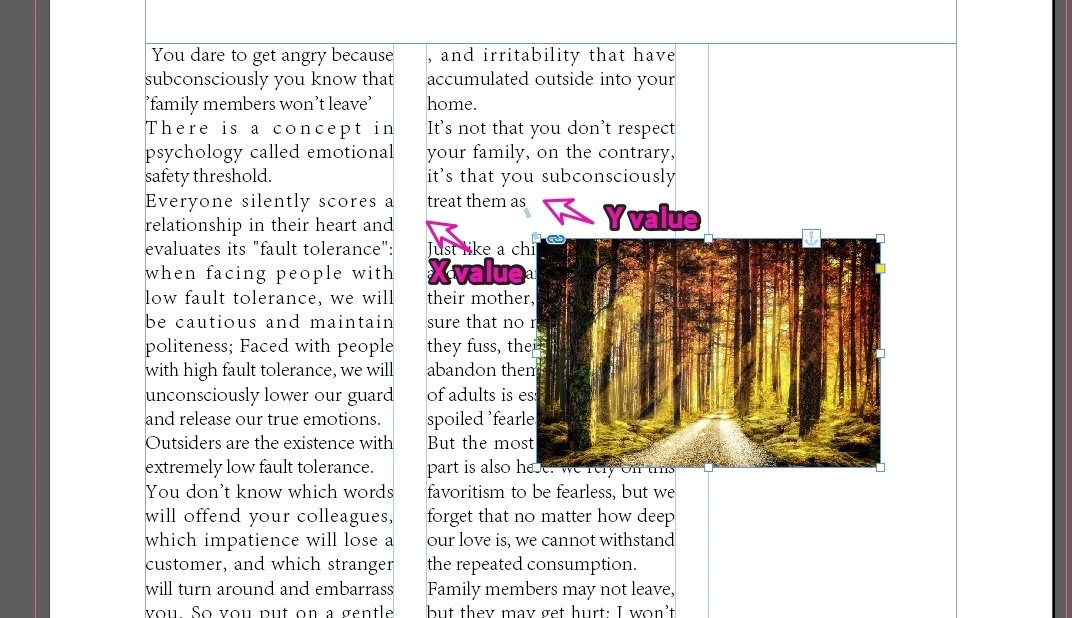
I have selected an image that is embedded in a text box.
I want to obtain the Y value of the anchor point and the X value of the left column line of the anchor point.


    Correct answer rob day

    the Y value of the anchor point and the X value of the left column line


    You can get the horizontal offset of the line the image is anchored to, and the line’s baseline:


    var d = app.documents[0];
    //a selected anchored frame
    var s = d.selection[0]

    var c = s.parent
    $.writeln(c)//returns the anchored object’s character

    var l = c.lines[0]
    $.writeln(l)//returns the line containing the character

    var hOff = l.horizontalOffset
    $.writeln(hOff)//reurns the line’s horizontal offset—78.99 in the sample file

    var base = l.baseline
    $.writeln(base)//returns the baseline position of the line — 82.7053540039063 in the sample file

     

    3 replies

    rob day
    Community Expert
    Community Expert
    July 30, 2026

    Your item variable is a text character—character’s don’t have a visableBounds property


    Seems like you are going to have a hard time positioning the anchored image using a Custom anchor—any time the text reflows, the image’s alignment is going to move. Can’t you use an Inline or Above Line Left Alignment setting? 


    rob day
    Community Expert
    rob dayCommunity ExpertCorrect answer
    Community Expert
    July 29, 2026

    the Y value of the anchor point and the X value of the left column line


    You can get the horizontal offset of the line the image is anchored to, and the line’s baseline:


    var d = app.documents[0];
    //a selected anchored frame
    var s = d.selection[0]

    var c = s.parent
    $.writeln(c)//returns the anchored object’s character

    var l = c.lines[0]
    $.writeln(l)//returns the line containing the character

    var hOff = l.horizontalOffset
    $.writeln(hOff)//reurns the line’s horizontal offset—78.99 in the sample file

    var base = l.baseline
    $.writeln(base)//returns the baseline position of the line — 82.7053540039063 in the sample file

     

    dublove
    dubloveAuthor
    Legend
    July 30, 2026

    Hi ​@rob day 

    Does visibleBounds have no effect on locating objects?
    I tried setting up the image below and found that tcb and lcb were not located at the specified coordinates.

        var tcb = base;
    var lcb = hOff;
    var bcb = tcb + newH;
    var rcb = lcb + newW;
    item.visibleBounds = [tcb, lcb, bcb, rcb];

    I seem to need to modify the positioning offset value of the item.

    I tried it out, it's this:

    item.anchoredObjectSettings.anchorXoffset = 0;