dublove
Legend
February 13, 2025
Answered

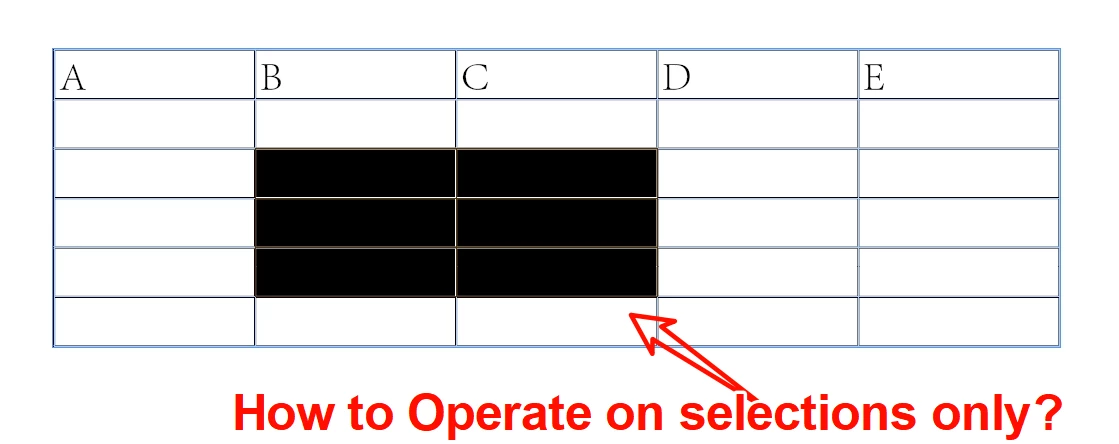
How to operate only on selected cells in a table?

  • February 13, 2025
  • 2 replies
  • 626 views

How to operate only on selected cells in a table?
Thanks to so many enthusiastic people for the pointers., I've learned that I can operate on the current table accurately.
I would also like to know how to operate on the currently selected cell.

For example, in the script below, the entire table is now filled with “-” for empty cells.
How do I change it to only modify the selected cells.


Thank you very much.


var cell = app.activeDocument.selection[0].parent;
var myTable = cell.parent;
   for (var i=0; i<myTable.columns.length; i++){ 
   for (var j=0; j<myTable.columns.item(i).cells.length; j++){ 
      if (myTable.columns.item(i).cells.item(j).contents == ""){ 
         myTable.columns.item(i).cells.item(j).contents ="-";
         } 
      } 

}


Correct answer Robert at ID-Tasker

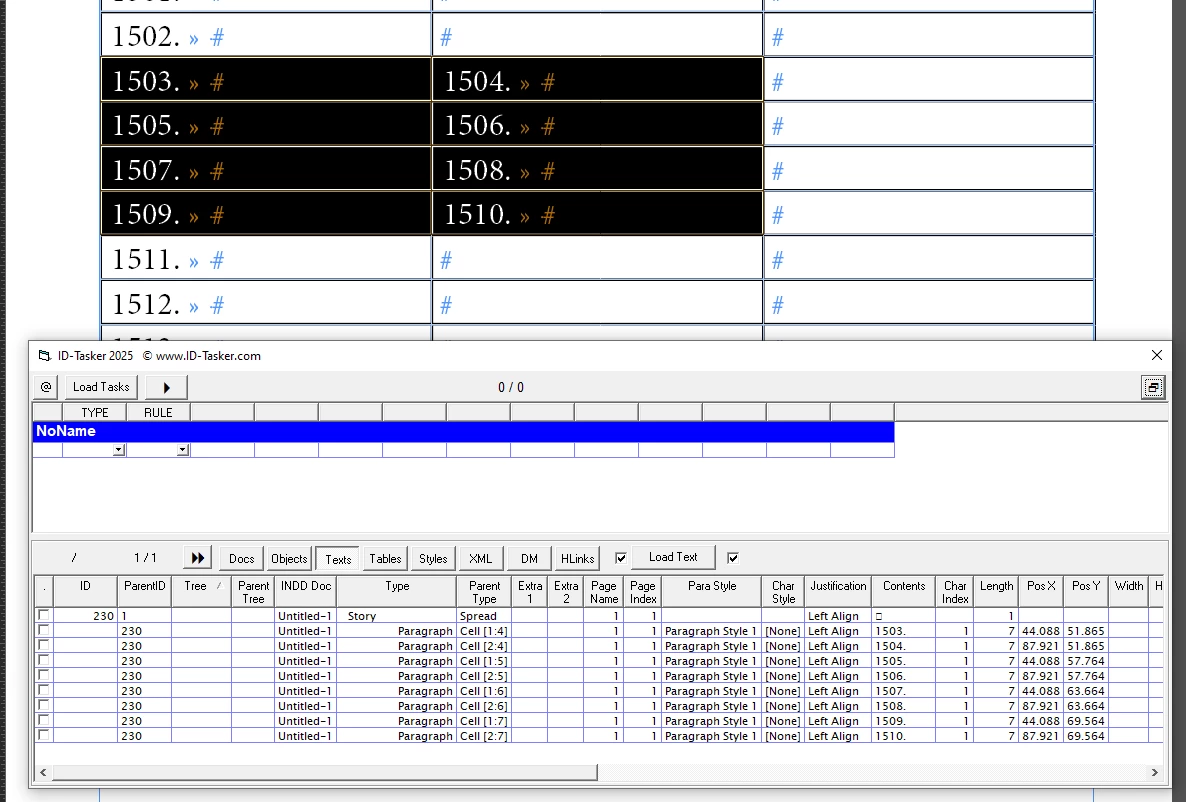
In case of selected Cells - the return result is a bit misleading - selection[0] returns not just a cell - but a collection of Cells.


var mySelectedCells = app.activeDocument.selection[0].cells;


2 replies

m1b
Community Expert
Community Expert
February 13, 2025

Hi @dublove, this is a weird case—when the selection is a range of cells, app.selection[0] gives you a [Cell] object, but it isn't a normal Cell, it contains all the cells in it's `cells` property, as Robert mentioned. It is actually a similar object that you get when you make an itemByRange collection, so that you can do something like this:

app.activeDocument.selection[0].contents = '-';

and it will put text in every selected Cell.


But for most purposes, getting the selection's cells like Robert said, is best.

- Mark

Robert at ID-Tasker
Legend
February 13, 2025
quote

[...] It is actually a similar object that you get when you make an itemByRange collection [...]


By @m1b


Not exactly - if you select some text in this way - you'll get a single text object in return - so if you try to set its contents - you'll delete all the text objects you've used as the first and last element and in-between.


Robert at ID-Tasker
Robert at ID-TaskerCorrect answer
Legend
February 13, 2025

In case of selected Cells - the return result is a bit misleading - selection[0] returns not just a cell - but a collection of Cells.


var mySelectedCells = app.activeDocument.selection[0].cells;


dublove
dubloveAuthor
Legend
February 14, 2025

Hi Robert at ID-Tasker

Thank you very much.
The script is working fine.
By the way, how to represent the currently selected row, and column.

Like this? It's a little strange.

app.activeDocument.selection[0].column[j]?

app.activeDocument.selection[0].row[i]?

Robert at ID-Tasker
Legend
February 14, 2025

https://www.indesignjs.de/extendscriptAPI/indesign-latest/#Cell_2.html


Each cell has a parentColumn and parentRow property - then you can get index. 


If you've selected more than one cell - you would've to iterate all selected - just in case there are merged ones.