Known Participant
February 22, 2026
Question

How to Prefent the Poor Quality When Placing a PDF File in InDesign

  • February 22, 2026
  • 2 replies
  • 21 views

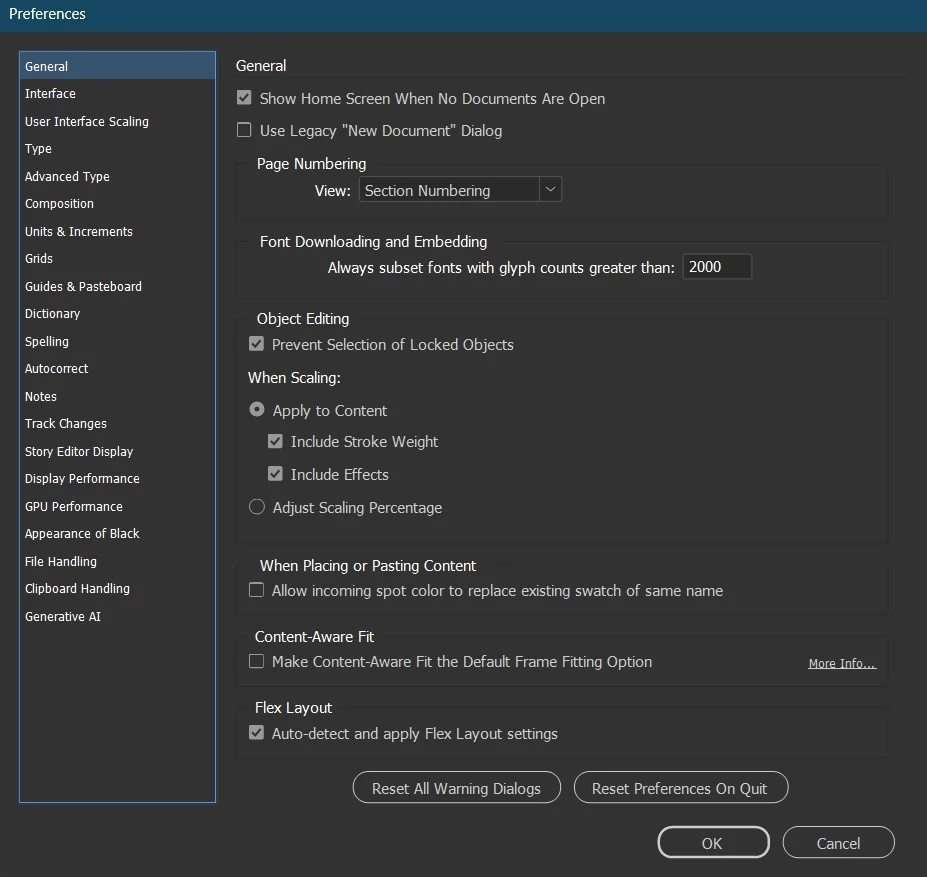
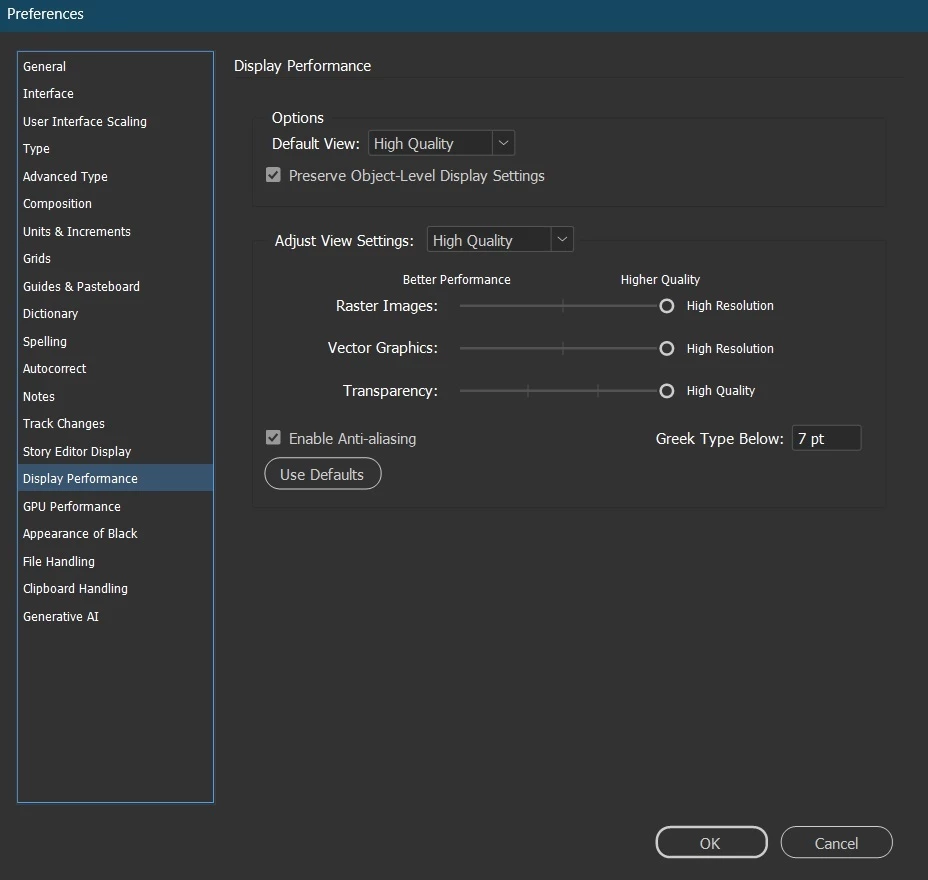
Please advice how to solve a poor quality problem (Artefact) when placing a pdf files (with contents graphics) in InDesign, even the Adjust Scalling Percentage was unchecked, display Enable Anti Aliasing was checked, Display Performance all Higher.

I attached the screenshot.

Result by InDesign ver 21.2

Result by another apps:

Result by another apps
General Setting
Display Performance
Original PDF source


Please advice how to resolve it. Thank you in advance.

    2 replies

    rob day
    Community Expert
    Community Expert
    February 22, 2026

    Hi ​@FLORENCIA25155671urn5 , It looks like the HOLY MATRIMONY text in the PDF might be an image not vector text? If that’s the case scaling would affect the output resolution. Can you share the PDF?

    Community Expert
    February 22, 2026

    Not a direct answer but display within InDesign is just a preview what matters is the actual quality of the exported PDF out of InDesign. Is that also bothersome in your case?

    -Manan
    Known Participant
    February 22, 2026

    The All screenshot I have attached is not the InDesign display, actually the result of the PDF file I was designed it by InDesign, this is  the result of PDF file.

    Community Expert
    February 22, 2026

    Ok, I will misled because you were tinkering with properties that affect the display of the preview inside InDesign document. So you place images onto InDesign and then export PDF out of it and those images are not up to the mark? I would say then you would need to play around with the PDF export preset settings like image compression and all

    -Manan