



質問
How to quickly change multiple selected style names (paragraph, character, color palette) to another
How to quickly change multiple selected style names (paragraph, character, color palette) to another series name?
Due to work requirements, I often need to create many similar styles.
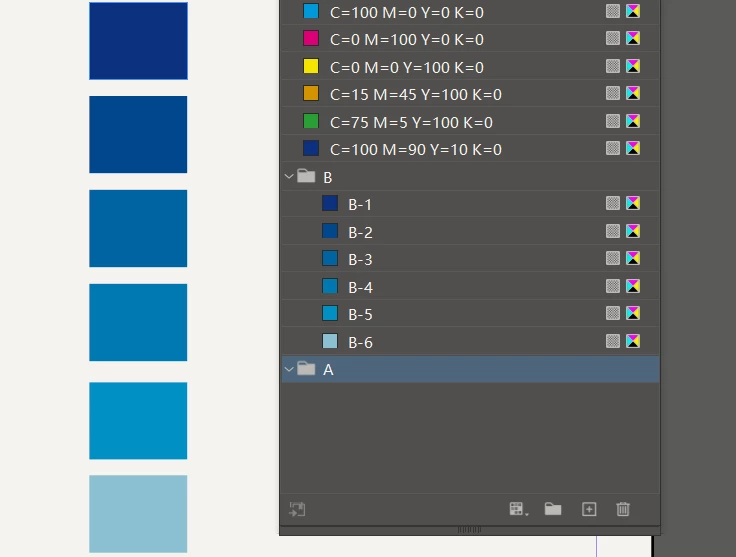
Sometimes it's paragraph style, sometimes it's character style, and these days I've encountered the need to create new color palettes repeatedly。
I want to quickly modify B-1, B-2, B-3, B-4, B-5, and B-6 in this example to A-1, A-2, A-3, A-4, A-5, and A-6.
Is there a script like this that can be implemented?
Thank you very much~
 AdChoices