Participant
August 16, 2019
Answered

How to read rectangle reference point in Writing Script

  • August 16, 2019
  • 4 replies
  • 1268 views

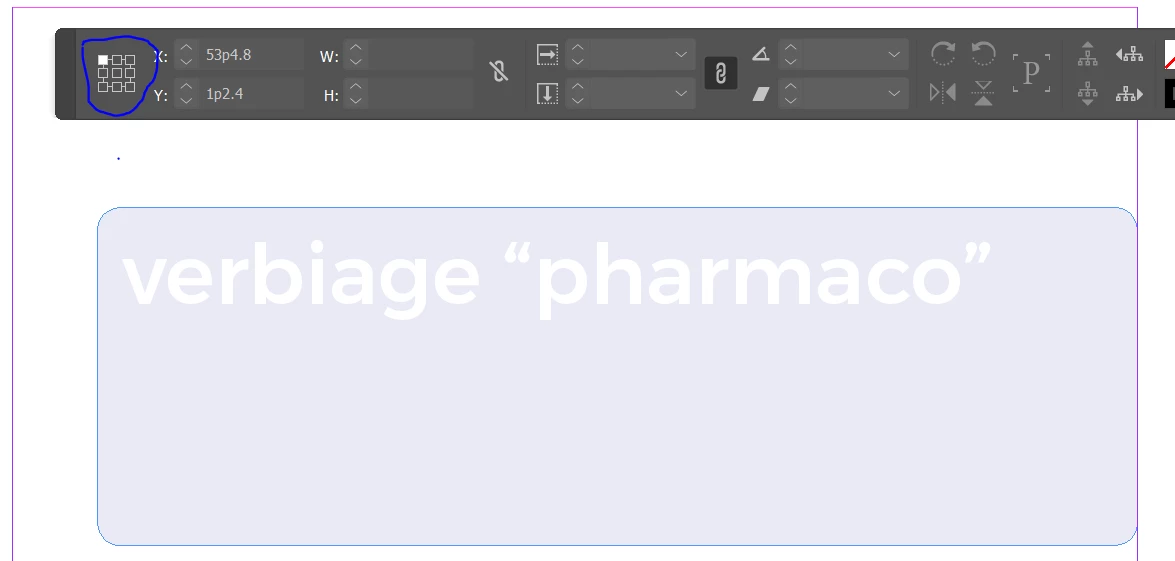
My input file have two objects(text frame and image frame) those objects at different reference point(TopLeft and TopRight).

My Question:

1. How to read reference point in selected object?

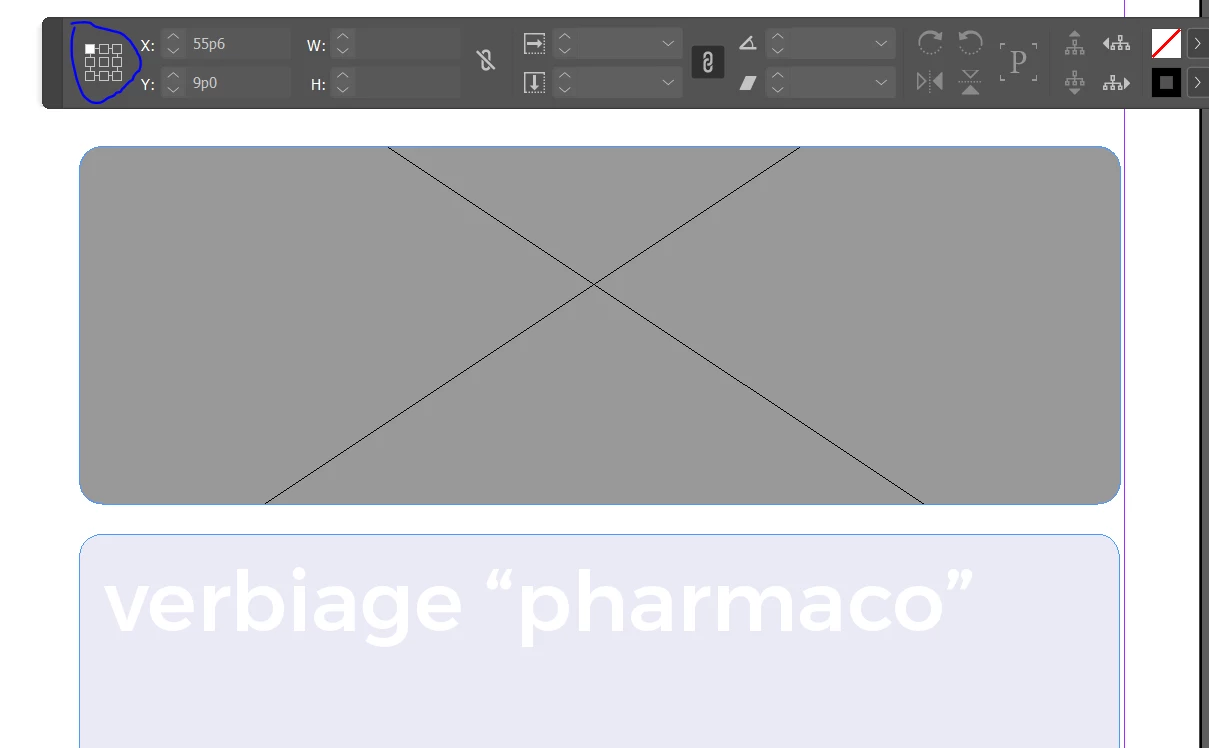
2. How to change reference point same point(TopLeft) in two objects.

My Input:
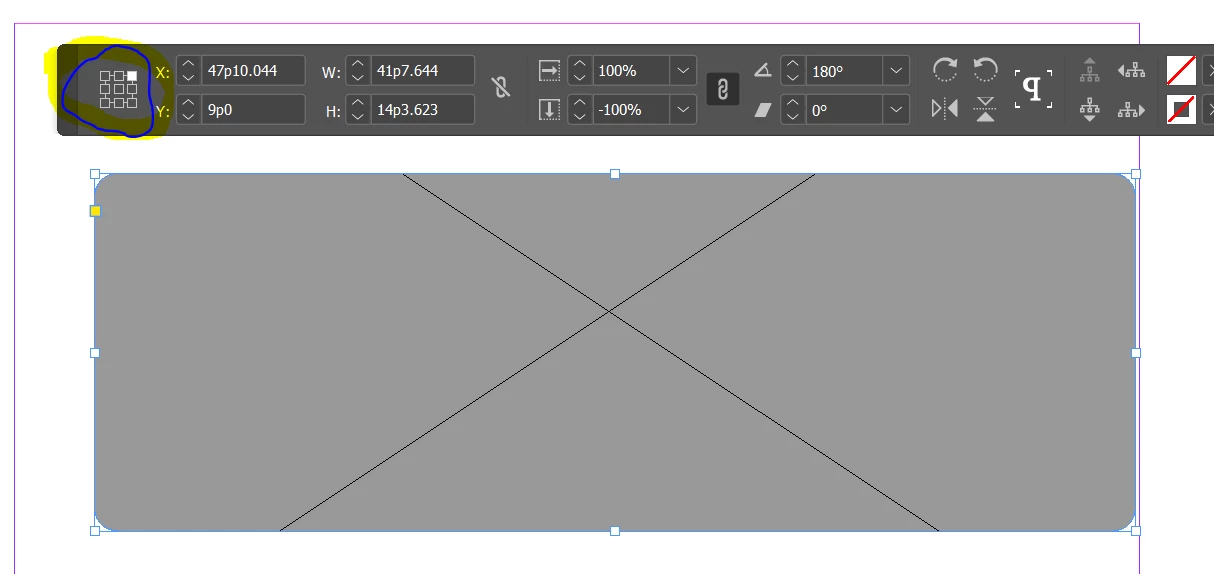
Expectation output: Two object same reference point.
This topic has been closed for replies.
Correct answer Sunil Yadav

You can get by this code:

alert(app.activeWindow.transformReferencePoint);

Best

Sunil

4 replies

Sunil Yadav
Sunil YadavCorrect answer
Legend
August 17, 2019

You can get by this code:

alert(app.activeWindow.transformReferencePoint);

Best

Sunil

sreekarthikeyank
Known Participant
September 17, 2019
How to use active-window in server. Any option ?
Srishti_Bali
Legend
August 16, 2019

Moving the discussion to InDesign Scripting​ community.

rob day
Community Expert
Community Expert
August 16, 2019

How to read rectangle reference point in Writing Script

If you are trying to script it, the reference point is a property of the layout window not a page item. So in AppleScript this sets the current reference point:

tell application "Adobe InDesign CC 2018"

    set transform reference point of layout window 1 to bottom right anchor

end tell

For JavaScript here is the API

https://www.indesignjs.de/extendscriptAPI/indesign10/#LayoutWindow.html

Community Expert
August 16, 2019

Hi,

false expectations.

If a frame is rotated by e.g. 90, 180, 270 or -90, 180, 270 the widget showing the reference point will be rotated along.

Regards,
Uwe