

Answered
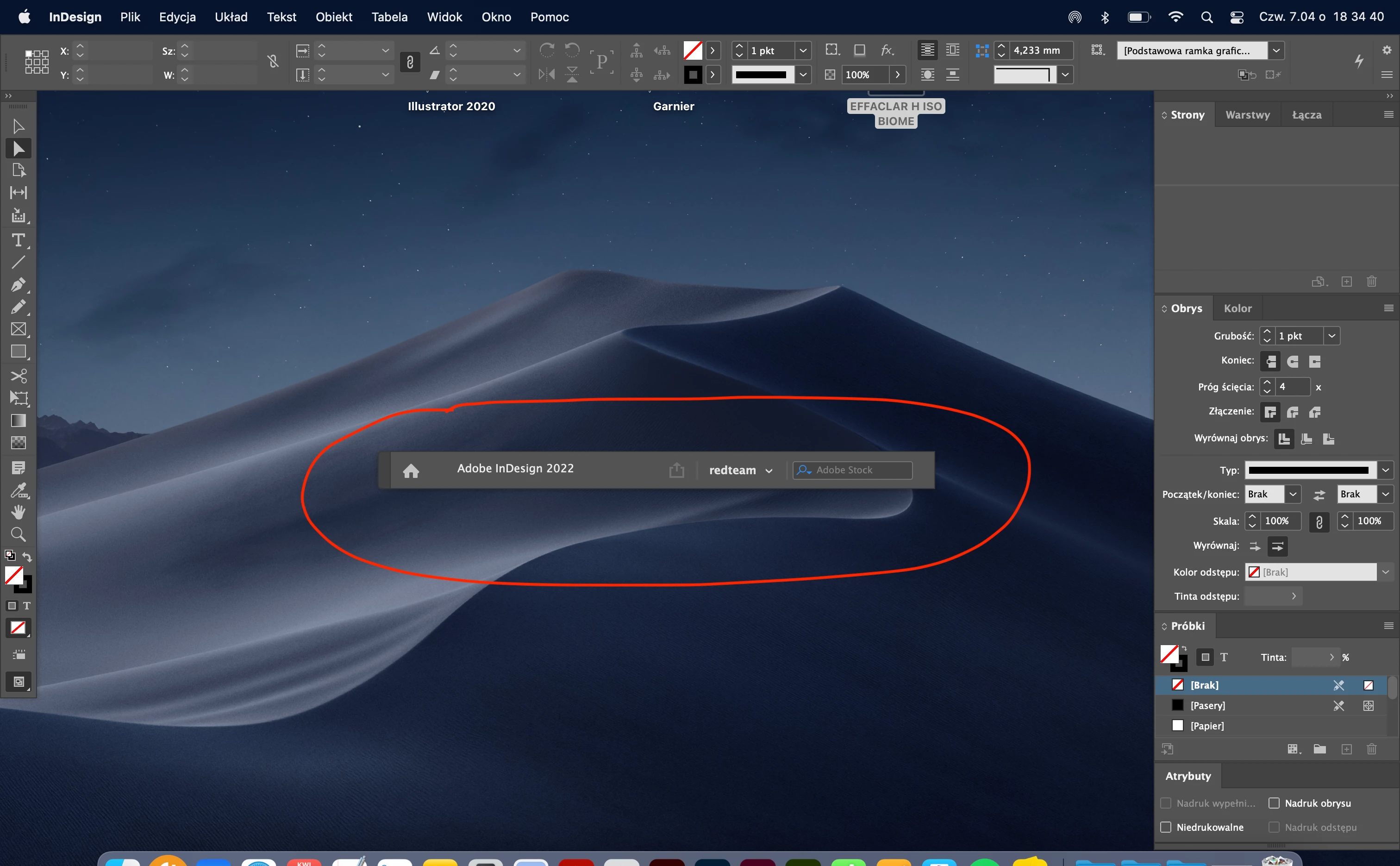
How to remove Application Frame Panel
Helo,
how to remove this panel. I couldn't find a solution. I will be grateful for your help.
BR
Tomek

Helo,
how to remove this panel. I couldn't find a solution. I will be grateful for your help.
BR
Tomek
Only the one I marked bothers me. In AI and Photoshop, they can be deleted.
Correct - Photoshop has different controls allowing you to hide the Options bar.
InDesign does not.
You can always request an enhancement and upvote it here:
https://indesign.uservoice.com/forums/601021-adobe-indesign-feature-requests
Already have an account? Login
Enter your E-mail address. We'll send you an e-mail with instructions to reset your password.
 AdChoices