Participating Frequently
March 2, 2023
Answered

How to Remove Stroke / Border from Text Frame?

  • March 2, 2023
  • 2 replies
  • 1427 views

remove the stroke from the text frame in indesign?

I copied and pasted text from a word document and it has a stroke around all of the text.
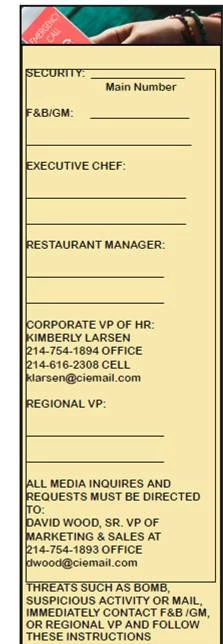
 

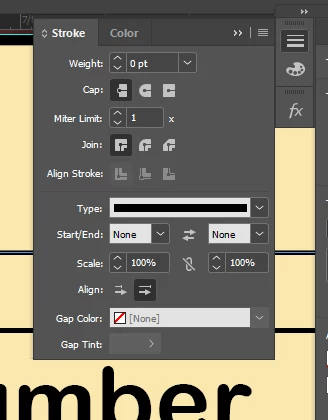
I tried to remove it the stroke by adjusting the stroke window but no luck.
 

This topic has been closed for replies.
Correct answer Barb Binder

Hi @ruben2420550636wp:


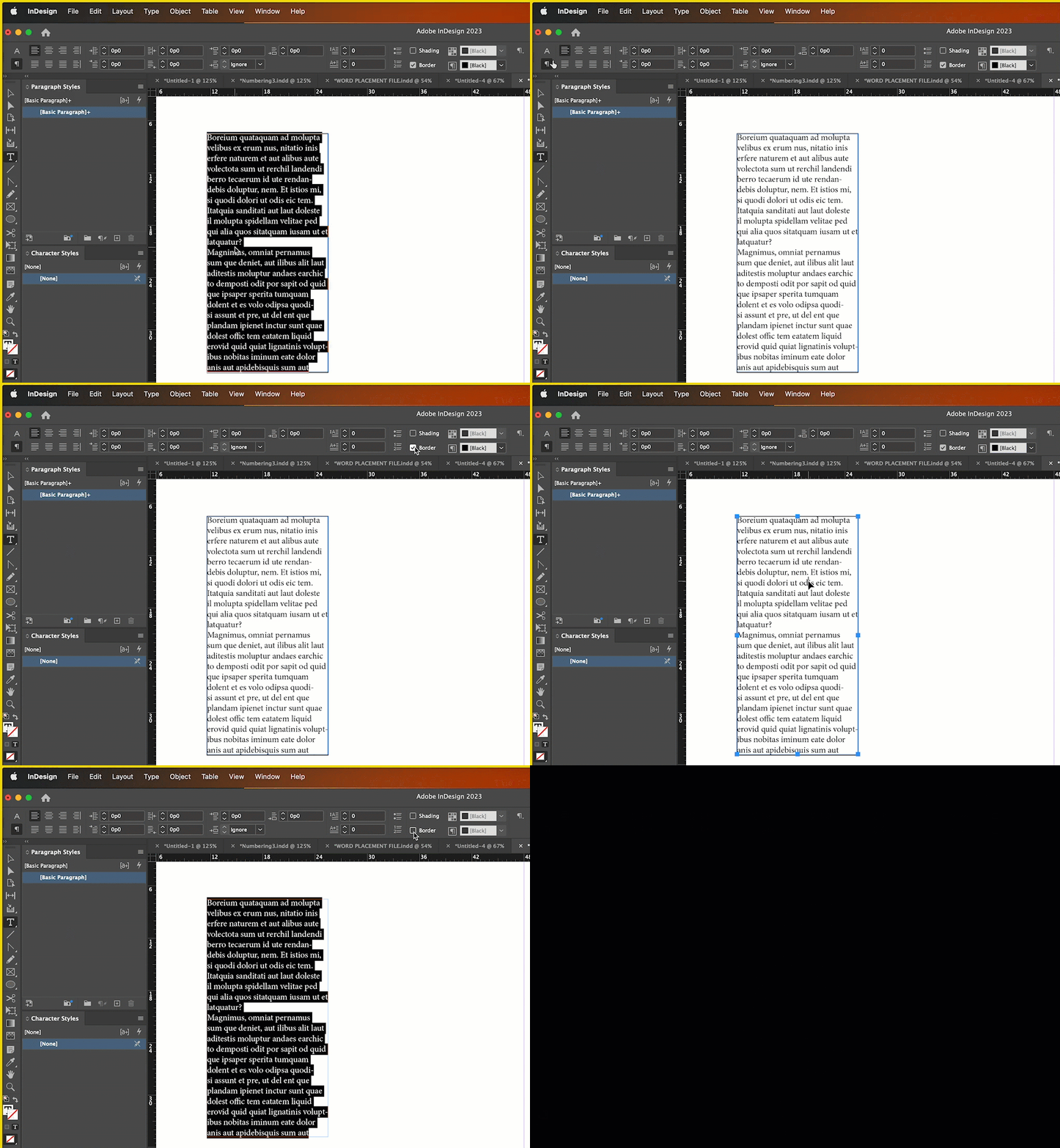
It's not 100% clear, but it looks like the stroke is around the paragraphs and not the frame. What you tried already would have remove the stroke around the frame. Instead, select all of the text and uncheck border in the control panel.


~Barb


2 replies

Barb Binder
Community Expert
Community Expert
March 2, 2023

Great news, Ruben! Glad you are back on track.


~Barb

~Barb at Rocky Mountain Training
Barb Binder
Community Expert
Barb BinderCommunity ExpertCorrect answer
Community Expert
March 2, 2023

Hi @ruben2420550636wp:


It's not 100% clear, but it looks like the stroke is around the paragraphs and not the frame. What you tried already would have remove the stroke around the frame. Instead, select all of the text and uncheck border in the control panel.


~Barb


~Barb at Rocky Mountain Training
Participating Frequently
March 2, 2023

@Barb Binder Thank you so much it worked! Its funny I'm still new to indesign and I didn't even know indesign came with a control panel at the top. Thanks again. 🙂

jane-e
Community Expert
Community Expert
March 2, 2023

I didn't even know indesign came with a control panel at the top.

By @ruben2420550636wp


InDesign ships with a beginner's workspace called "Essentials". You might start by switching to the Advanced Workspace. Then add the other panels you need and save it as a new workspace with your panels in place as to your preference.


Details here:

https://helpx.adobe.com/indesign/using/workspace-basics.html


Jane