

Beantwortet
How to scale to an exact measurement?
I have this shape, which is a group of 5 objects :
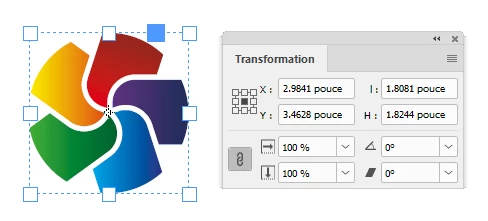
I would like to scale them to precisely 2 inches proportionately.
As can be seen by the screen capture, it measures 1.8081" x 1.8244".
Is such a feat possible with InDesign? Without doing some arithmetic within the Transform palette or in the Scale dialog? Sorry if this is too obvious...
When I type 2" in the Transform palette the elements get "cropped" as shown below :
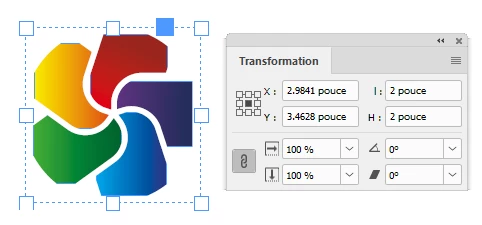
Thank you in advance for your kind help and patience.


 AdChoices