

Answered
How to set out a Book Cover with Indesign, including spine and inside F&B pages
Hi,
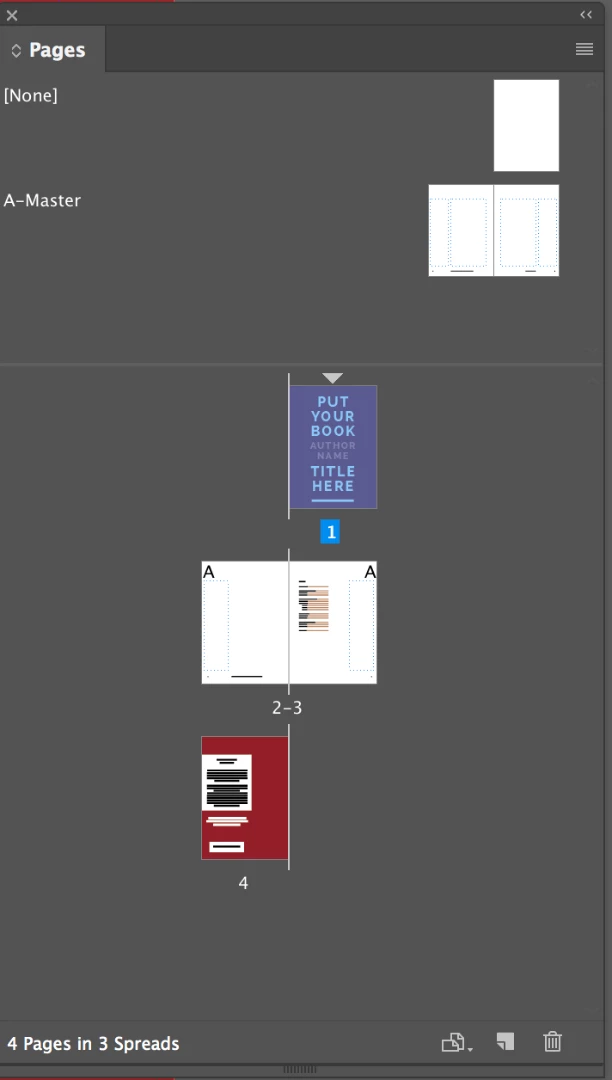
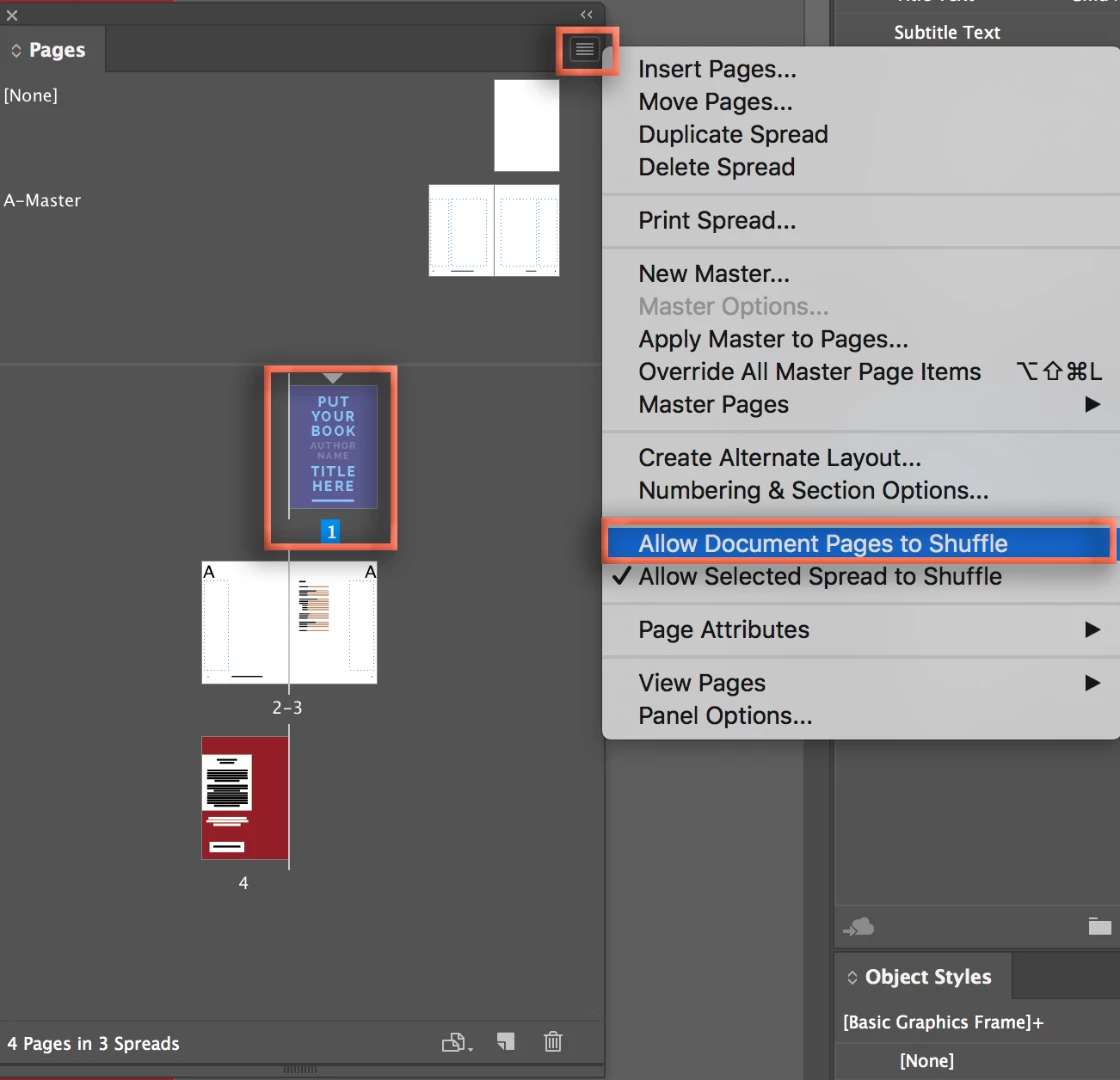
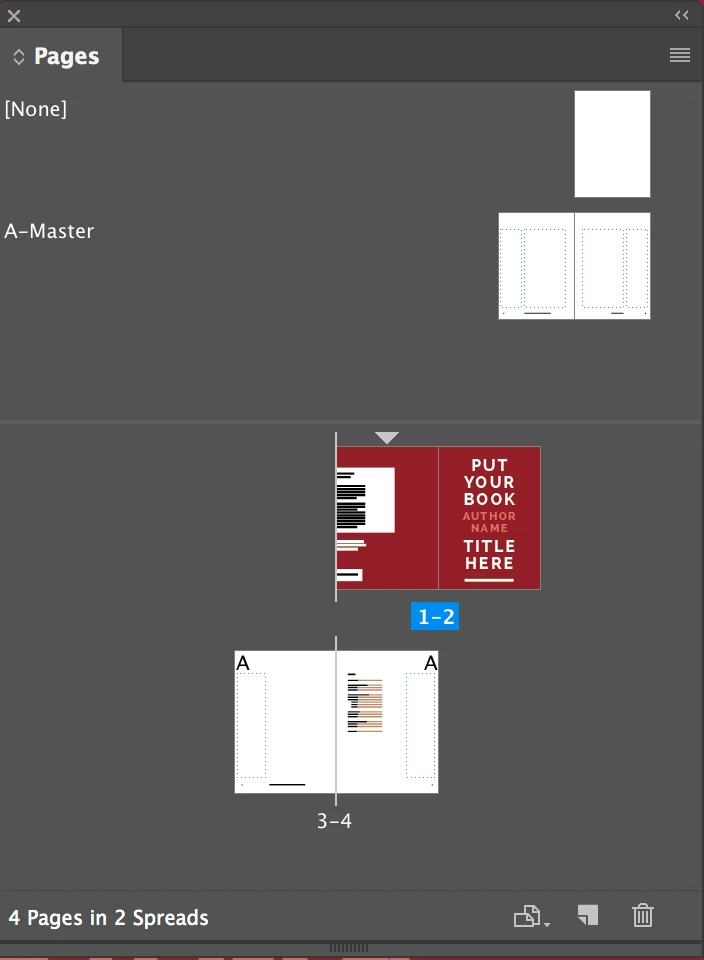
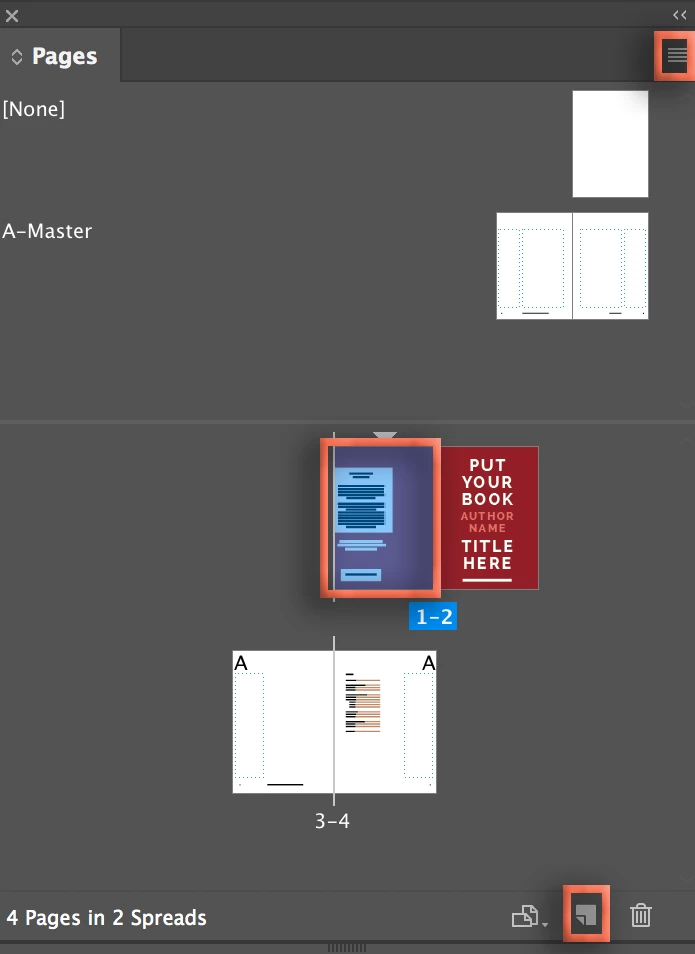
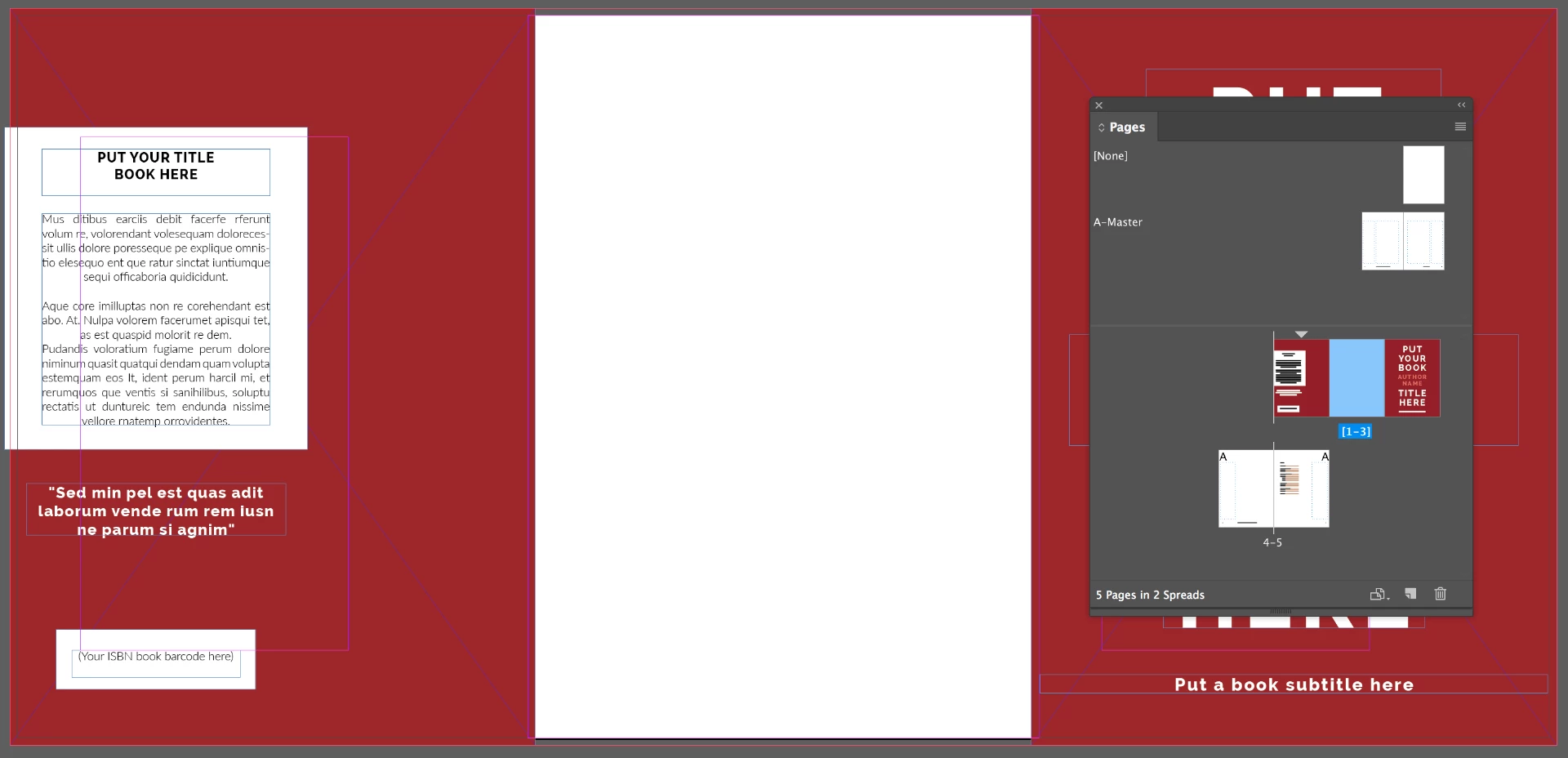
I have been using an Indesign Book Cover template that includes the Front and back covers plus the Front and back inside covers. It is a 4 page template, with page 1 being front cover, page 2 inside front page 3 inside back and page 4 the back cover.4
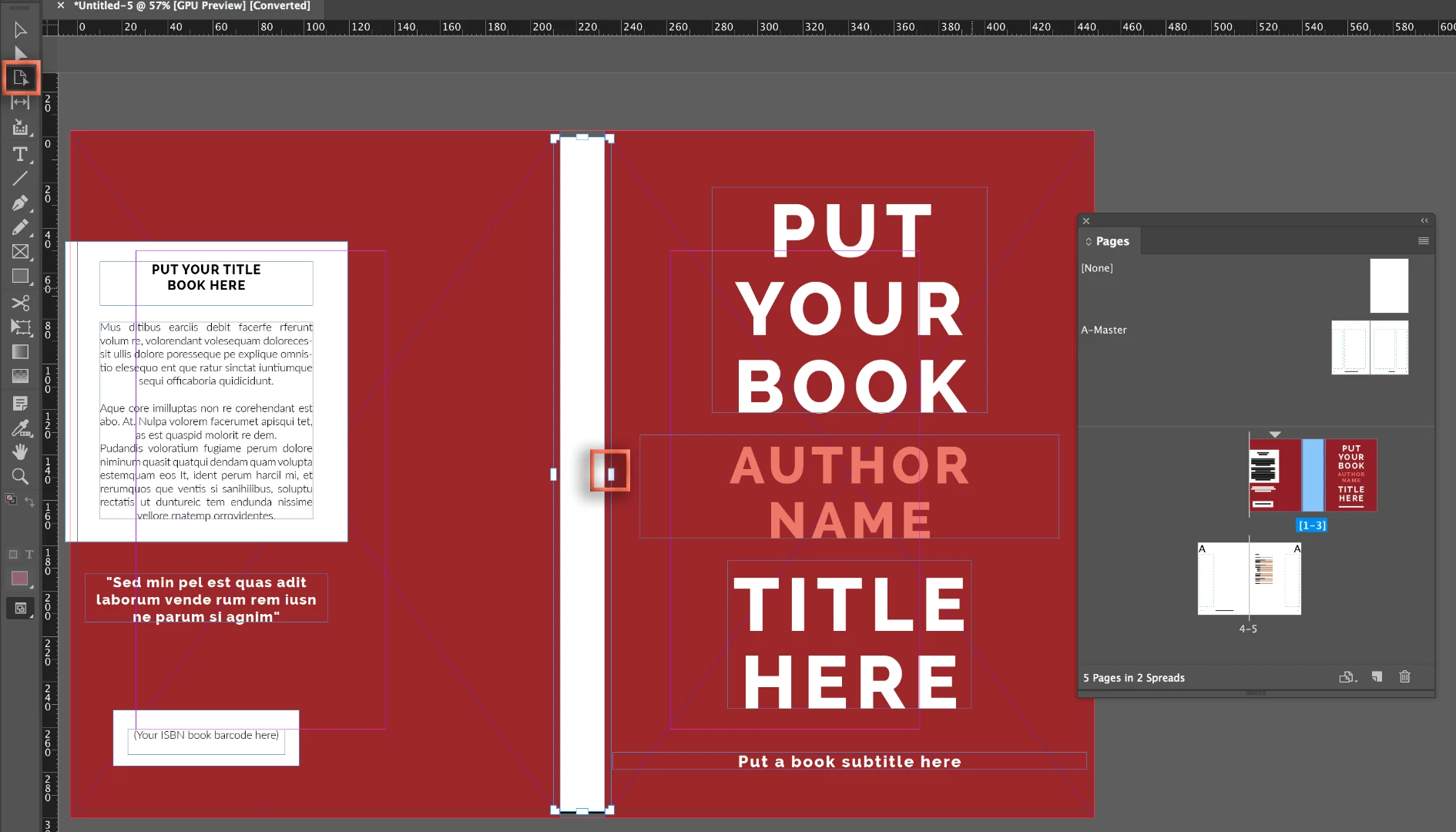
What I am needing help with is that I want to expand the template so that I can add a spine to the book cover.
All the guides and help videos I have seen show only a 3 page spread to do this with page 2 as the spine.
Can anyone show me a video tutorial of how I can set up a cover with a spine and also include pages for the front and back inside and outside pages.
Thank You


 AdChoices