HOW TO SETTING UP LAYOUT FOR PRINT A BOOK/MAGAZINE FOR EXPORT TO PDF FILES
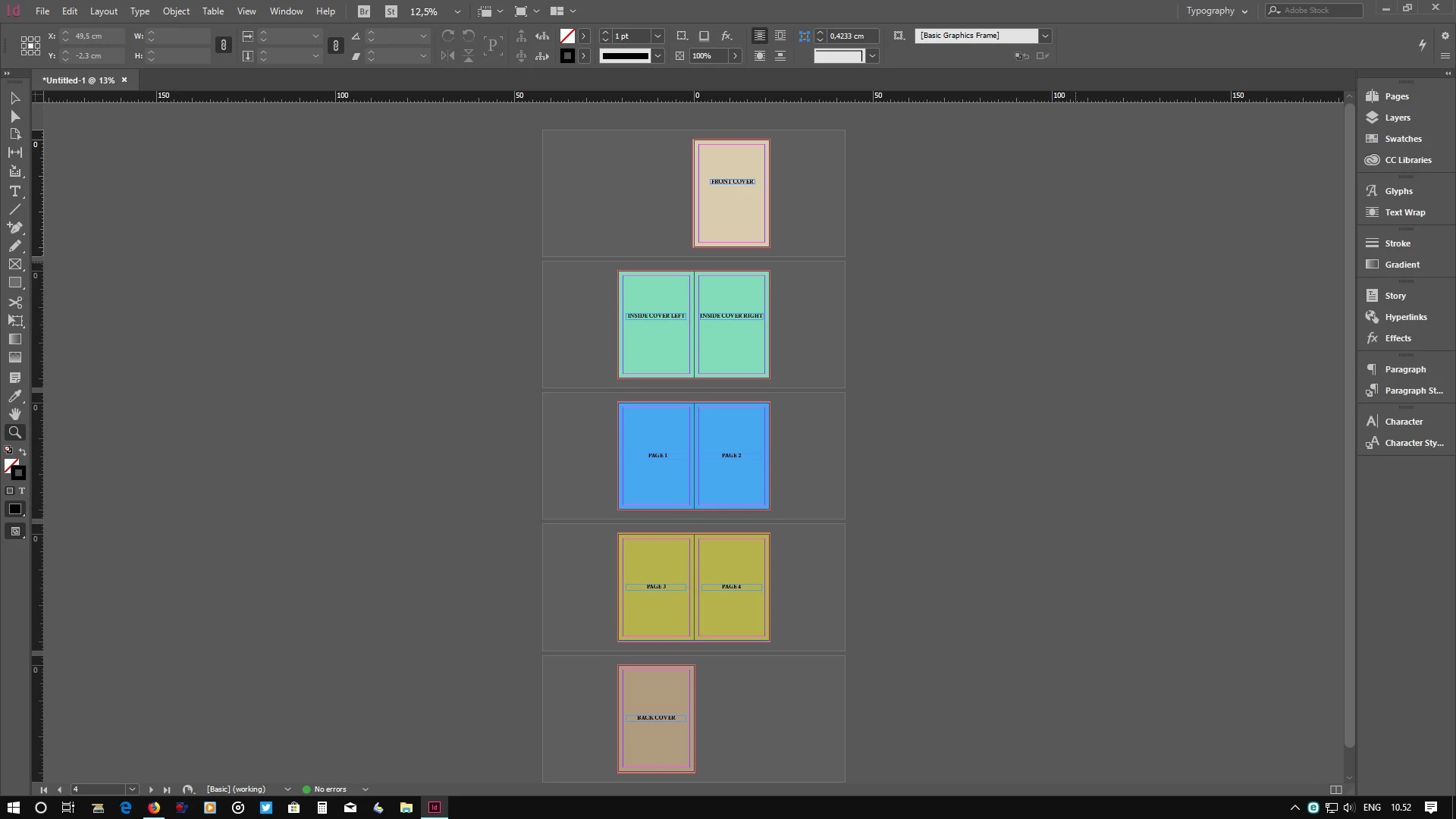
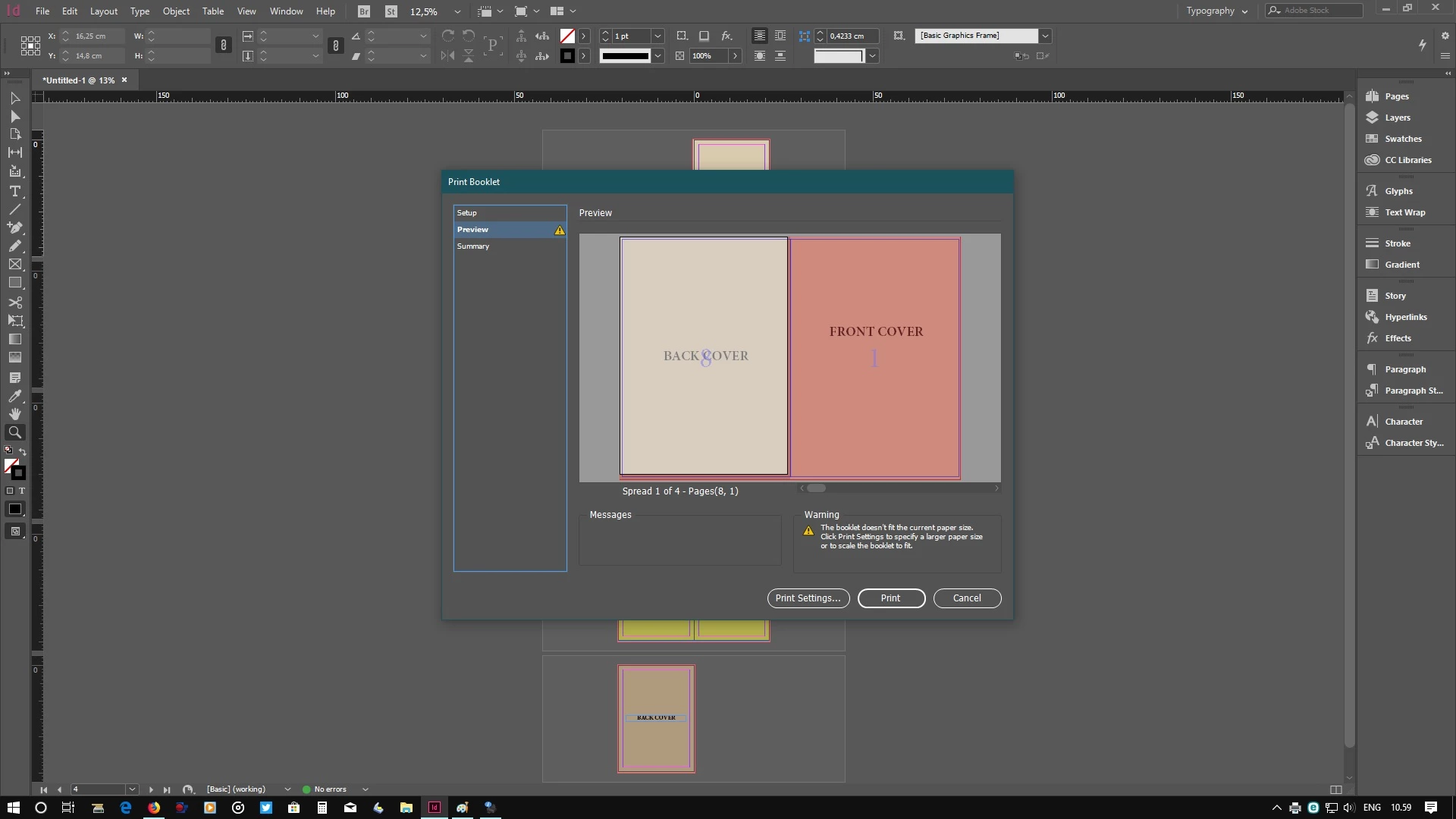
Hello anybody, please advice how to setting up layout for print a book or magazine for export to PDF file (as I want to printing in print-press offset), here I attach some screenshot sample, the step way I have done were:
1. After finish layout the book in InDesign then I export to PDF preset High Quality and In General Tab I have choose Spread Pages for all pages,
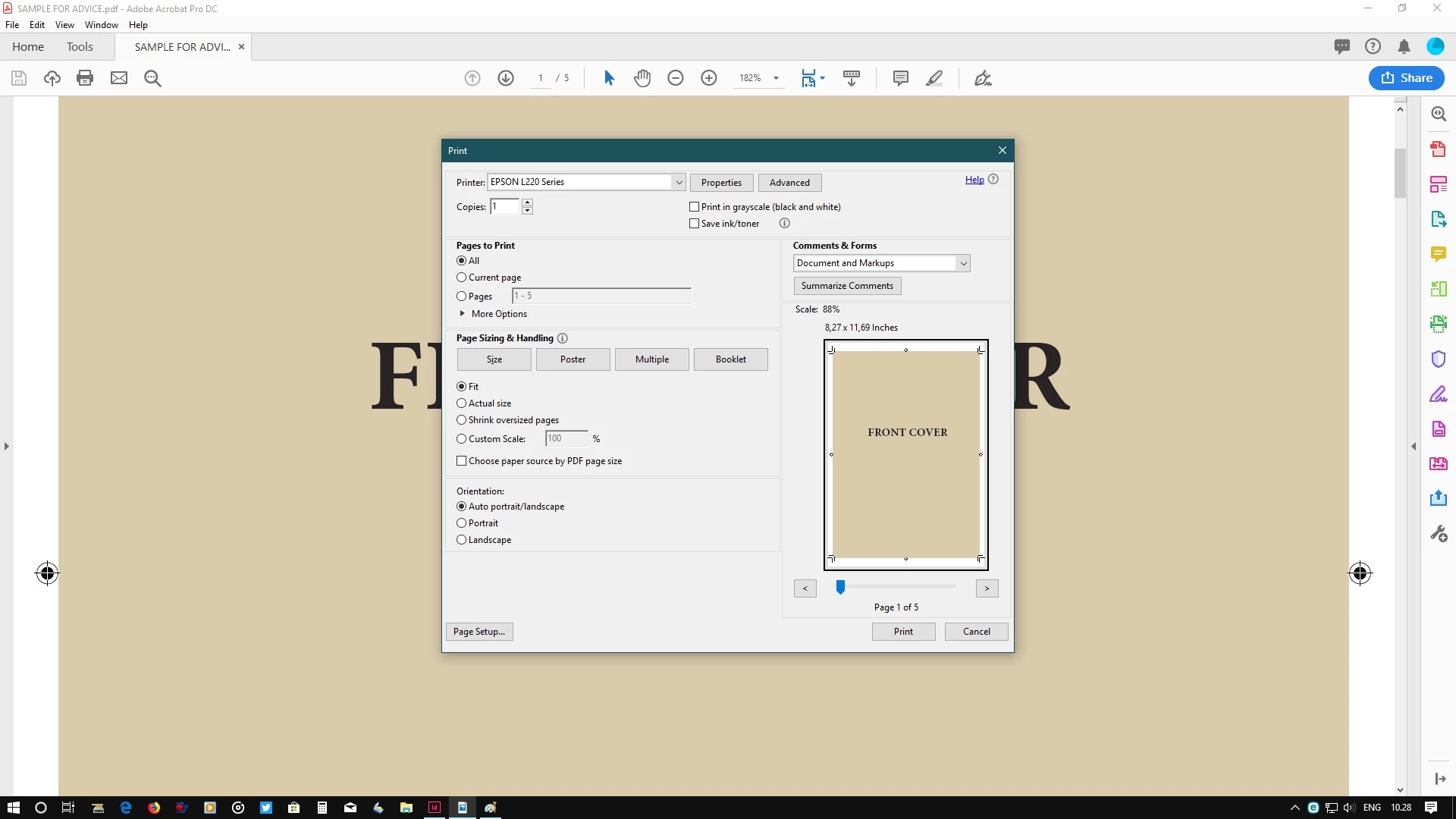
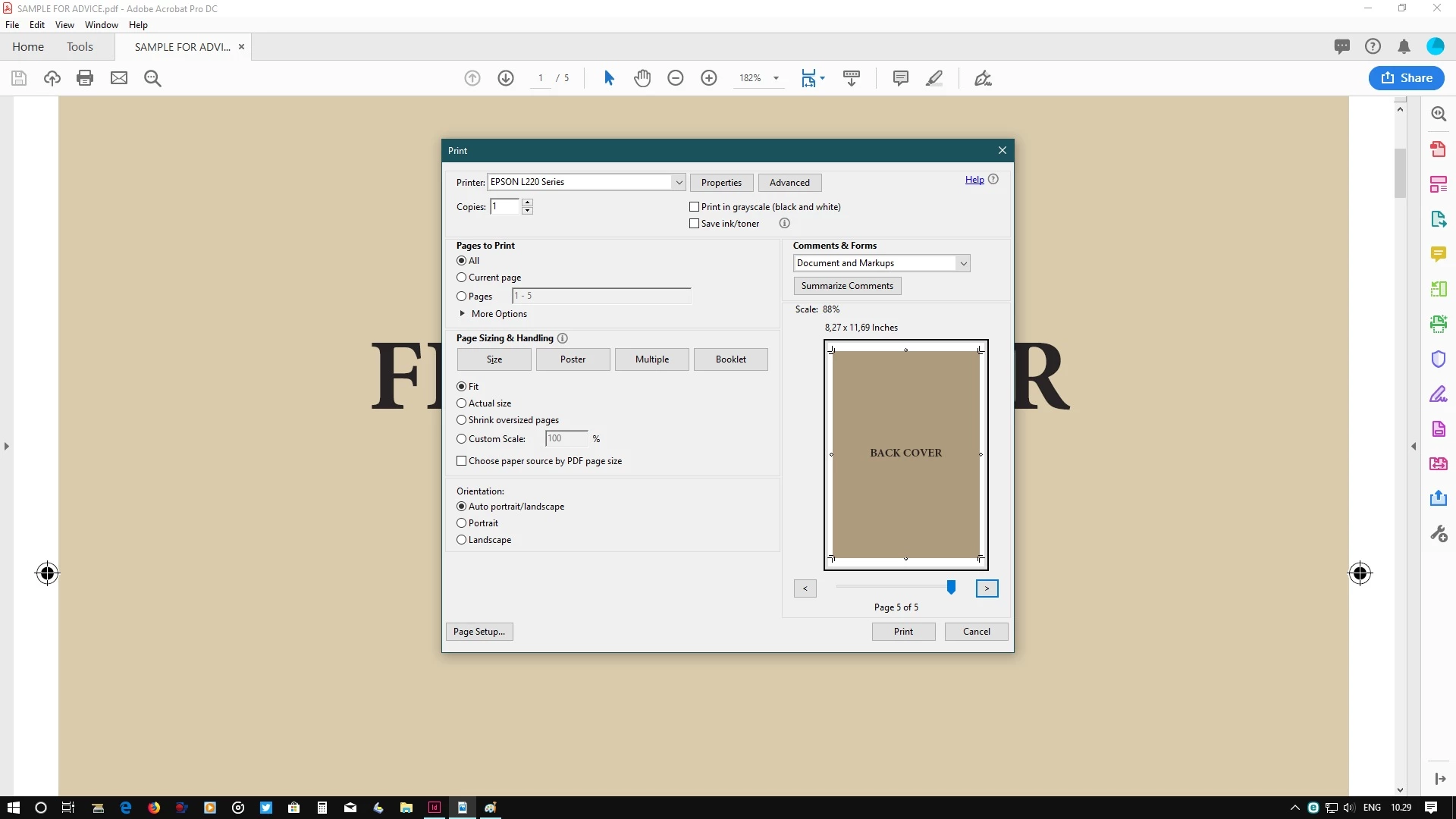
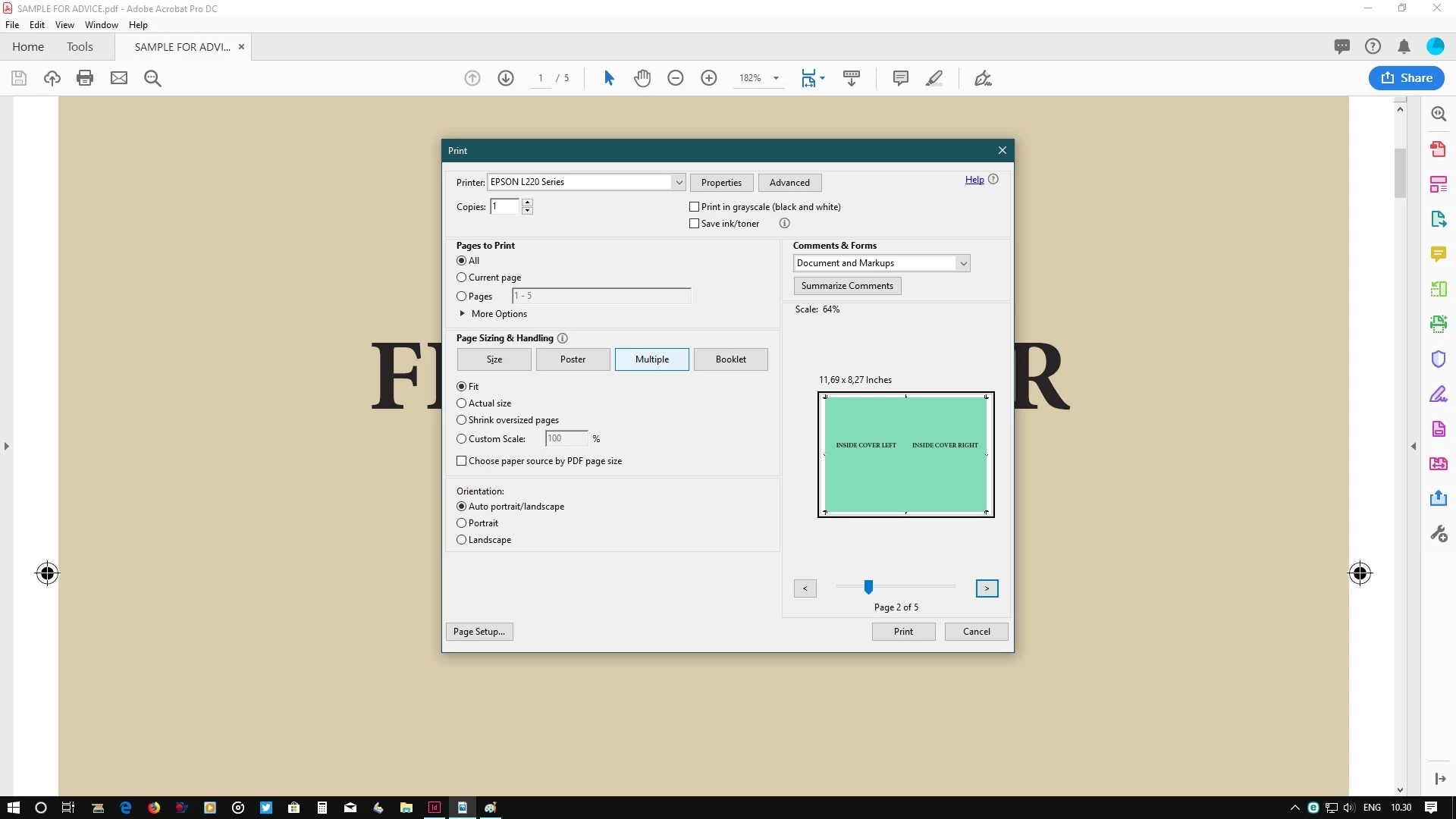
2. Then I open this file however when see the page layout the Front & Back Cover in separate sheet, for next page are fit in a sheet layout, even I choose the print menu as Single please see the attach screen shot.
Please advice how to firm the setting the layout to export in PDF file as I wish to print as a book or magazine.
Thank you for your kind attention.
B/regards,
Screeshot:
Layout in InDesign
Layout in Adobe Reader:
Layout in Print Menu in Adobe Reader:
Front & Back Cover in separate sheet
Next Page in correct position in Spread sheet:
However using InDesign Print Booklet in correct position of Layout for print:
 AdChoices