

How to Transform Text Frames on Multiple Pages to Specific Width, Height, X, and Y values
I have text frames on multiple pages in an InDesign file. Unfortuately, something went wrong with the files and the frames are not where they are supposed to be.
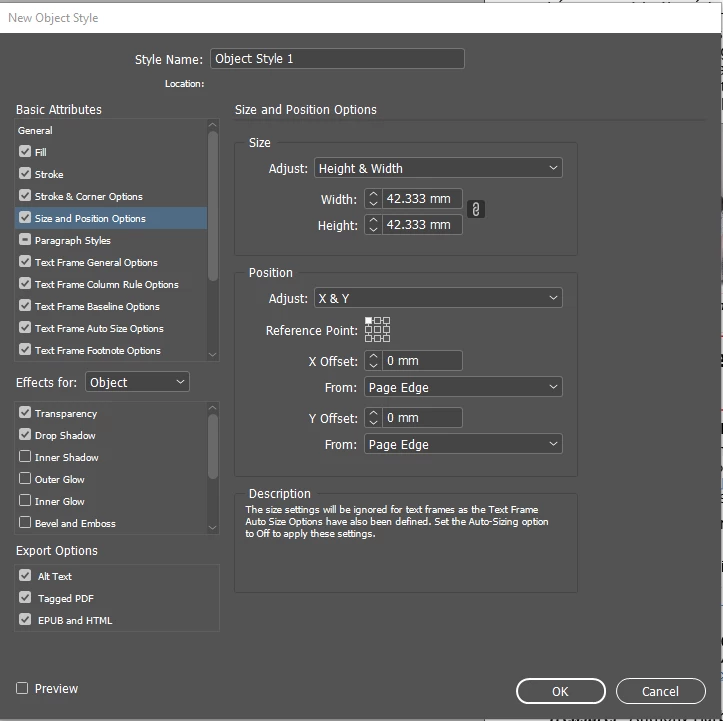
Each text frame needs to have the same X values, the same Y values, the same width, and the same height.
I tried using the "Transform Sequence Again" function with the shortcut Control-Alt-44.
Unfortunately it is hit and miss. It appears that it is repeating based on relative values. That is, if I moved one frame up, it moves the next frame up, instead of moving each frame to the same Y position.
Is there any way to handle this without spending hours transforming each frame individually on hundreds of pages?
I would like to be able to tell InDesign to transform multiple frames to the same height, width, and the same X and Y value (X and Y for the left corner for example).
Is there a way to do this?
 AdChoices