


Answered
How to 'Unhide Spread' in InDesign
I've hidden some spreads in my Indesign file. I tried to unhide them/make them visible the same way I made them hidden, by right-clicking, but the Unhide spread button is not where it's supposed to be (between Print spread and Apply Parent to Pages, according to this article). I didn't see anything searching the menu, either. Is there a nother way to unhide these?
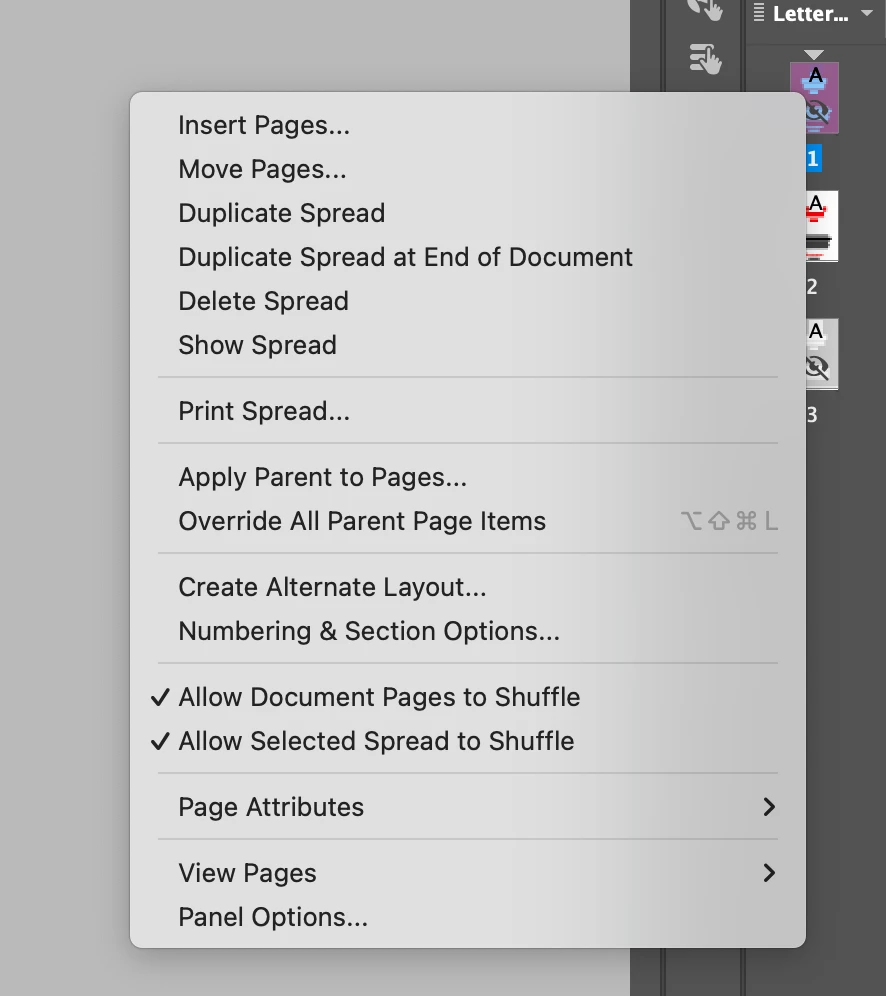
<Title renamed by MOD>
 AdChoices