
How to use GREP to exclude certain words, sentences, characters and numbers?
Hi all.
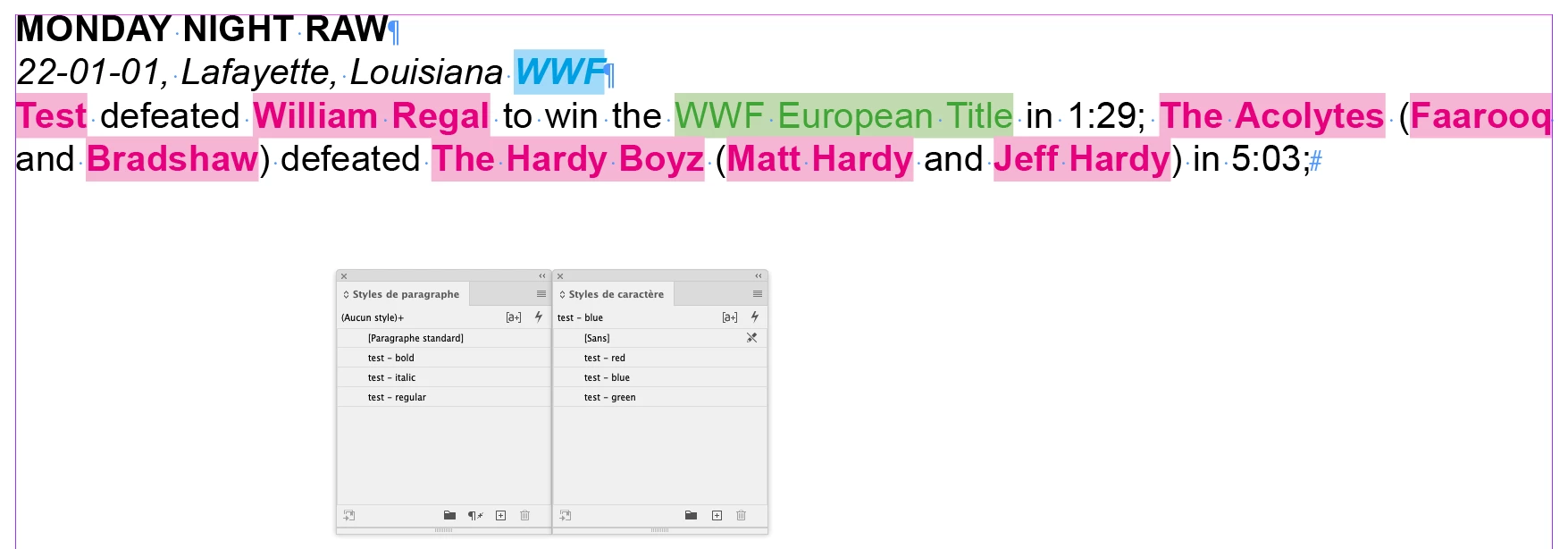
I've only recently started using InDesign for a company I'm working for and they use it to produce a wrestling almanac. One thing they do is highlight all the wrestler's names on a card in bold so a card may look something like this:
MONDAY NIGHT RAW
22-01-01, Lafayette, Louisiana WWF
Test defeated William Regal to win the WWF European Title in 1:29; The Acolytes (Faarooq and Bradshaw) defeated The Hardy Boyz (Matt Hardy and Jeff Hardy) in 5:03;
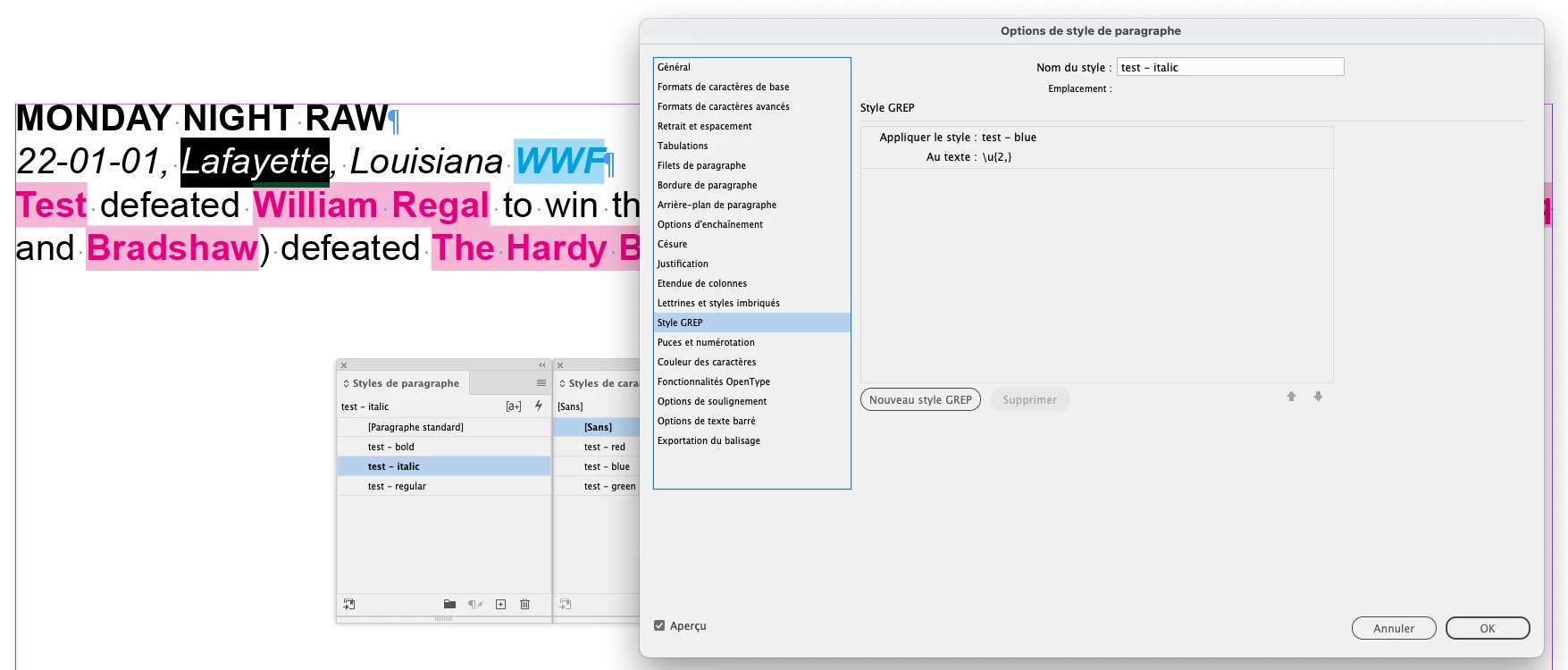
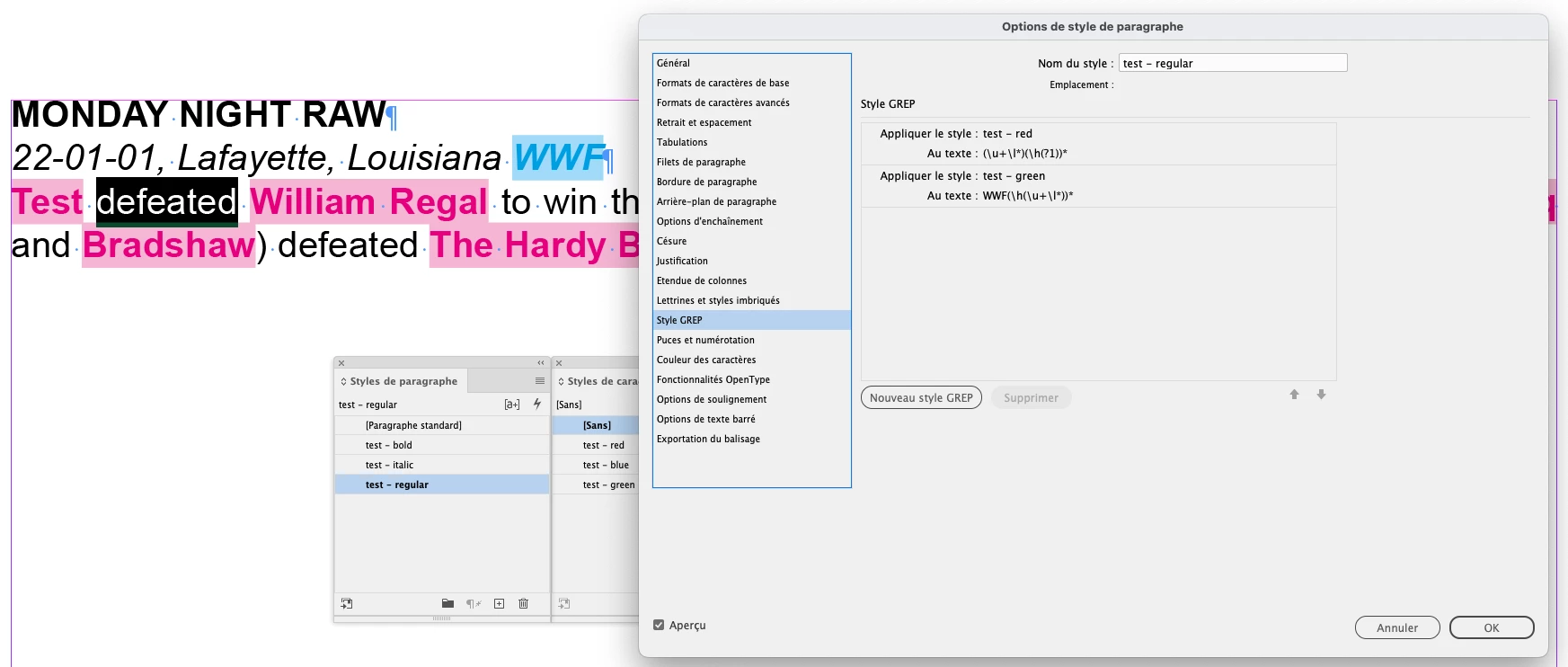
Currently I'm going through and using a character style to bold all the names and tag team names but there are quite a few to get through so it will take some time to do all of that and it leaves the chance for human error to miss some. Is there any way I could use GREP to only apply the character style to the names and not the "and", "defeated", "in" aswell as any of the title wins (which will all be slightly different) and the times and special characters such as ":" and ";"? Any help would be greatly appreciated!


 AdChoices