Mohammad Modassir
Inspiring
January 17, 2017
Answered

How to use the feature “Master Pages” when creating “Running headers”?

  • January 17, 2017
  • 4 replies
  • 1373 views

Hi,

I want to apply one and the same “Running Header” on all pages on the left side in a book. While all pages on the right side of the same book needs different “Running headers” based on the chapters name.

Can someone please show me step by step video shot by screen recording, on how to exactly do this in a quick way? I would be very glad.

My name is Modassir, and I will appreciate it very much of your kind help...
This topic has been closed for replies.
Correct answer SJRiegel

I don't have the time to create a video, but here are some basic tips:

For the header that is the same on all pages, just put that header on the left side of the Master spread.

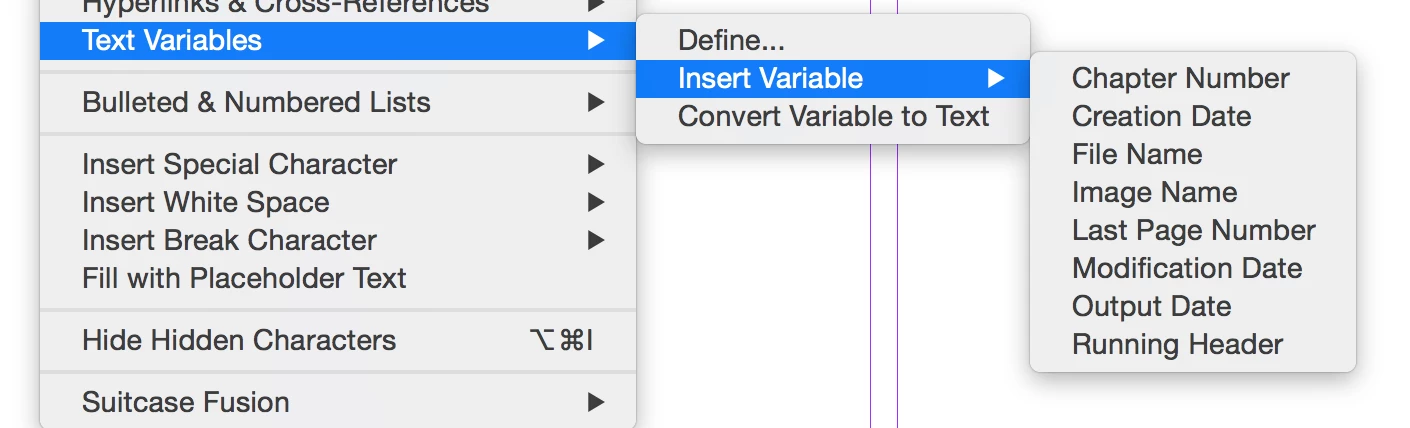
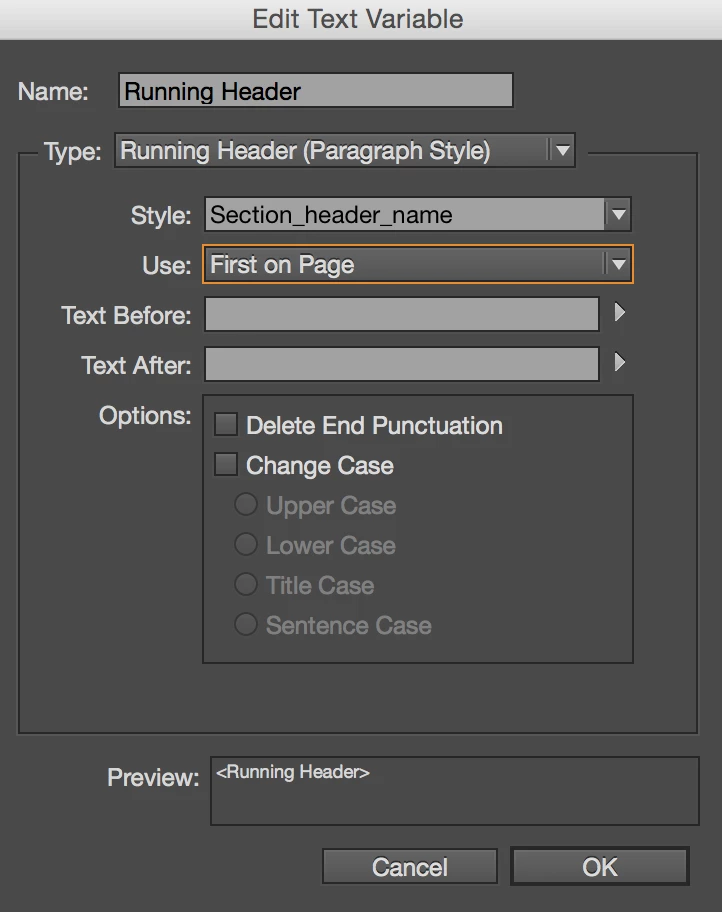
For the other side, Give your chapter name text a unique style name, and then under Type > Text Variables > Define, choose Running Header and use Edit to define the paragraph style that your header will read. (for this to work, ONLY your chapter names can be set to this style)

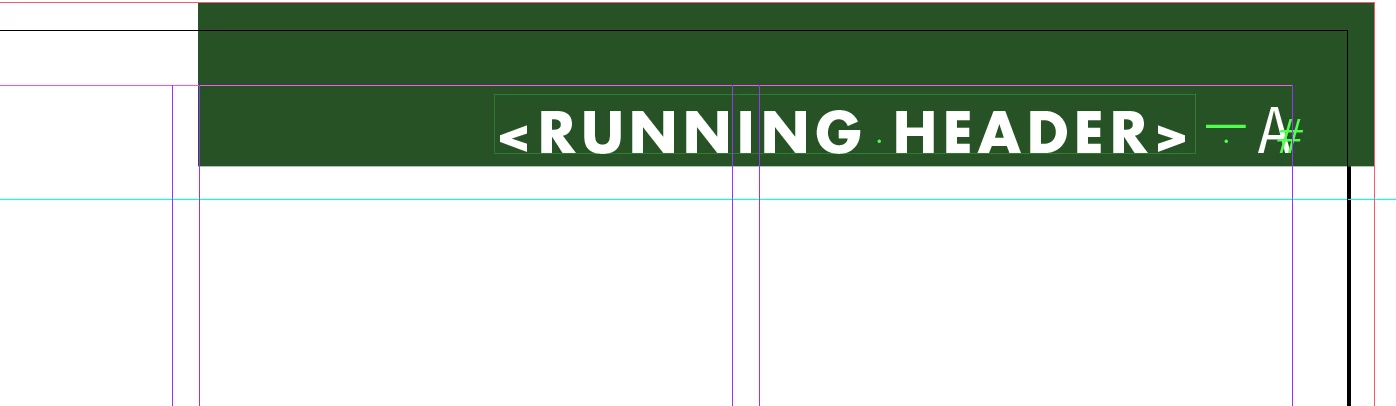
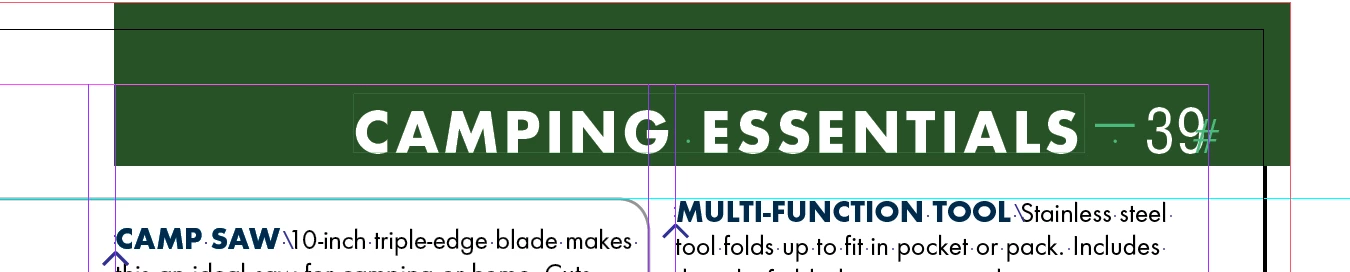
Then - under Type you can use Insert Variable to place your header ..  it will look like the right-hand image, and can be styled any way you'd like.


On your document pages, it will pick up the text from the Styled chapter heading on the same or previous pages until it encounters a new piece of text that uses that style.

4 replies

SJRiegelCorrect answer
Legend
January 17, 2017

I don't have the time to create a video, but here are some basic tips:

For the header that is the same on all pages, just put that header on the left side of the Master spread.

For the other side, Give your chapter name text a unique style name, and then under Type > Text Variables > Define, choose Running Header and use Edit to define the paragraph style that your header will read. (for this to work, ONLY your chapter names can be set to this style)

Then - under Type you can use Insert Variable to place your header ..  it will look like the right-hand image, and can be styled any way you'd like.


On your document pages, it will pick up the text from the Styled chapter heading on the same or previous pages until it encounters a new piece of text that uses that style.

Sandee Cohen
Legend
January 17, 2017

Thanks for writing it out. Some people don't have time to watch a video. So we both have it covered.

Sandee Cohen
Legend
January 17, 2017
Eternal Warrior
Inspiring
January 17, 2017

Given your phrasing I would say that Willi Adelberger has provided the correct answer. Unless you are asking how to do running headers based on the Chapters Name?

Willi Adelberger
Community Expert
Community Expert
January 17, 2017

If it is on every page the same text then it is a static text, just make a text frame on the left master and write the text you want to have and apply this master on the pages.