

How to work with flipped Master Pages?
I'm working on a personal project and have created a master page template that has a reflected design. It works great...until I add a new page after already having made changes to an existing page. Instead of flipping the content to the format of the opposite master, the text and images maintain their position. Ideally, the content of the pages should keep its position relative to the spine.
So basically, I want to be able to do this when I insert a new page:
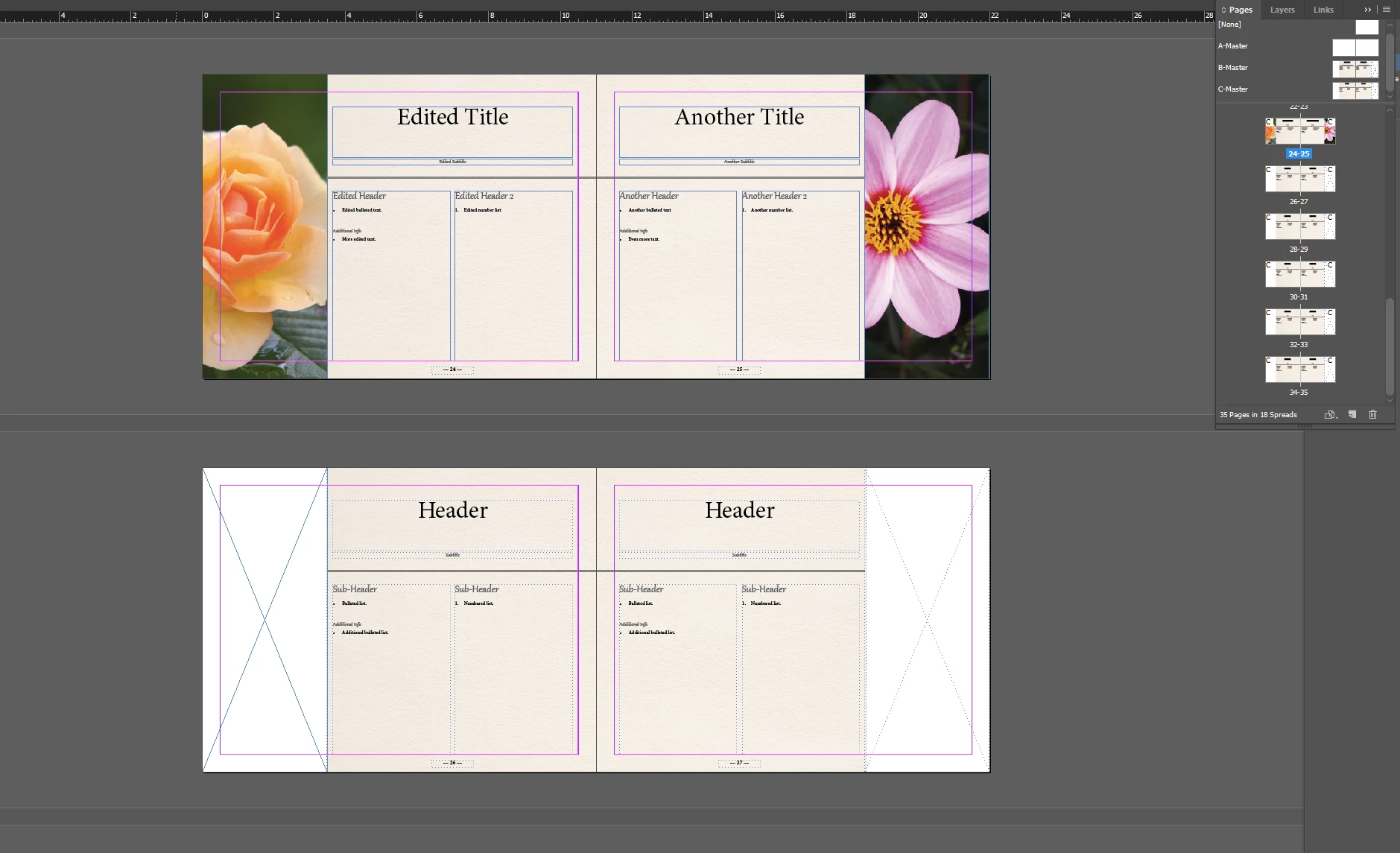
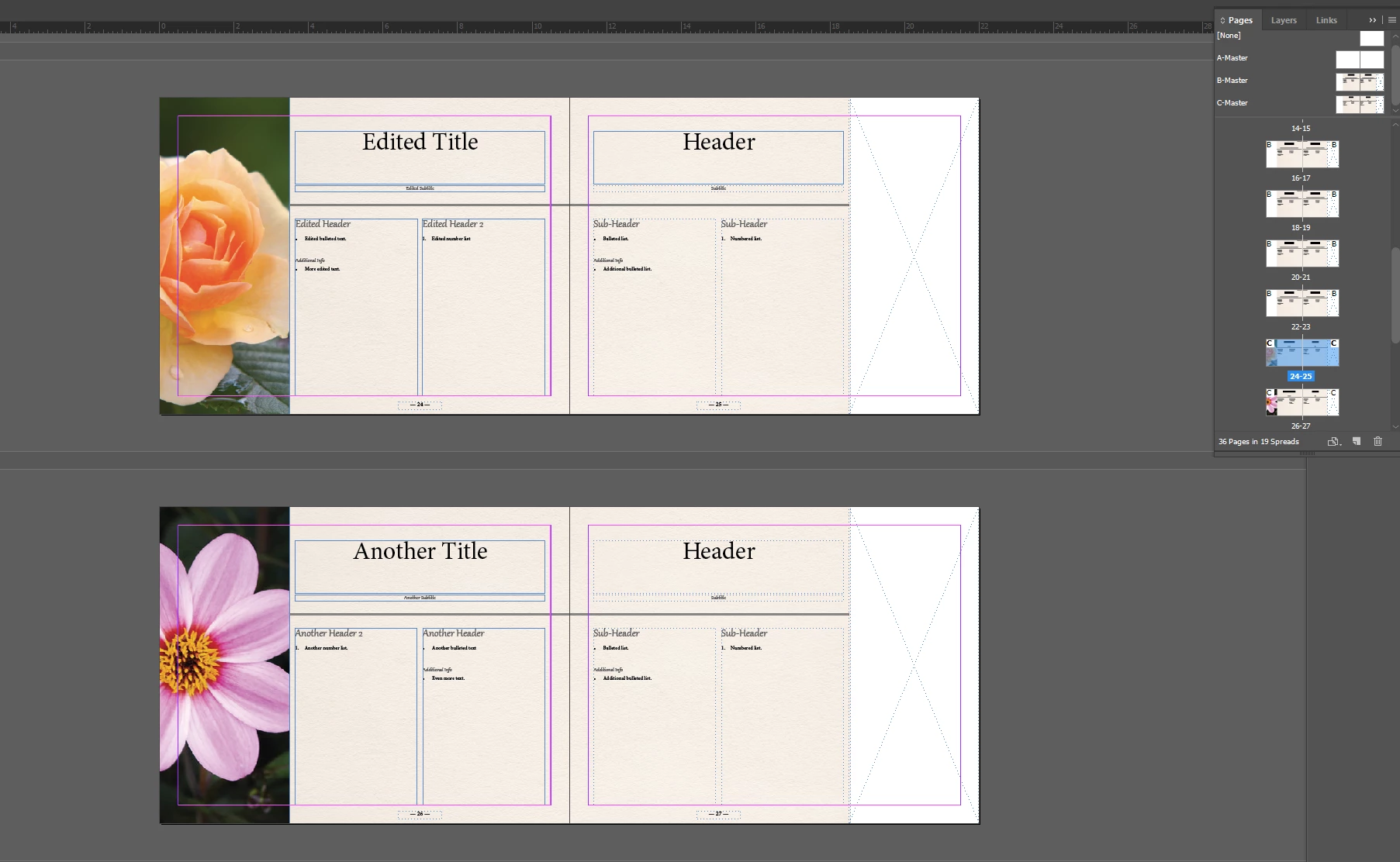
However, it does this:
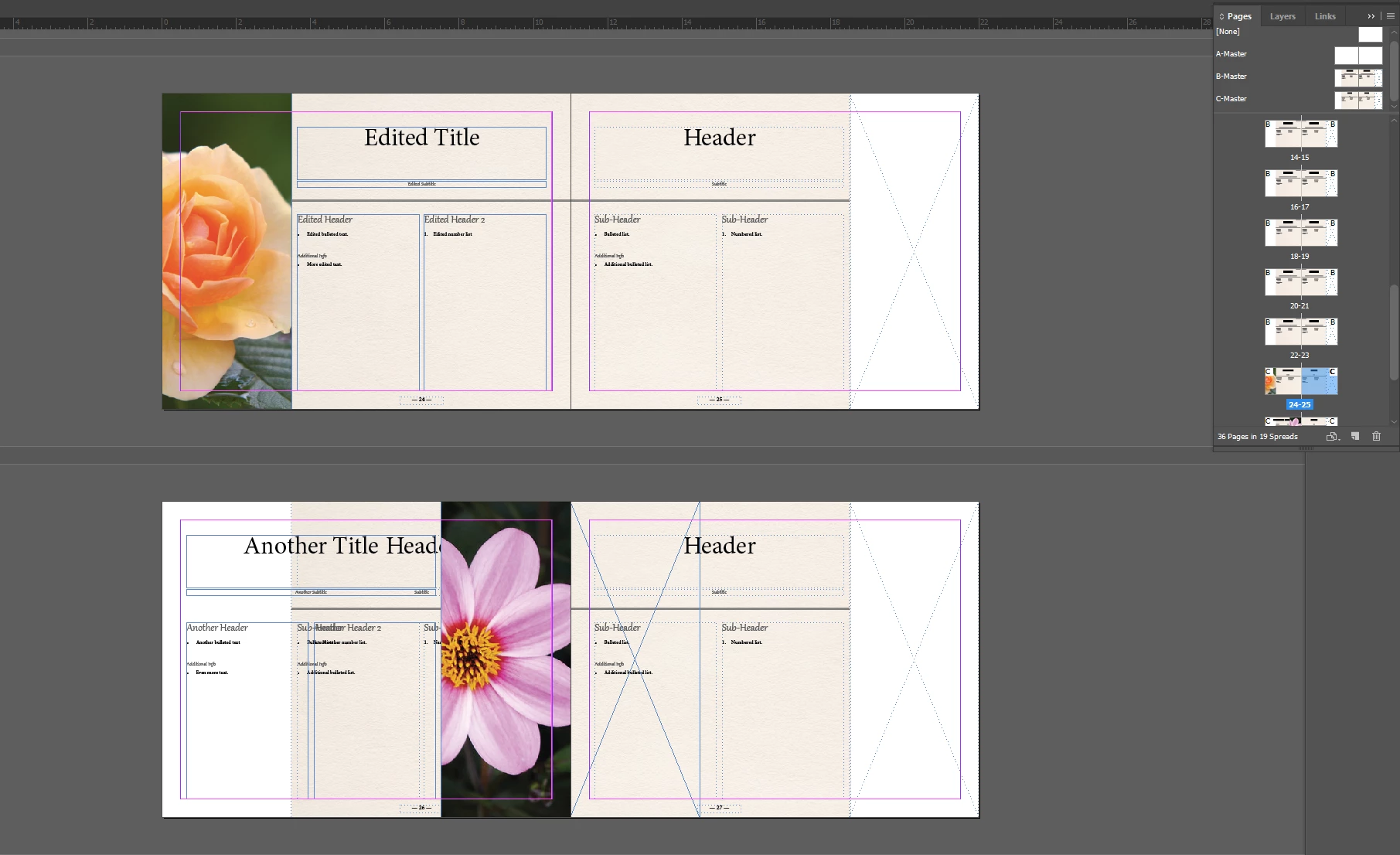
I've looked around online and can't find any built-in solution for this functionality. The best thing I found was the Reflective Objects plugin here: http://in-tools.com/products/plugins/reflective-objects/
Reflective Objects | in-tools.com
But I feel like this is a common enough issue that there should be a built-in solution? Am I missing something, or is this plugin the only way to not have to do this manually every time I insert a new page?


 AdChoices