
Participant
April 28, 2020
Answered

Hyperlinkg not working in InDesign

  • April 28, 2020
  • 1 reply
  • 669 views

Dear users,


I am a first time user of Indesign. Please pardon my stupid questions.


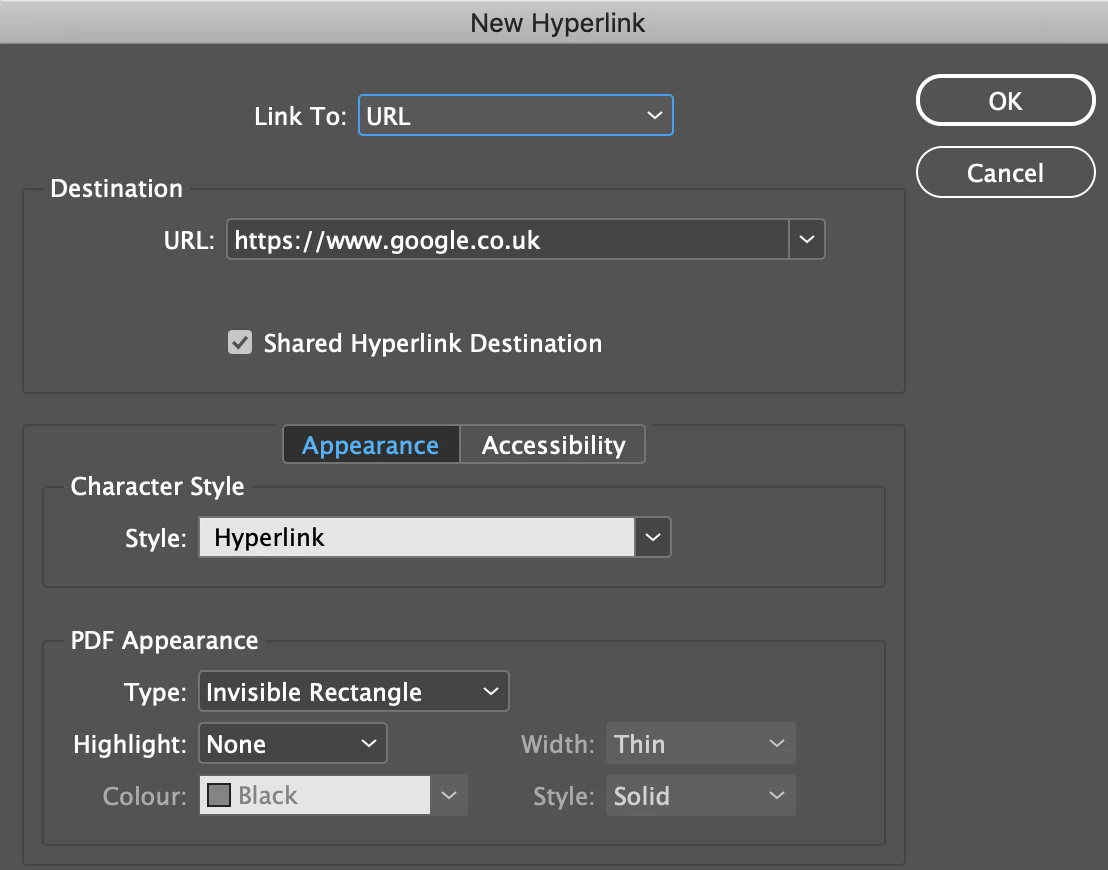
I have tried to set up a hyperlink to this address "oe.cd/publications", using the function "New Hyperlink from URL" .  When I exported it to PDF, Acrobat Reader could not recognise that it was a URL. 


I also tried to hyperlink to "https://www.oecd.org/publication" (its original address) while maintaining "oe.cd/publications" in the text. It did not work.


Then I tried "https://www.oe.cd/publicationss". Acrobat Reader could not detect it at first, but when I had already clicked on other hyperlinks in the document, it started to recognise it.


May I know how to solve this problem, please?


Thank you


{Renamed by MOD}
This topic has been closed for replies.
Correct answer Derek Cross

Copy and paste the URL from the actual website into the New Hyperlink dialogue box to ensure it's correct.

The link in the text in the document can be a word or words on an image.

Export the document as an Interactive PDF.


1 reply

Derek Cross
Community Expert
Derek CrossCommunity ExpertCorrect answer
Community Expert
April 28, 2020

Copy and paste the URL from the actual website into the New Hyperlink dialogue box to ensure it's correct.

The link in the text in the document can be a word or words on an image.

Export the document as an Interactive PDF.


newbaiE1Author
Participant
April 28, 2020

Derek. Thank you very much for your help. Very nice of you

Derek Cross
Community Expert
Community Expert
April 28, 2020

Have you been able to fix  the issue?