I can not get my file to export to PDF
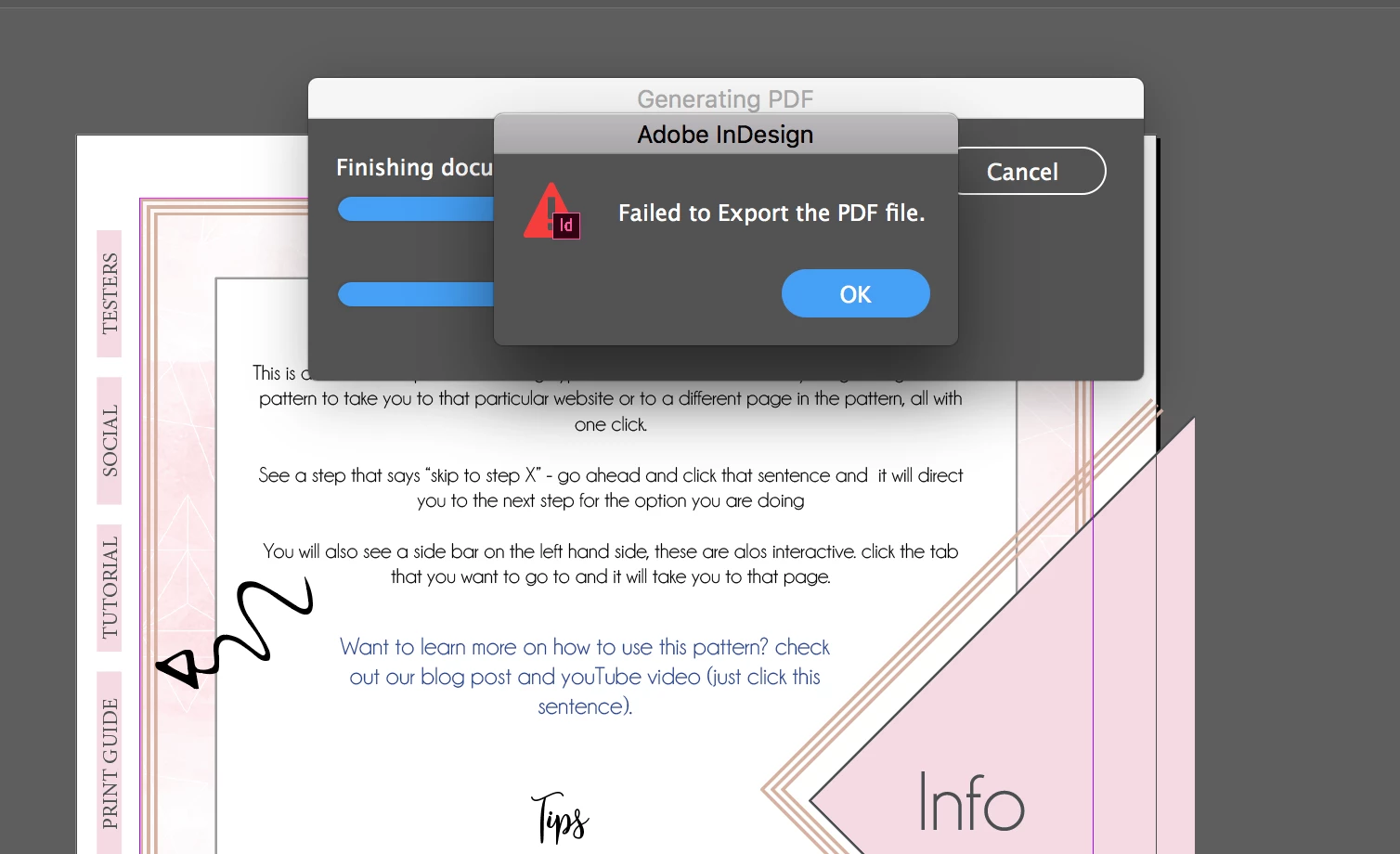
I am new to InDesign, I work mainly win AI and PS.... I created a tutorial in ID and every time I try to export it, it fails. I have googled this for 3 days now and I just dont know what to do now. It keeps saying the file is damaged so I created a new document and redid the whole thing. I also tried changing all my fonts to see if that was it - it wasnt. I also removed graphics - that didnt work. I cant even do 1 page at a time (its about 18 pages). I turned preflight off. I tried different workspaces. I have tried to do pdf print and pdf interactive. What am I doing wrong???? It seems like it will convert to pdf - then right at the end it pops up with failed to export.
NOTE - i have the most current version of ID.... I went to start a new document with only a line of text and tried to export that - it wouldnt even do that! I restarted my computer too. Any help would be appreciated
 AdChoices