israelp93742176
Participant
January 12, 2019
Question

I CANT RESIZE AN IMAGE HELP!!!!!!

  • January 12, 2019
  • 2 replies
  • 11949 views

I am using Indesign CC 2018.

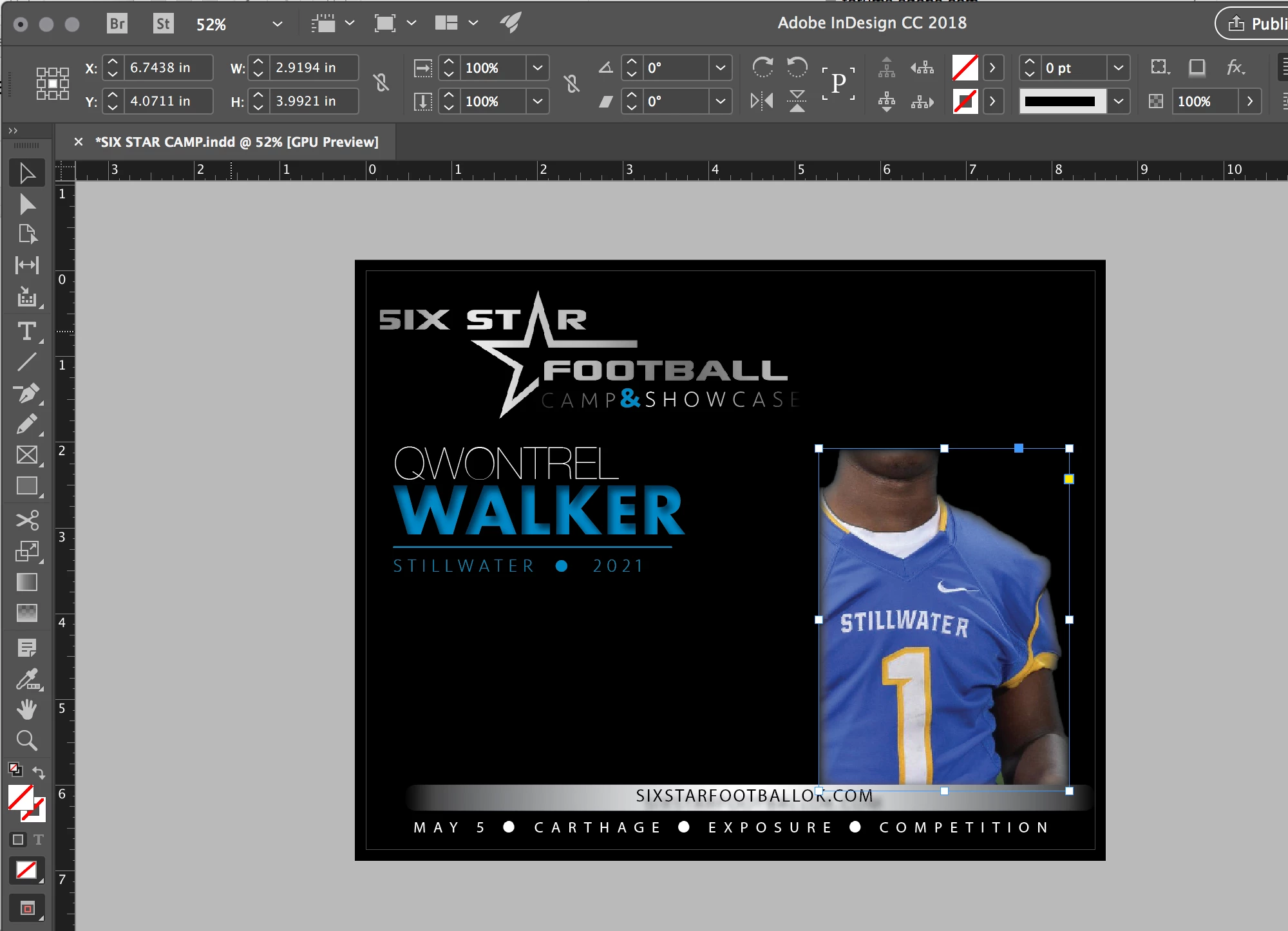
When I place an image on the page, Indesign does not allow me to size an image. It has me so frustrated I can't even see straight.

So, used to be, I would place an image, then, using the selection tool, I would grab a corner, then drag, and the image would change size.

Now, I grab the edge and it just removes the image.

What can I do? Can I just uninstall Indesign and re-install from scratch. Reset? I'm open to anything at this point including throwing my computer in the trash and buying a new one and starting from scratch.
    This topic has been closed for replies.

    2 replies

    Srishti_Bali
    Legend
    January 17, 2019

    Hi Israel,

    Sorry to hear about the issue. I would like to know if resetting preferences helped you or the issue still persists.

    In case you need help with resetting preferences for InDesign, please refer to this link: Set preferences in Adobe InDesign.

    Please note: Resetting preferences will remove all the custom settings and Illustrator will launch with default settings. You can also take a backup of the folder in case you want to. Location is mentioned in the article.

    If that does not help, please check how applications work in the Root account: How to enable the root user on your Mac or change your root password - Apple Support.

    Regards,

    Srishti

    BobLevine
    Community Expert
    Community Expert
    January 12, 2019

    I’m guessing you have had autofit enabled in the past but don’t now.

    Hold the cmd (Mac) or ctrl (Win) while dragging or turn on autofit.

    israelp93742176
    Participant
    January 12, 2019

    I have no idea what Auto Fit is and holding down CMD while dragging does not solve my issue.

    Is there a way to just reset everything and start back from scratch?

    Derek Cross
    Community Expert
    Community Expert
    January 13, 2019

    To reset to the defaults reset your InDesign Preferences.