Anita saming
Participant
May 23, 2026
Question

I have big issues to export my Indesignfile to PDF. I really need help. I have tried all that I can find in Adobe Helpcenter. Restarted my Mac etc.

  • May 23, 2026
  • 2 replies
  • 18 views

I have big issues to export my Indesignfile to PDF. I really need help. I have tried all that I can find in Adobe Helpcenter. Restarted my Mac etc. 
 

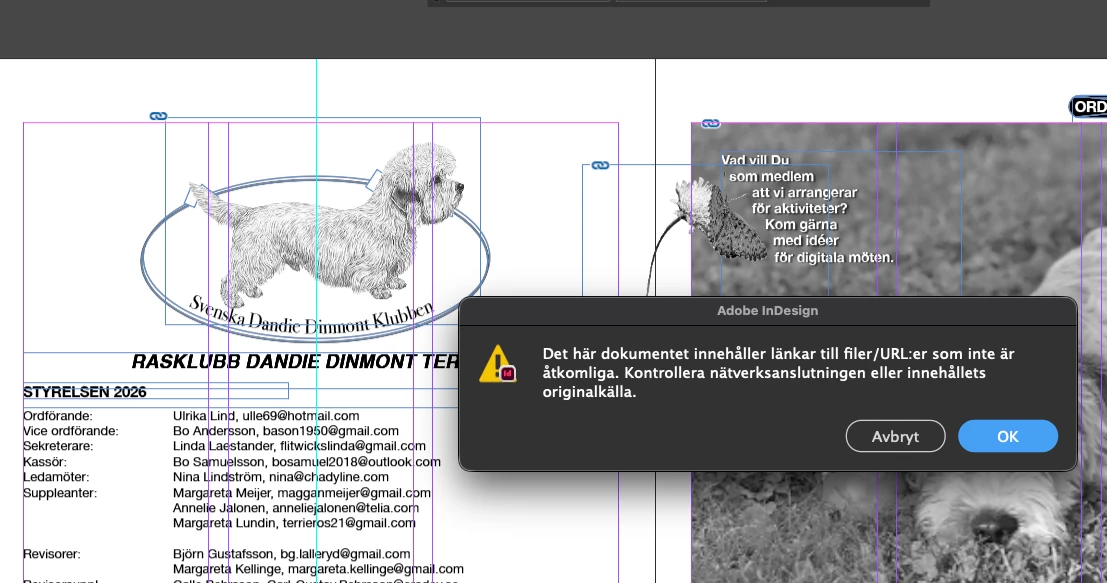
The error message I get is 'This document contains links to files/URLs that are not accessible.' Check your network connection or the original content source. And this: 
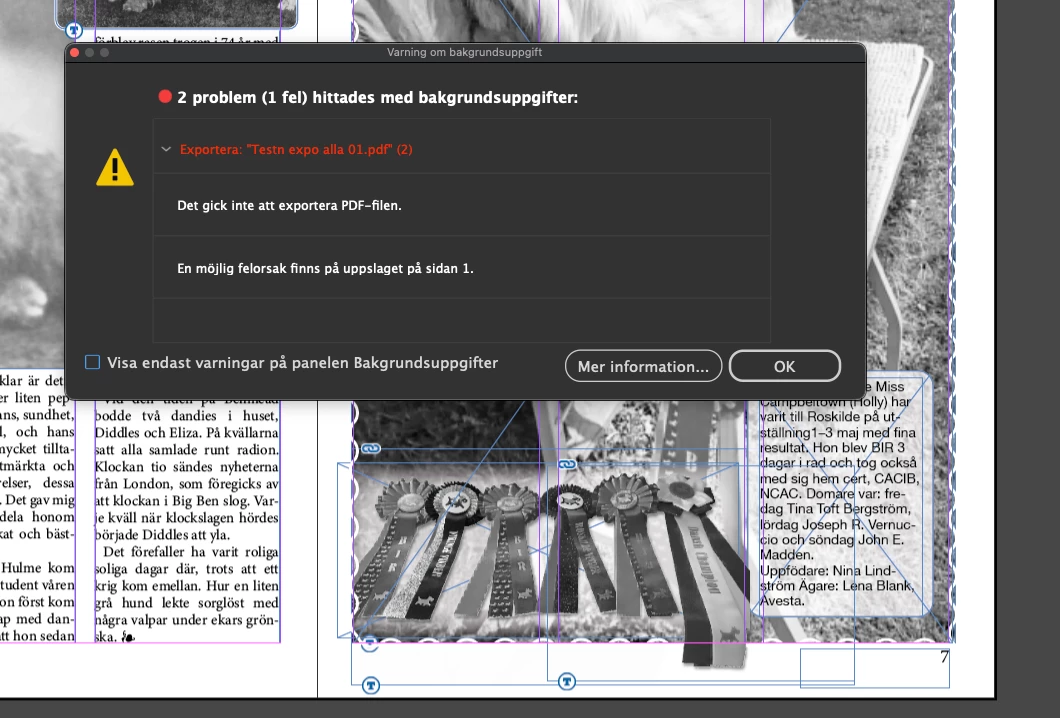
'2 issues (1 error) found with background data. Could not export PDF file.'
 

    2 replies

    Joel Cherney
    Community Expert
    Community Expert
    May 23, 2026

    I’m not sure what the menu items would be called in Swedish, but if you go to the Window menu and select Links, then InDesign will pop open a panel showing all of the files - typically image files - that have been placed into your InDesign document. One of them is missing. Each image in your screenshot has the little chain icon in the upper left, indicating that the linked file is present. Somewhere on your page 1, there is a missing linked file with a red circle with a white question mark:


    You should be able to use the Links panel to find your image and re-link it. Usually, a missing link doesn’t prevent PDF export - it’d ordinarily export a PDF successfully , but with the low-res preview image.

    leo.r
    Community Expert
    Community Expert
    May 23, 2026

    What are your InDesign and macOS versions?


    Also, try resetting your preferences and caches (unless you already did):

    https://www.rockymountaintraining.com/adobe-indesign-rebuilding-preferences-cache/