


Question
I have selected text which is to be my Hyperlink Source i.e. when the reader clicks on it, the app should take them to another location (Hyperlink Destination). However, I am unable to "Create Hyperlink" or "Edit Hyperlink"
I have selected text which is to be my Hyperlink Source highlighted in yellow in the screenshot below i.e. when the reader clicks on it, the app should take them to another location (Hyperlink Destination). However, I am unable to "Create Hyperlink" or "Edit Hyperlink"
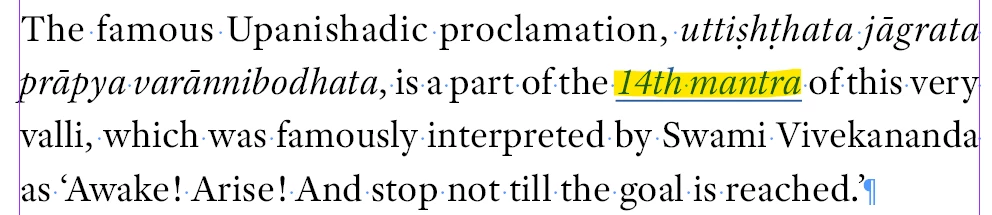
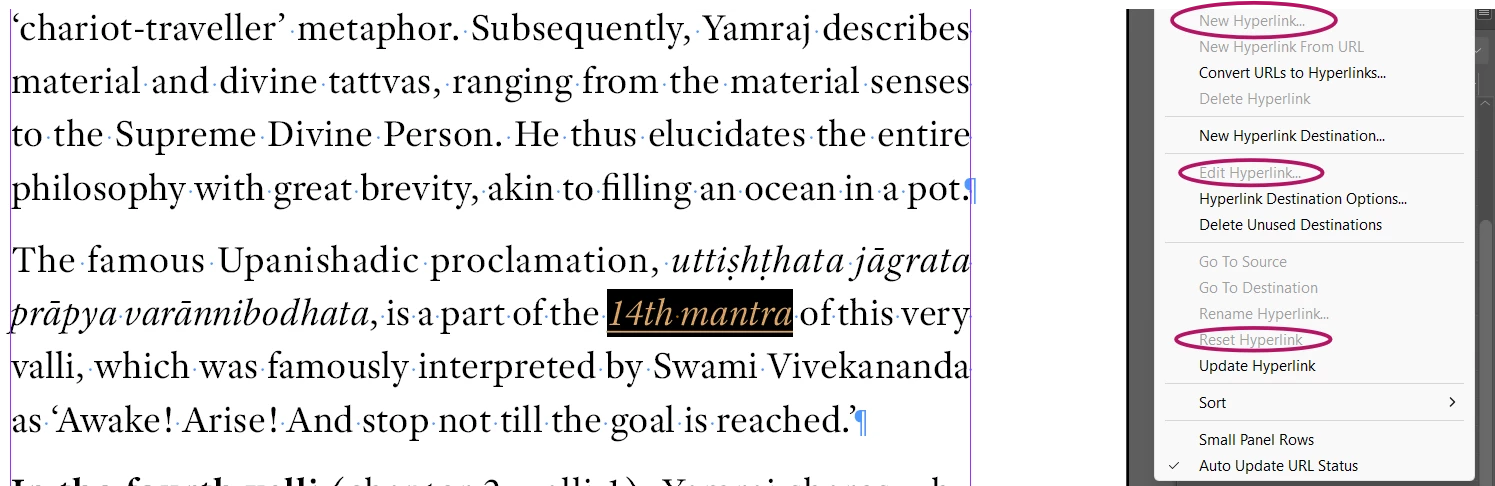
When I select this text to create a hyperlink for it, the options to “Create New Hyperlink”, “Edit Hyperlink”, and “Reset Hyperlink” are greyed out (screenshot below)
A “Text Anchor” has been created for the Hyperlink Destination but am unable to identify it as ID names it randomly.

The inability to quickly and easily identify Text Anchors in ID is extremely frustrating!
All support and advise would be greatly appreciated!
 AdChoices