

I need help showing the number of pages in a book
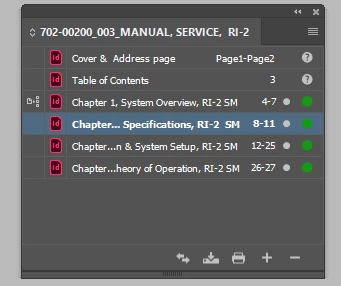
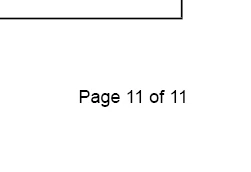
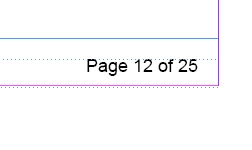
I am laying out a technical manual and need to have the page numbers styled as "Page 1 of 299" Each chapter is it's own document and I have them in a book. Book panel shows pages fine, but when I print the page numbers are inaccurate only showing the number of pages in that section. Example: Section one has 14 pages and the next starts at 15 as it should. However the number of pages just won't go. Example: Chapter 1 Page 1 of 14, Chapter 2: Page 15 of 15 etc. I want it to be Page 1 of 27, Page 15 of 27.
In each document I used the "Last Page Number" but it is only counting for that one chapter. How can I make it when I print to have this correct. I can't hard code the number of pages because it is a living document.
Can some one help please?
Book panel is correct
Last page of Chapter 2
First page on Chapter 3



 AdChoices