Inspiring
January 29, 2022
Question

I saved a file from InDesign to Creative Cloud. I can see it but it will not open in InDesign…

  • January 29, 2022
  • 1 reply
  • 222 views

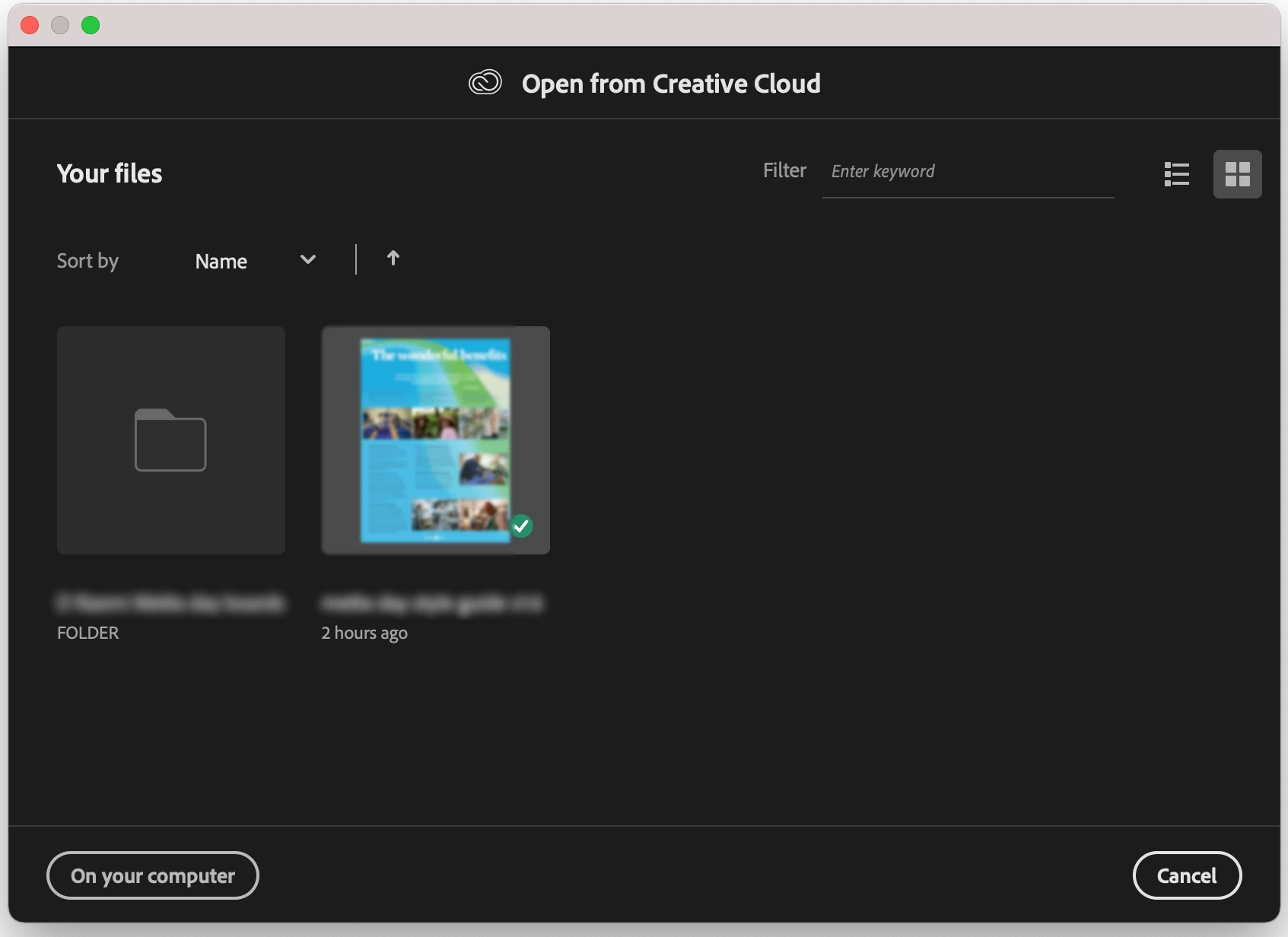
I've been working on local drives but thuoght I'd give creative cloud a go. I saved the latest version of the file to the Creative Cloud space, but it will not open in InDesign. When I click the file preview in "Open File" dialogue the dialogue box closes but the file doesn't open.

When I open Creative Cloud Files in a web browser, the files is there, initally saying was last modified yesterday but now saying last modified an hour ago but it will not open.

When I view the file in the Creative Cloud application (on macOS) it shows me the first page but I can't open it in InDesign or download the file.

When I view the file in Creative Cloud in a web browser signed into my account, I can preview the first page but not download the file.

And as so often seems to happen, I can't get any support from Adobe because it's the weekend (at least they have extended the 9-5 help to 24 hours on weekdays which is a big improvement espeically for people stuck in a differnt time zone to hours in a time zone used. by Adobe for their nation).

Any ideas for how I can regain a day of work I seem to have lost?
This topic has been closed for replies.

1 reply

Inspiring
January 29, 2022

A bit more info, I'm using the PreRelease version 17.7 on an M1 mac because the previous main release of InDesign was unusable for me on M1. Crashed InDesign every 10 seconds. The Prereelase (17.7) version still has lots of bugs I'm seeing, including the disappearing text bug but I can use it. In the last day or so InDesign 17.1 was released and when I install that and try to open the file saved on creative cloud, I can't even see the creative cloud files (well I can see the synced files but not the InDesign Creative Cloud files! (geez, this is a onfusing way for Adobe to set it up, Creative Cloud synced files and a seprerate container for  application spefici saved files that don't show up in the synced files and vic versa)

rob day
Community Expert
Community Expert
January 29, 2022

Hi @Alastair L , Photoshop and Illustrator have formats let you save directly to the Adobe cloud servers—PSDC and AIC—there is no equivalent with InDesign. With InDesign you can save projects to your local Creative Cloud Files folder, which by default is installed in your user folder. Any files saved into that folder automatically sync and backup  to your cloud server when you have File Syncing turned on in your Creative Cloud App. If you want to collaborate on a project with other CC users, right-click the project folder, choose View on Website, and from there you can invite other users to also sync to the project folder.