July 14, 2022
Answered

I want to change the font but keep the styles the same.

  • July 14, 2022
  • 4 replies
  • 529 views

I want to change the font but keep the styles the same.

This topic has been closed for replies.
Correct answer jmlevy

Hi,


As it has been answered in your other post https://community.adobe.com/t5/indesign-discussions/the-only-style-of-text-in-indesign-is-that-it-is-not-bold-and-italic/td-p/13066506 either use styles or the script SJRiegel told you about.


You can also run a find change like this
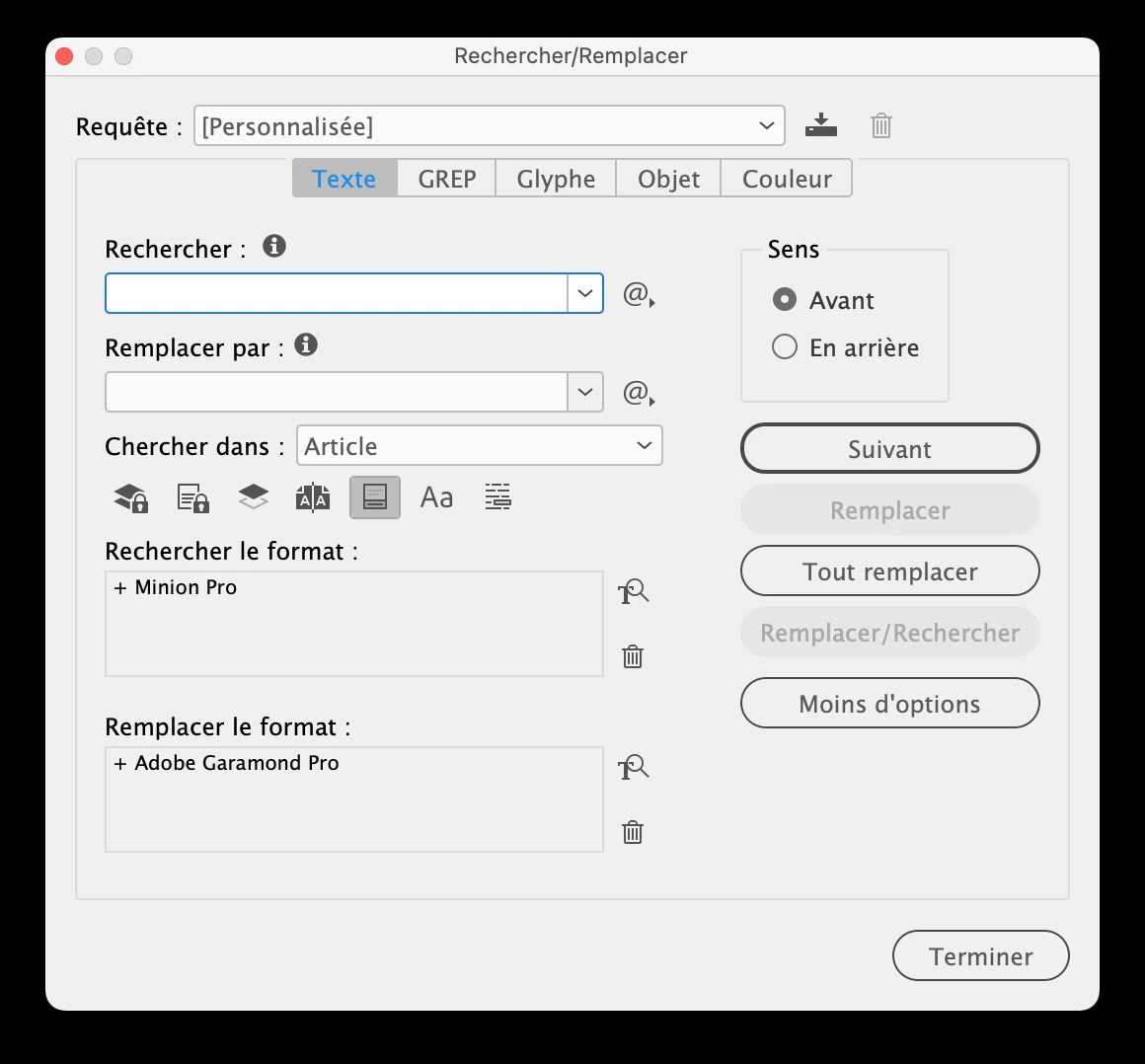


Note that by default, InDesign will try to find the regular style, so you have to remove this information and that will only work if the font you want to change has exactly the same styles than the new one (regular, bold, and so on).

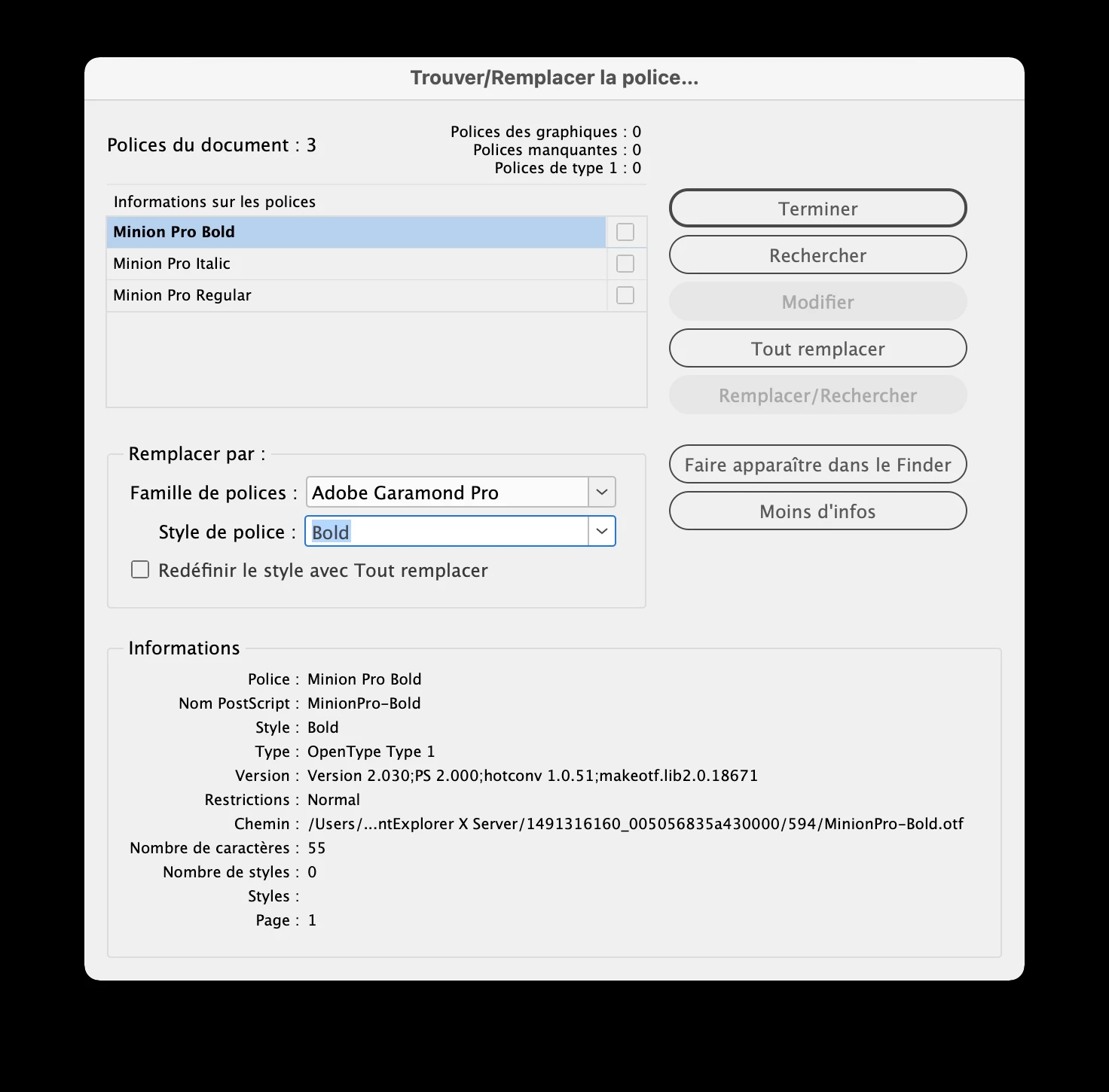
You can also use the find font feature:
4 replies

July 15, 2022

I found the solution. search first world only next to the search icon in the Character panel Doing this changes the Font family and keeps the styles the same.

Willi Adelberger
Community Expert
Community Expert
July 14, 2022

How I do: I build my style system up from a root style p, all other styles are children of that style or  grandchildren. If I change the font family, all others styles will change upon the point where those styles were changed by themseves.


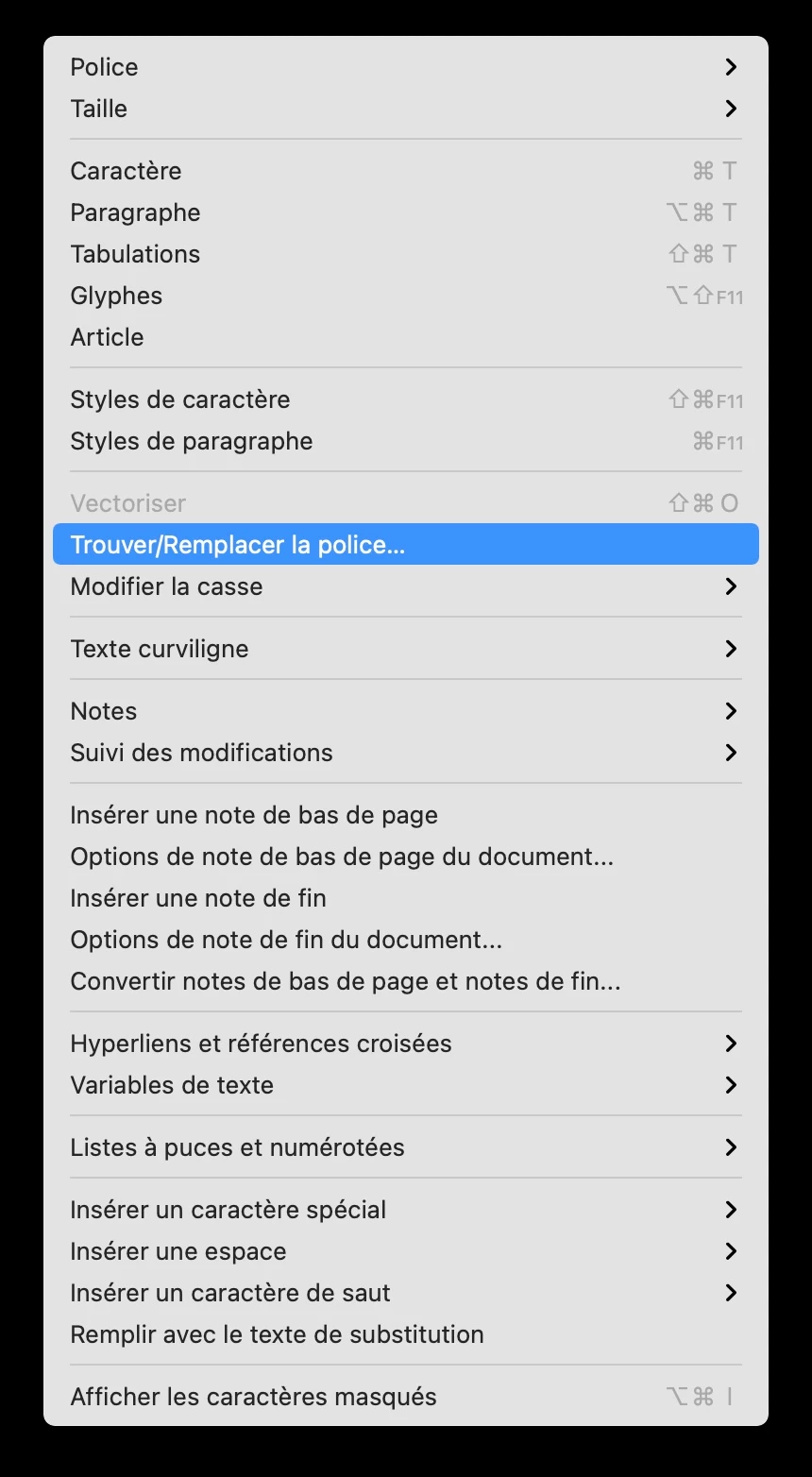
Another way to go is Type > Find Fonds

Here you can change each font appearing and change to another font and style and redefine the styles.

Peter Spier
Community Expert
Community Expert
July 14, 2022
jmlevy
Community Expert
jmlevyCommunity ExpertCorrect answer
Community Expert
July 14, 2022

Hi,


As it has been answered in your other post https://community.adobe.com/t5/indesign-discussions/the-only-style-of-text-in-indesign-is-that-it-is-not-bold-and-italic/td-p/13066506 either use styles or the script SJRiegel told you about.


You can also run a find change like this


Note that by default, InDesign will try to find the regular style, so you have to remove this information and that will only work if the font you want to change has exactly the same styles than the new one (regular, bold, and so on).

You can also use the find font feature: