Participant
December 1, 2020
Answered

.icc profile not showing when I want to export my file

  • December 1, 2020
  • 4 replies
  • 3080 views

Hi, 


So, the following .icc profiles are needed for exportingthe file to pdf.

- PSOcoated.v3.icc

-PSOuncoated_v3_FOGRA52.icc


I have a mac and placed these profiles on this location:

/Users/larabergsma/Library/ColorSync/Profiles


The problem still accurs. The profiles aren't showing up when I'm trying to export with one of these profiles. The following profiles are showing:
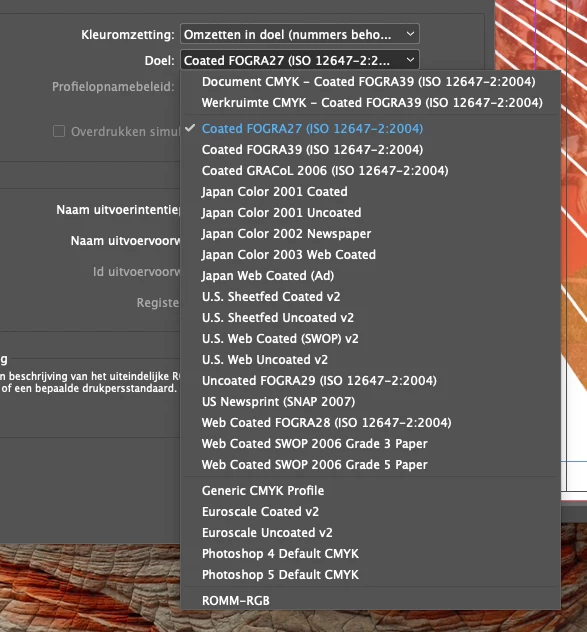
 

I already tried to locate these other profile map, and placed the two profiles, but still no luck..


I hope somebody can help me out with this issue.


Thanks!
This topic has been closed for replies.
Correct answer rob day

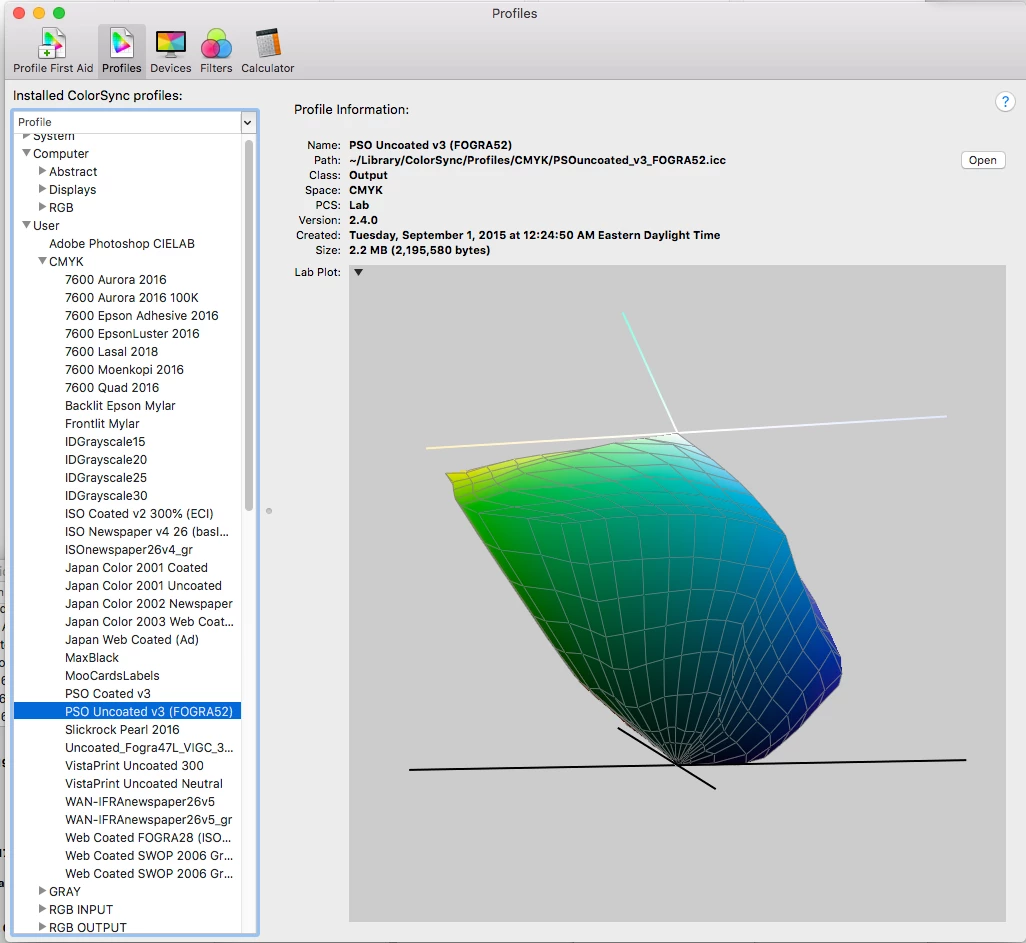
Also, do the profiles show in Apple’s Color Sync Utility? You might try running Profile First Aid, which will try to repair problem profiles.


4 replies

Participant
December 1, 2020

It's fixed! The file didn't open in apple's color sync. So I downloaded the .icc-files again, and it worked!

jmlevy
Community Expert
Community Expert
December 1, 2020

Hi,

they should be here: 

/Library/Application Support/Adobe/Color/Profiles/Recommended

As Uwe said, they should not be in the user library.

rob day
Community Expert
rob dayCommunity ExpertCorrect answer
Community Expert
December 1, 2020

Also, do the profiles show in Apple’s Color Sync Utility? You might try running Profile First Aid, which will try to repair problem profiles.


Community Expert
December 1, 2020

Hi Lara,

I'm not sure, because I'm not on Mac OS X, but you may copy the icc profile files to:


/Library/Application Support/Adobe/Color/Profiles


That's not the Library folder of your user account.

Just the Library folder in the root of the partition where your system is.


Try to access the profiles with PhotoShop instead of InDesign and build your custom csf files from there.

Store them in:

/Library/Application Support/Adobe/Color/Settings/Recommended


You may have to add the Settings and the Recommended folder yourself.

InDesign, PhotoShop, Illustrator and Adobe Bridge should see the csf files from there.


Regards,
Uwe Laubender

( ACP )