Answered
Id 2020: transform-> flipping horizontal or vertical moves image out of original position
Hi all.
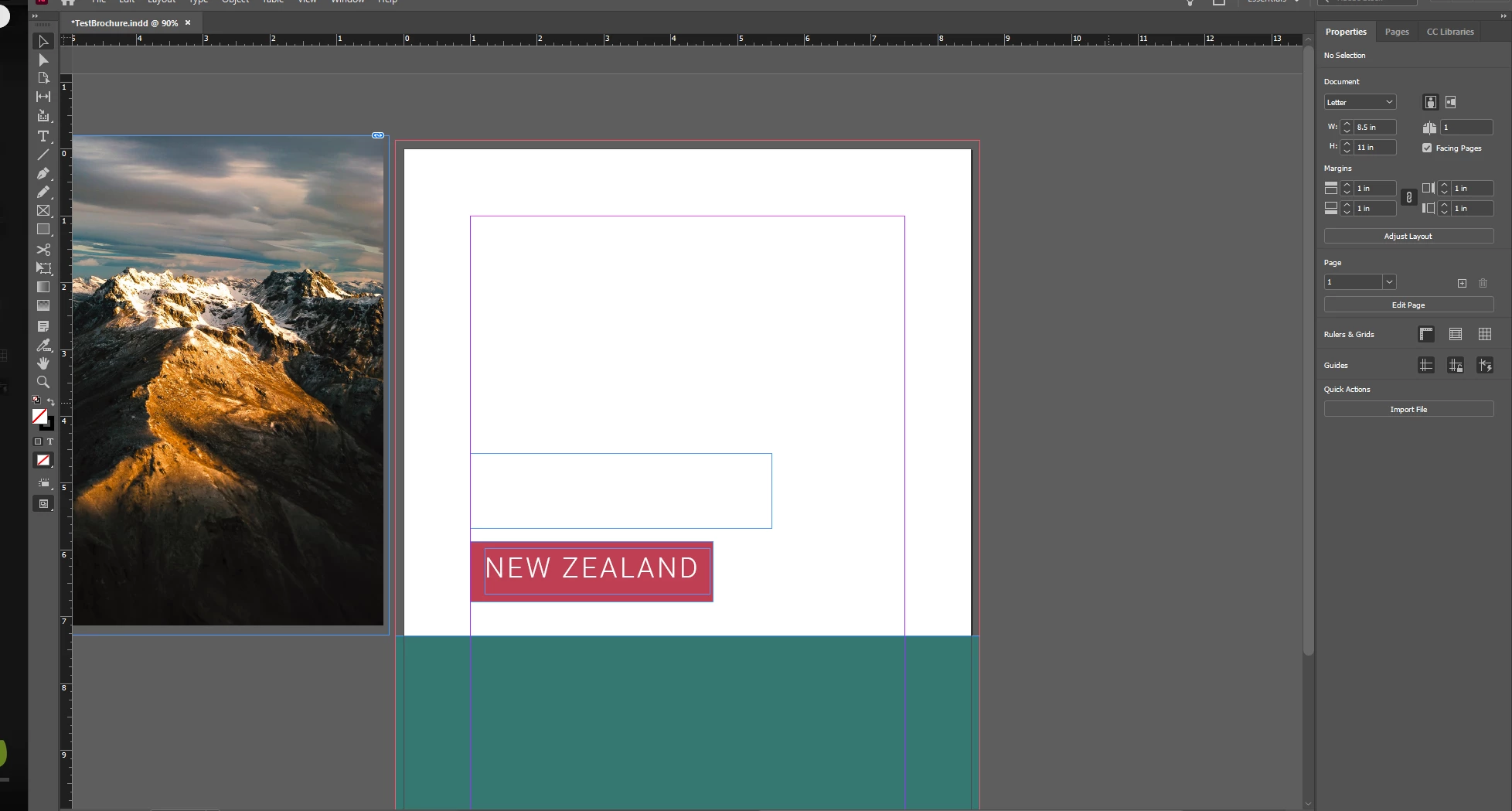
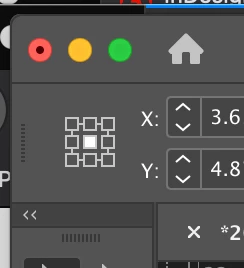
The image was initially in the white area. I choose to flip it horizontally and it moves out of the white area. How can I flip it so that the image is still in the white area but the left of the picture is now on the right side and vice versa? I've seen videos on YouTube where when people flip it horizontally, it doesn't move out of the original position.
Thanks in advance.
 AdChoices