Inspiring
April 11, 2025
Answered

ID 2022 "Include Book Documents" gray (unable to check box) in Index

  • April 11, 2025
  • 1 reply
  • 2480 views

Hello,


I have created a book with 100 pages with a TOC and just finished creating an index.

As a newby (or forgotten what I knew !) I am having problems.

When I click the Generate Index I see the 'Include Book Docs is grayed out.

I have done some searches but can't find the answer I need.

Any help please?


Thank you


oz


Correct answer ozstar

@ozstar 


Piece of cake 😄


Run this script:


app.activeDocument.indexes.everyItem().topics.everyItem().pageReferences.everyItem().pageReferenceType = 1668444263; 


https://creativepro.com/how-to-install-scripts-in-indesign/


Then refresh view and re-generate Index.


Is @starlite1940 your another account? Not that's a problem - just checking.


Many thanks

1 reply

Willi Adelberger
Community Expert
Community Expert
April 11, 2025

Are all files from the very same InDesign version? If not, update alll documents.

ozstarAuthor
Inspiring
April 11, 2025

Thank you for the reply.

As far as I know they are all new to this 2022.

I do see now that it has been created as a Document NOT a book.

I have exported it all as a PDF, created a new Book file and imported that PDF into it.

All pages are there and it looks okay.

I generated the Index in this book file and the 'Include is there, so I made sure it was enabled.

It said it generated the new index but I can't see where.

Does thos sound okay or is it all wrong ?

I appreciate the assistance, thank you.


AH HAA.

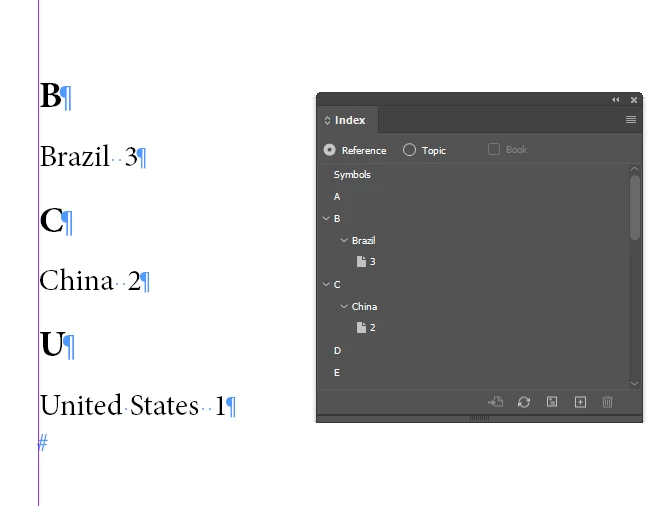
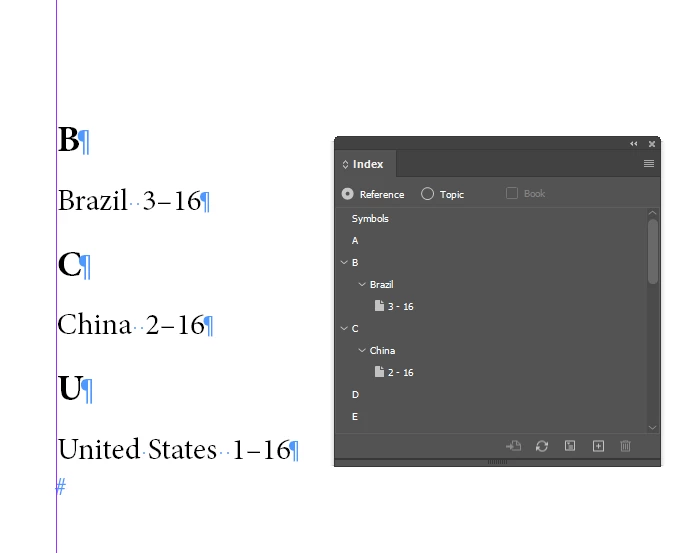
I treid to generate again and the index does show however, only one page number is showing for each word.


Robert at ID-Tasker
Legend
April 11, 2025

@ozstar


What do you mean by "I have exported it all as a PDF, created a new Book file and imported that PDF into it."


And you should rather stop using word "book" when you're referring to a single INDD document - Book is a functionality where you "bind together" multiple separate INDD documents.