
arjanv94013399
Inspiring
September 10, 2025
Answered

Illustrator and InDesign crash

  • September 10, 2025
  • 3 replies
  • 481 views

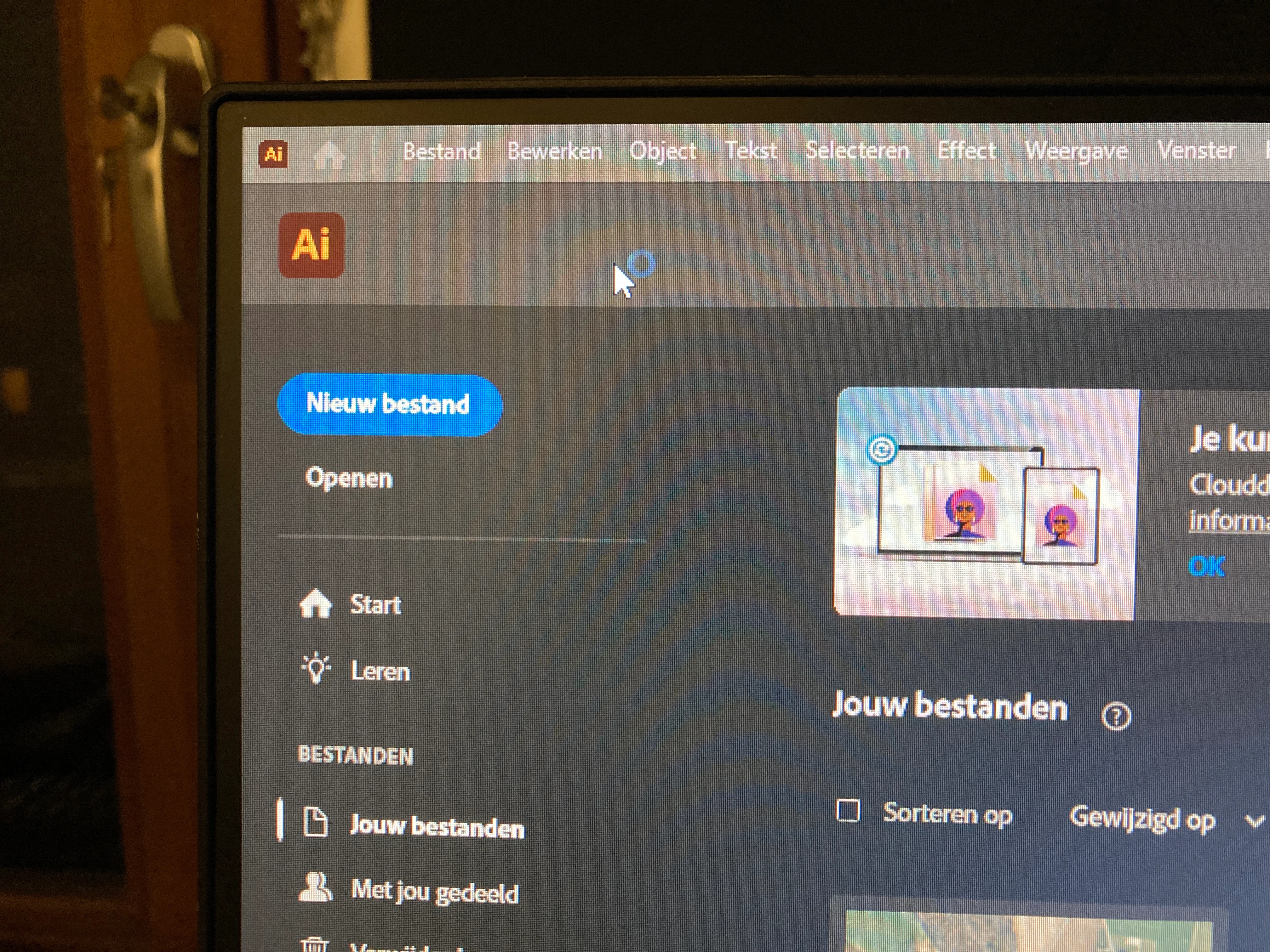
Both Illustrator and InDesign crash when I open them. This only happens on my desktop. They work fine on my laptop. A blue circle flashes continuously next to the cursor, and when I go to “File” in the top left corner of the toolbar, for example, nothing happens; I can't open that menu. Photoshop works fine. I've already updated Illustrator and InDesign, uninstalled and reinstalled the programs, but that doesn't help. Has anyone else experienced this?
Correct answer arjanv94013399

Hello @arjanv94013399,

That does seem troubling. Would you mind trying the suggestions shared in this help article (https://adobe.ly/4nwC7yn) and checking if it helps? Also, kindly submit the crash report using your Adobe email address and share it here for quick tracking. Steps are shared here: (https://adobe.ly/4nrvP2K).

Looking forward to hearing from you.

Anubhav


Illustrator and InDesign are working again. I don't know which suggestion from the article was ultimately the right one, but it works! Thank you for your help!

3 replies

Community Expert
September 11, 2025

As it's happening on both 


Reinstalling rarely fixes everything - you can do a complete reinstall using the
Creative Cloud Cleaner Tool https://helpx.adobe.com/creative-cloud/kb/cc-cleaner-tool-installation-problems.html


arjanv94013399
Inspiring
September 11, 2025

Thank you very much. They're working again!

Barb Binder
Community Expert
Community Expert
September 11, 2025

Hi @arjanv94013399:


Let's start with InDesign since your post was moved here:


  1. What operating system exactly, are you using?
  2. What numeric version of InDesign?
  3. Do you meet or ideally, exceed the system requirements for the version you are using? https://helpx.adobe.com/indesign/system-requirements.html
  4. Have you tried removing InDesign with the CC Cleaner tool, or completely removing preferences/cache?


~Barb

~Barb at Rocky Mountain Training
arjanv94013399
Inspiring
September 11, 2025

Thank you very much. They're working again, I used the CC cleaner tool.

Barb Binder
Community Expert
Community Expert
September 11, 2025

That's great news. Thanks for coming back to let us know. 


~Barb

~Barb at Rocky Mountain Training
kglad
Community Expert
Community Expert
September 11, 2025

in the future, to find the best place to post your message, use the list here, https://community.adobe.com/

p.s. i don't think the adobe website, and forums in particular, are easy to navigate, so don't spend a lot of time searching that forum list. do your best and we'll move the post (like this one has already been moved) if it helps you get responses.


<"moved from cc desktop bugs">