
Question
Illustrator Artwork Appears Incorrect When Imported into InDesign
Picture of the doubling up - original image and then when imported into illustrator
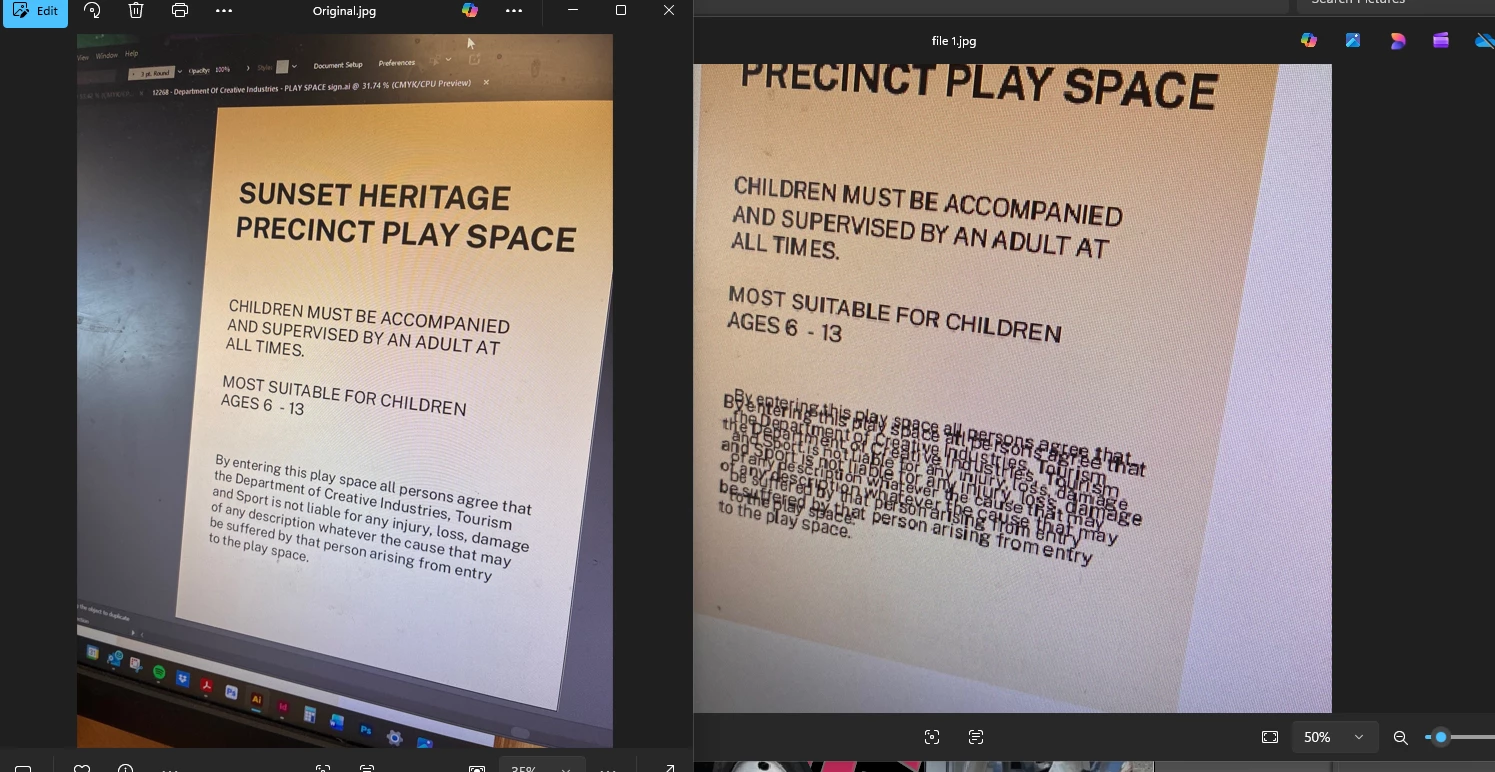

Picture of the doubling up - original image and then when imported into illustrator
Already have an account? Login
Enter your E-mail address. We'll send you an e-mail with instructions to reset your password.
 AdChoices