Illustrator file brought into inDesign changing slightly
I have a simple Illustrator file, it is pink stripes, on a cream coloured background. It is very important the stripes are all the same width, which they are.
When I bring it into inDesign, the size of the pink stripes are changing very subtly. They are getting slightly bigger , especially the two on the right hand side. It is so bizarre, I can't think what is causing it?
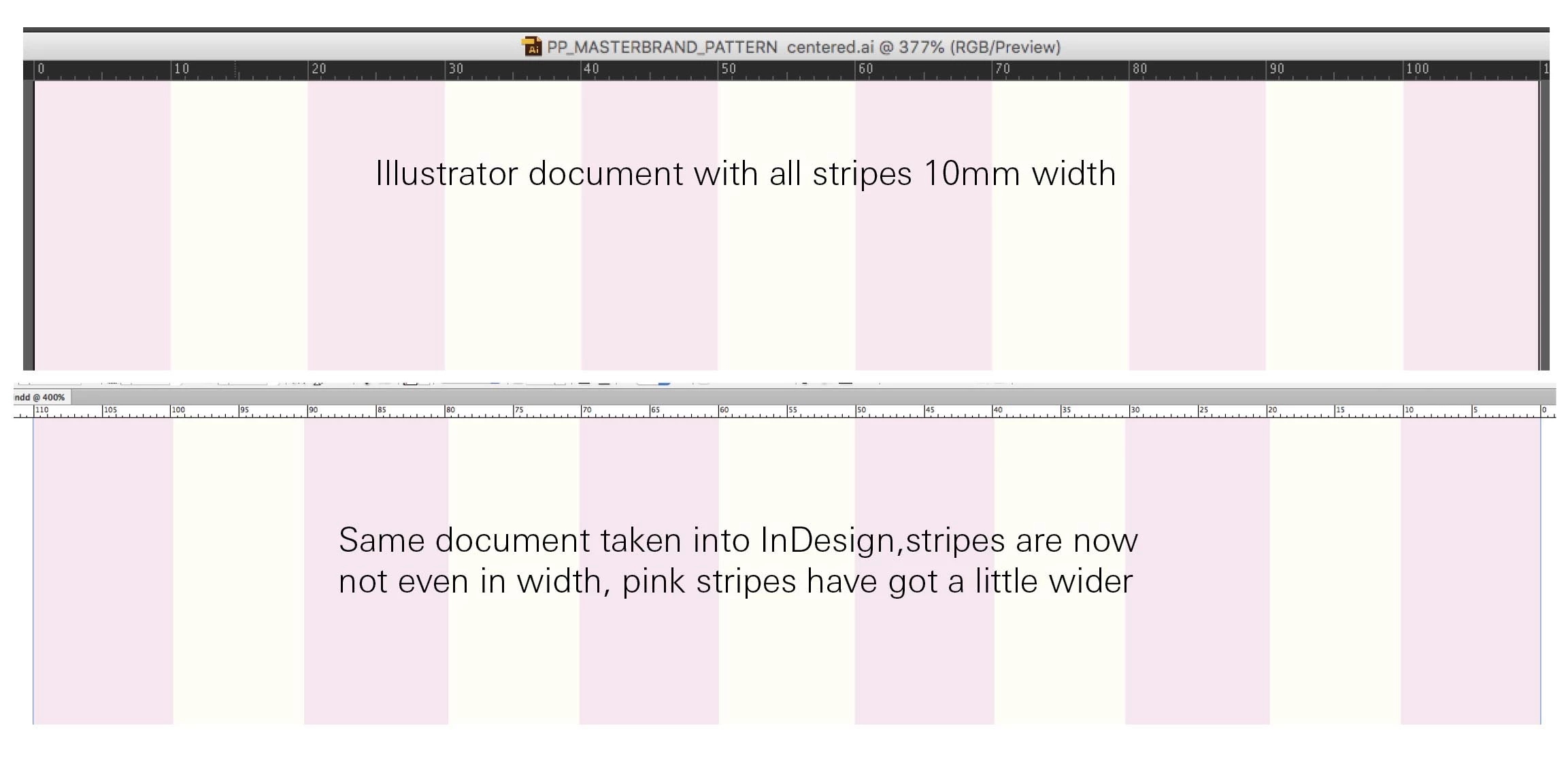
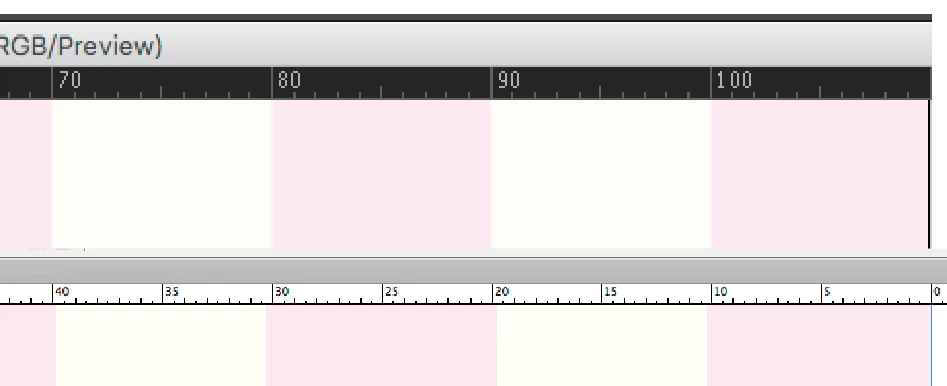
See graphic below, top shot is the file in Illustrator with stripes all 10mm width, bottom is it at same size, in inDesign. If you look closely the pink stripes are no longer exactly 10mm in width, they are all varying a little, but the two on the far right are the worse. I've done a blow up so you can see better.
Can anyone help as I use this file all the time and it is important that the stripes stay consistent width! There is no weird scaling on the file in inDesign, it has been placed at 100%..
Thanks
 AdChoices