
Question
illustrator file has a greyscale almost duplicate of image when placed in indesign
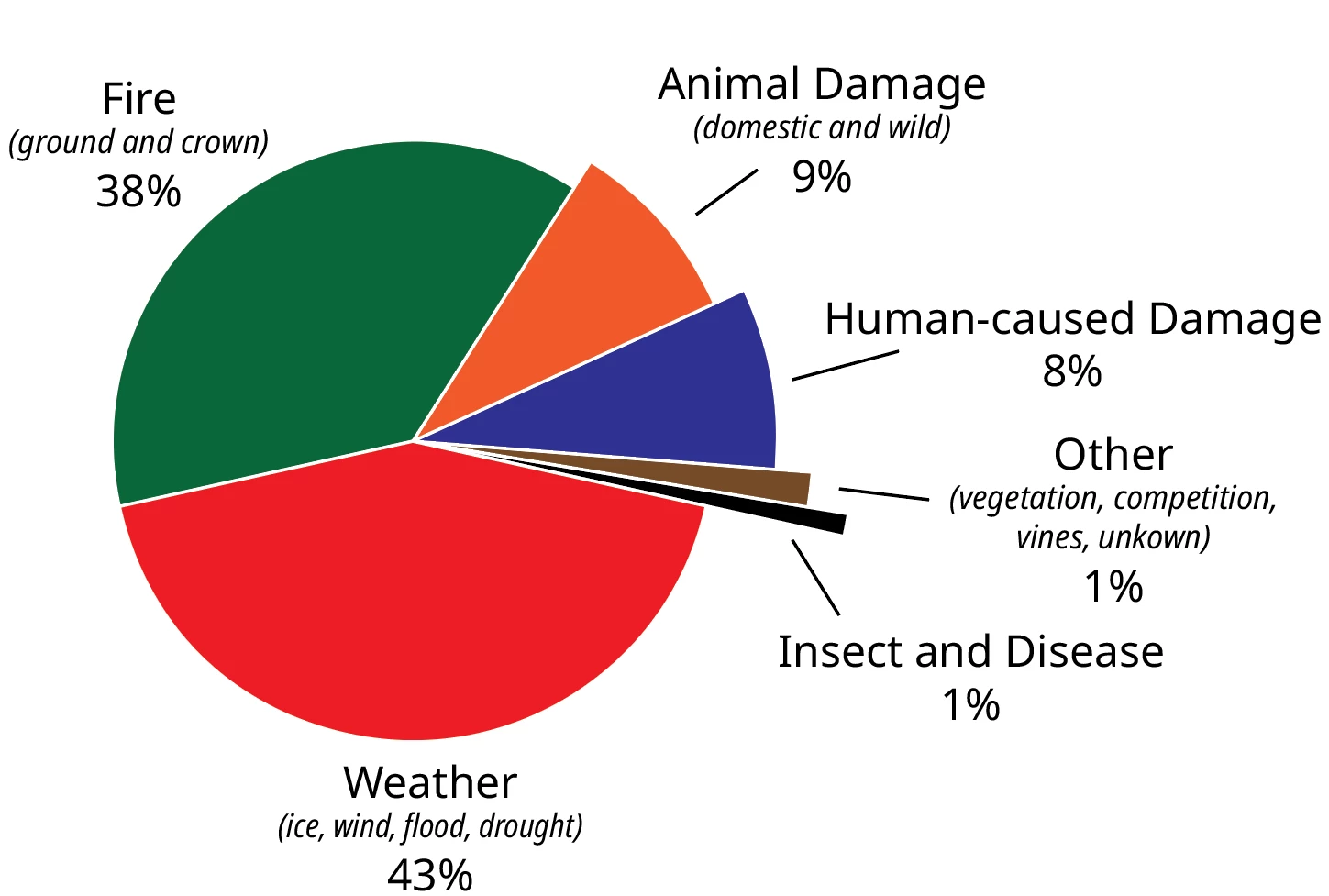
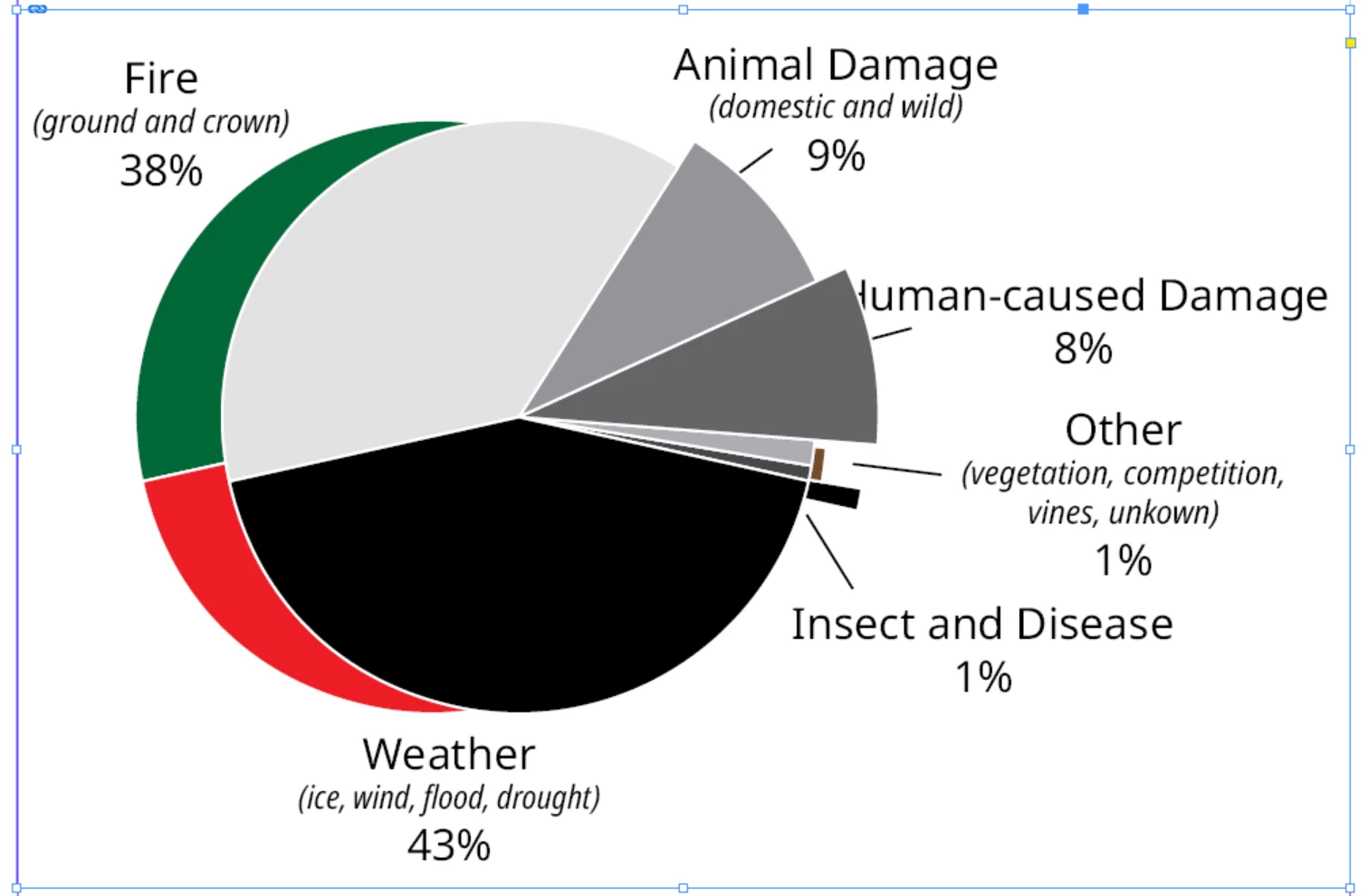
I have a pie graph that I made in illustrator (.ai file) that Im trying to put into indesign but when I do I'm getting a grayscale almost duplicate of the chart showing up in indesign, although the two narrowed slices in greyscale dont extend out like they do in the color graph that actually exists in illustrator (this also shows up in an exported pdf). I've tried resaving and relinking the file but nothing is getting the greyscale almost duplicate to go away. The illustrator file is in cmyk and the illustrator file was set up for print. Any idea on how to fix this? Top screenshop is the graph in illustrator, bottom screenshot is in indesign.
Thanks


 AdChoices