Inspiring
April 26, 2018
Answered

Image fill to edge of closed path.

  • April 26, 2018
  • 2 replies
  • 445 views

Hello, everyone.

I need to use images to fill path or outlines created with the pen or pencil tool. After I create the outline with either tool (pen or pencil) I need to use a store image (store in a custom library) to fill the inside of this close path all the way to the very edge of the path. Both the image and the path have irregular shapes. They are not rectangular or square but more like oval or elliptical with rounded edges and no square corners.

As a test I extracted a portion of an image (using Photoshop CS6) to create a fill image or pattern, erased everything outside of it and then saved it as a PNG image. I then tried to paste this resulting image inside my selected path and selected the option fit content to frame but it didn't work. The image was not stretched to the edge of my path filling it entirely as I had expected.

How can I accomplish this task ? What is the best and/or simplest way to place and stretch an image so that it becomes perfectly adapted to the shape of my path.

Thank you.
This topic has been closed for replies.
Correct answer Steve Werner

You might want to try the Paste Into command if I'm understanding what you're doing.

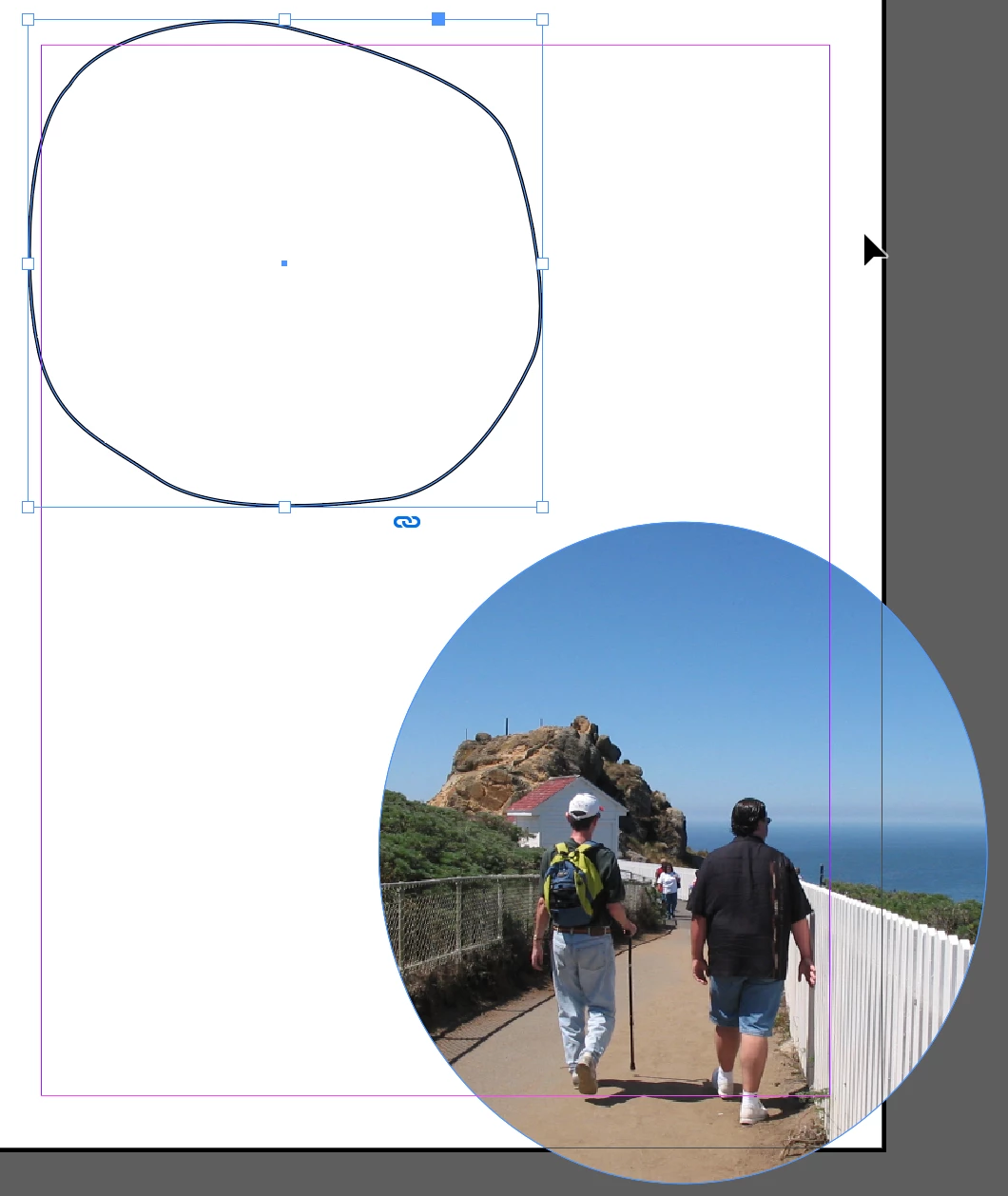
I created an irregular Pen path, and placed an image into an elliptical frame as shown below:

With the picture selected with the Selection tool, I chose Edit > Cut.

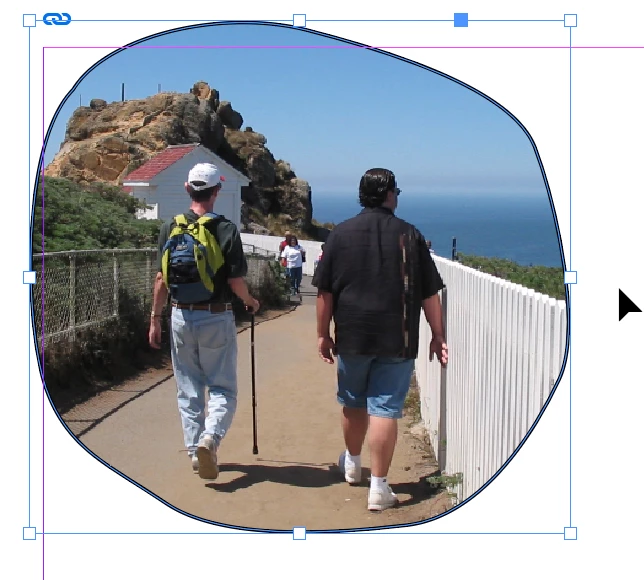
Then I selected the Pen path with the Selection tool and chose Edit > Paste Into with this result:

2 replies

Barb Binder
Community Expert
Community Expert
April 26, 2018

Hi Joe:

What is the best and/or simplest way to place and stretch an image so that it becomes perfectly adapted to the shape of my path.

And take a look at the Frame Fitting commands, and in particular the two I outlined below.

~Barb

~Barb at Rocky Mountain Training
Steve Werner
Community Expert
Steve WernerCommunity ExpertCorrect answer
Community Expert
April 26, 2018

You might want to try the Paste Into command if I'm understanding what you're doing.

I created an irregular Pen path, and placed an image into an elliptical frame as shown below:

With the picture selected with the Selection tool, I chose Edit > Cut.

Then I selected the Pen path with the Selection tool and chose Edit > Paste Into with this result: