

bellevue scott
Inspiring
February 27, 2026
Question

Image Frame "fit content to frame" does not work

  • February 27, 2026
  • 2 replies
  • 24 views

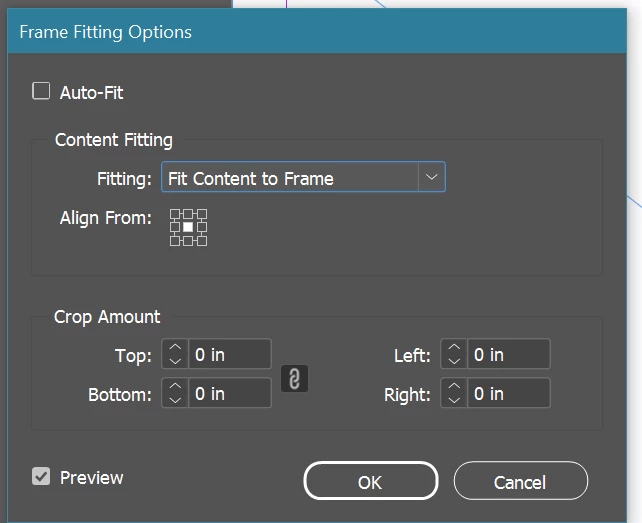
I’m creating book pages and I create a frame, and then in frame fitting options I select “fit content to frame”. But it’s not doing that. It’s not forcing the content to fit the frame, it’s fitting the content proportionally. Which I don’t want. Any idea how to fix this?

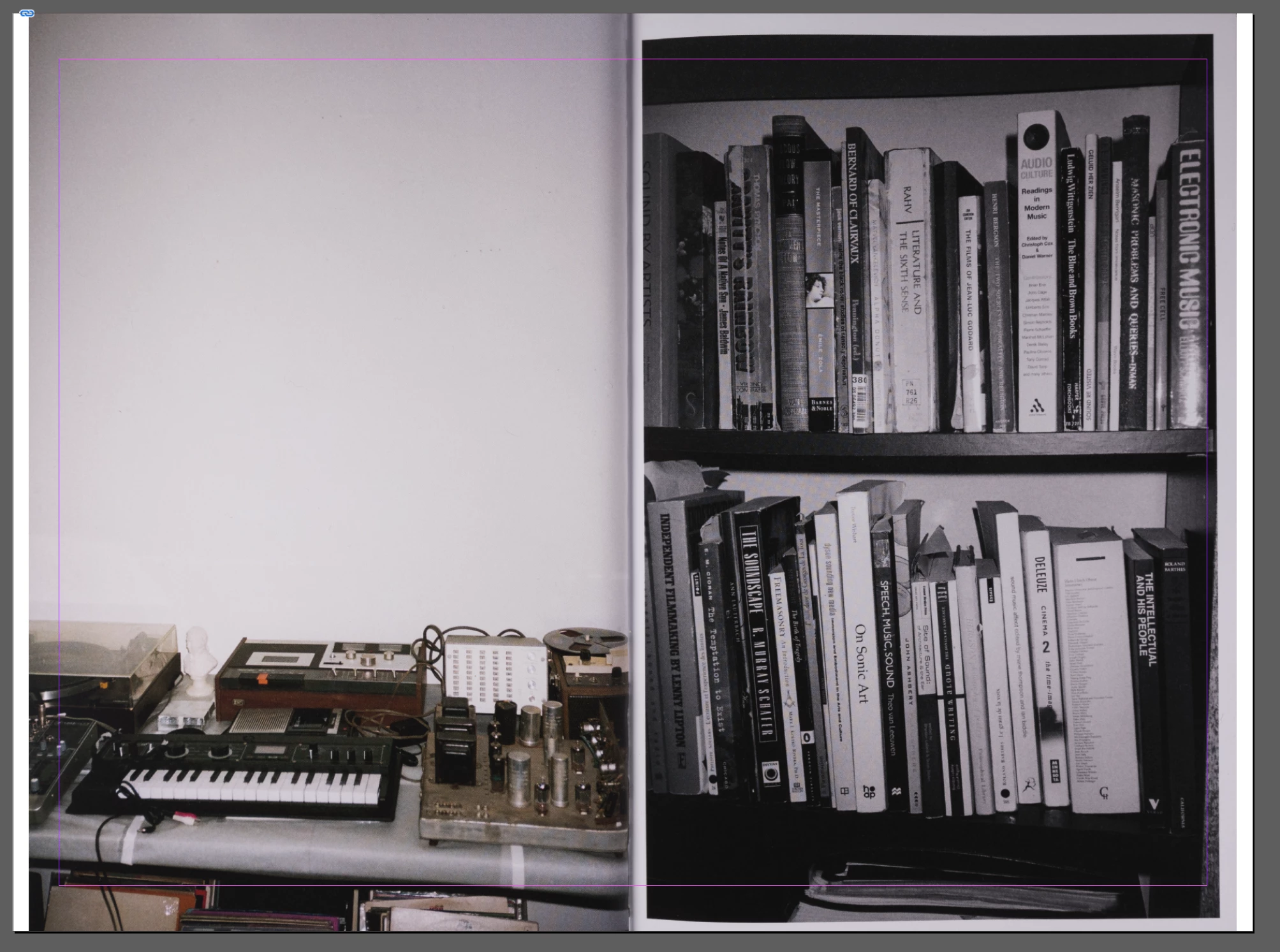
You can see below that it’s fitting the content proportionally, not to the frame.
 

    2 replies

    rob day
    Community Expert
    Community Expert
    February 28, 2026

    Hi ​@bellevue scott , Can you share the placed image? Or, I can’t tell from your capture, but is it possible that the images have white edge pixels that need to be cropped out?


    For example something like this:


    bellevue scott
    Inspiring
    February 28, 2026

    This is ID 21.2 on Windows 10

    For Frame fitting options, all three options are giving the same result. Fit Frame proportionally, Fit to Frame, and Fill frame proportionally are all giving the same result. I want to force the image to fill the frame, even if that means slightly skewing the image. No matter what I do, all the pages are showing a white sliver where it is fitting the image to the frame proportionally instead of Fitting to the frame as I’ve selected. 

    leo.r
    Community Expert
    Community Expert
    February 28, 2026

    Try these general troubleshooting steps:

    https://www.rockymountaintraining.com/adobe-indesign-rebuilding-preferences-cache/


    Sometimes this can solve strange issues.


    (I can’t reproduce this issue here on Mac.)


    bellevue scott
    Inspiring
    February 28, 2026

    Thanks, but that didn’t work. Now I’ve nuked my preferences. 

    Any other ideas? It’s clearly broken. I’ve exported the same book a half a dozen times now and I’ve been doing this for years, so this is not new to me.